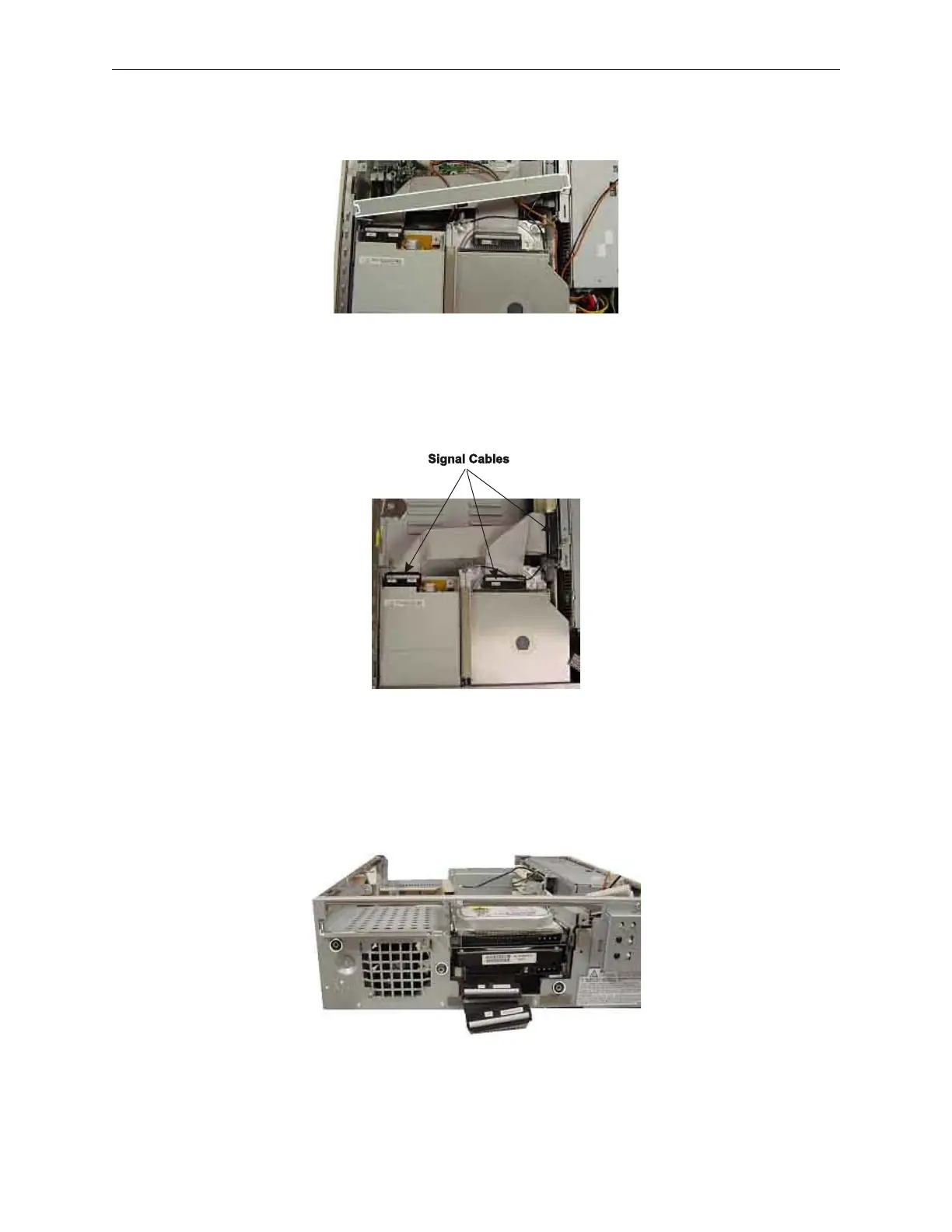
11. Lift the disk cage stabilizer from the top center of the device..
12. Disconnect the signal cables between the riser card, the media player and floppy
drives.
13. Remove the floppy disk drive (see section 7.7), the media player drive (see section
7.8), and hard disk drive(s) (see section 7.6) from the disk cage. Then, completely
remove the disk cage from the three holes (shown in the figure below) at the front of
the device.
7-26 Rev 3.0 90000291
TeamPoS 2000 MAINTENANCE MANUAL



 To Next Page