Operation Instruction SC201(1900A/1903A)
30
Mode setting is finalized and the mode returns
to the normal mode.
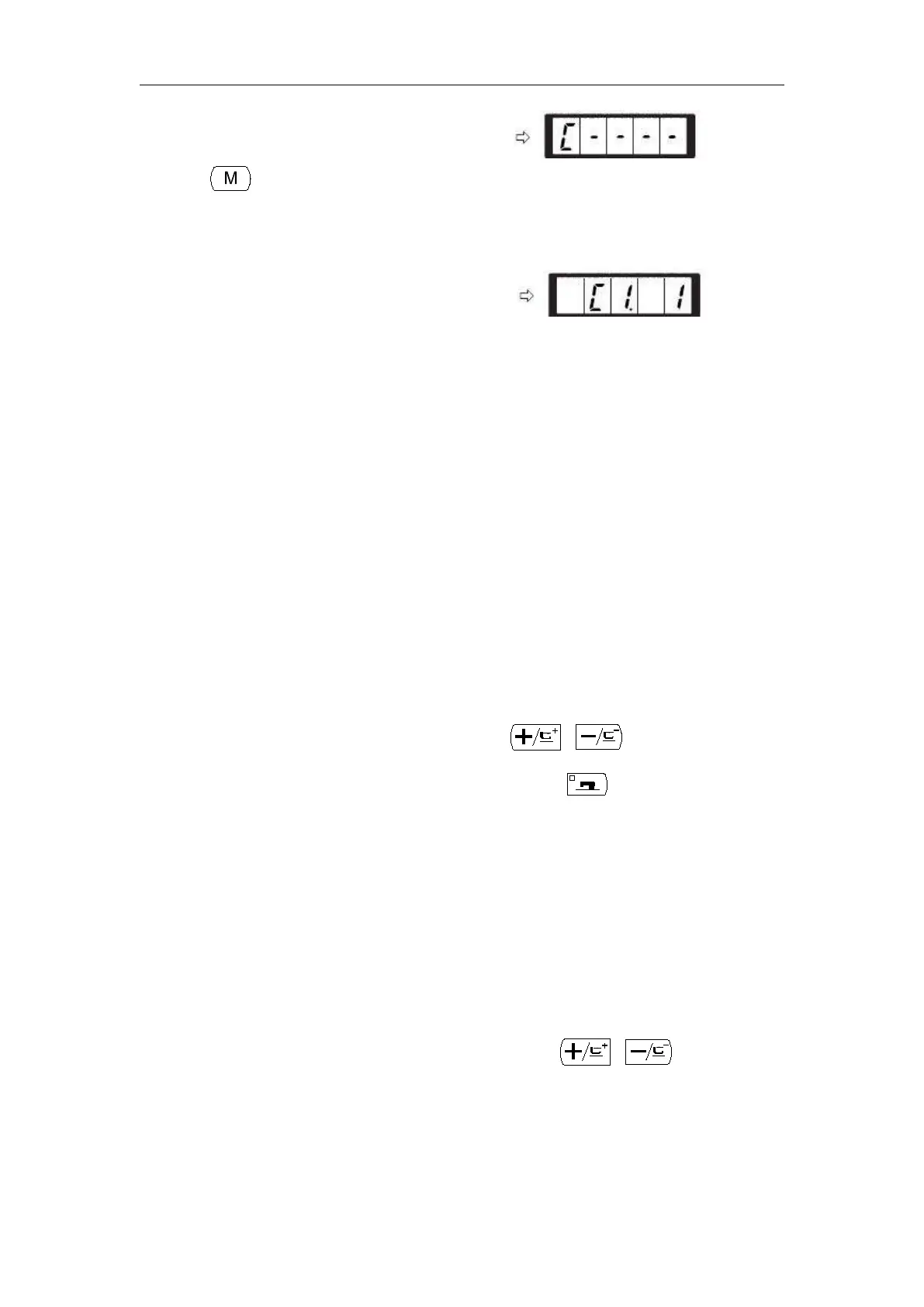
Operation example: Perform sewing with the contents of the registered C1.
(1) Turn ON the power switch.
(2) Set the pattern No. to “C1”using the
or key.
(3) Press the key. When the sewing LED lights up,
the work clamp feet will go up after having moved.
(4) If the contour of the pattern is acceptable, the
sewing can be made.
(5) Every time the sewing is finished, the step is made
in the order of the combination. After completing
one cycle of sewing., the step returns to the first
step.
When you desire to return the pattern to the
previous one or skip the next pattern after sewing,
press or key in a state that the
sewing LED lights up.
If the contents of P1 to P50 are changed after
registration of C1 to C20, the contents of P1 to P50
used in C1 to C20 will change. So, be careful.
Make sure of the contour of the pattern for each or
the patterns. (Refer to the item “Checking the
contour of the sewing pattern”.)



 To Next Page