Update the Pattern Data by USB Flash SC201(1900A/1903A)
48
5. Update the Pattern Data by USB Flash
5.1 Pattern Data Update
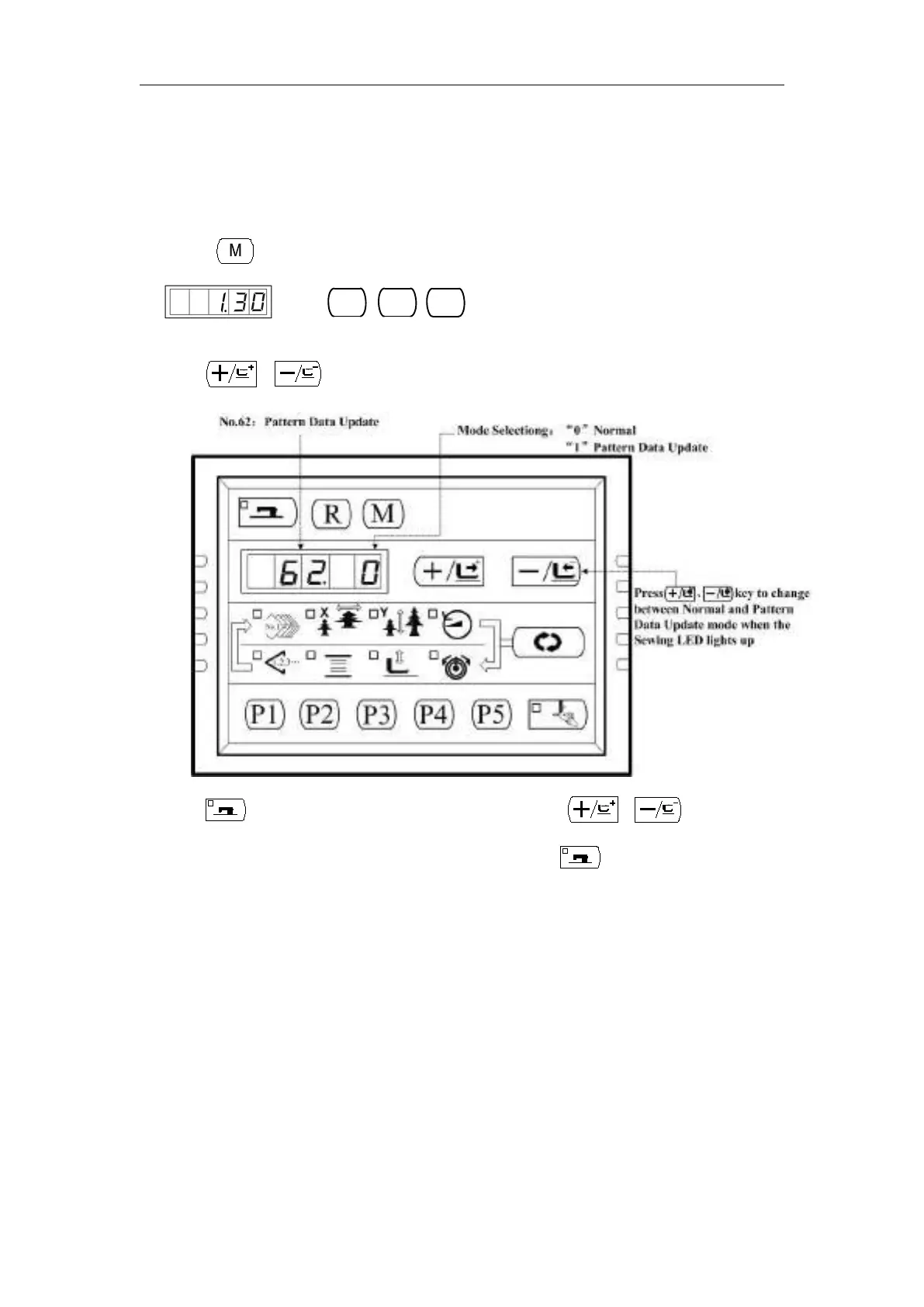
1 、 Press key, while the Sewing LED is not illuminated, and then the Panel display
. Press
simultaneously, you would hear the ring of the
buzzer, and then you are able to adjust the setting.
2、Press 、 key to select No.62:
3、Press key and the Sewing LED lights up. Then press 、 key to change the
Mode Selection No. to be “1” (Pattern Data Update); press key again to save the setting
and the Sewing LED goes off.
4、Turn OFF the power and put out the Panel form interface X7, and plug the Pattern Update Device
as following:



 To Next Page