Memory Switch (Service Class) SC201(1900A/1903A)
40
3. Memory Switch (Service Class)
Service class memory switch is different from the user class and it is not allowed to be
changed by users. We provide these functions to the professional for adjustment and
maintenance.
3.1 Start and Change of the Memory Switch (Service Class)
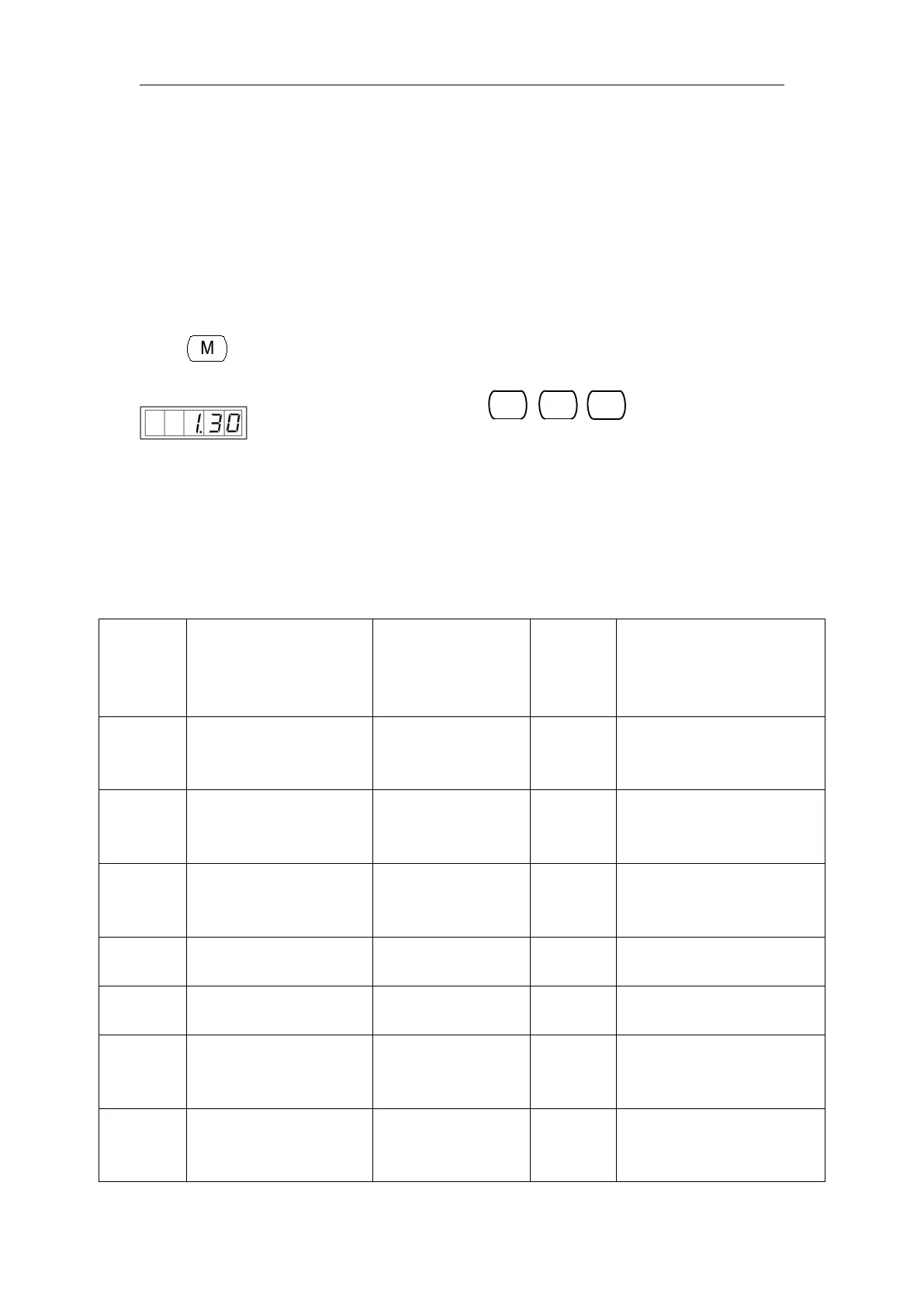
When key is pressed in the state that the sewing LED is put out, the memory
switch setting mode is obtained and
simultaneously, and you will hear the buzzer ring. After that you have started the memory
switch and you are allowed to change the settings.
The operation of service class memory switch is the same as that of user class
memory switch. Refer to 【2.6 How to Use the Memory Switch (User Class)】for details.
3.2 Table of Functions of the Service Class Memory Switch
Position of Standard
Pedal Step 1
The stroke of depressing the
pedal will be large if
increase the value.
Position of Standard
Pedal Step 2
The stroke of depressing the
pedal will be large if
increase the value.
Starting Position of
Standard Pedal
The stroke of depressing the
pedal will be large if
increase the value.
It will cause poor sewing if
this value is set too high.
Speed of
Trimming·Presser after
Sewing
It will cause poor sewing if
this value is set too high.
Presser Status after
Sewing
0:Lift Up
1:Depress Pedal to
Lift Up the Presser



 To Next Page