Operation Instruction SC201(1900A/1903A)
28
2.5.2 Perform Sewing Using the Combination Function
By arranging in order to use the pattern register (P1 to P50) which have been already registered
and registering in C1 to C20, the sewing pattern will change in the order every time the sewing
machine finishes the sewing. Every one combination No. can be registered up to the maximum
30 patterns.
i. Register of the Combination
Setting example: Combine in the order of P1, P2 and P3, and register them in the C1.
1) Turn ON the power switch and press key
to enter the mode setting (memory switch setting).
(Sewing LED should be put out.)
2) Indicate the combination mode with or key.
3) Press key. Sewing LED lights up to enter the
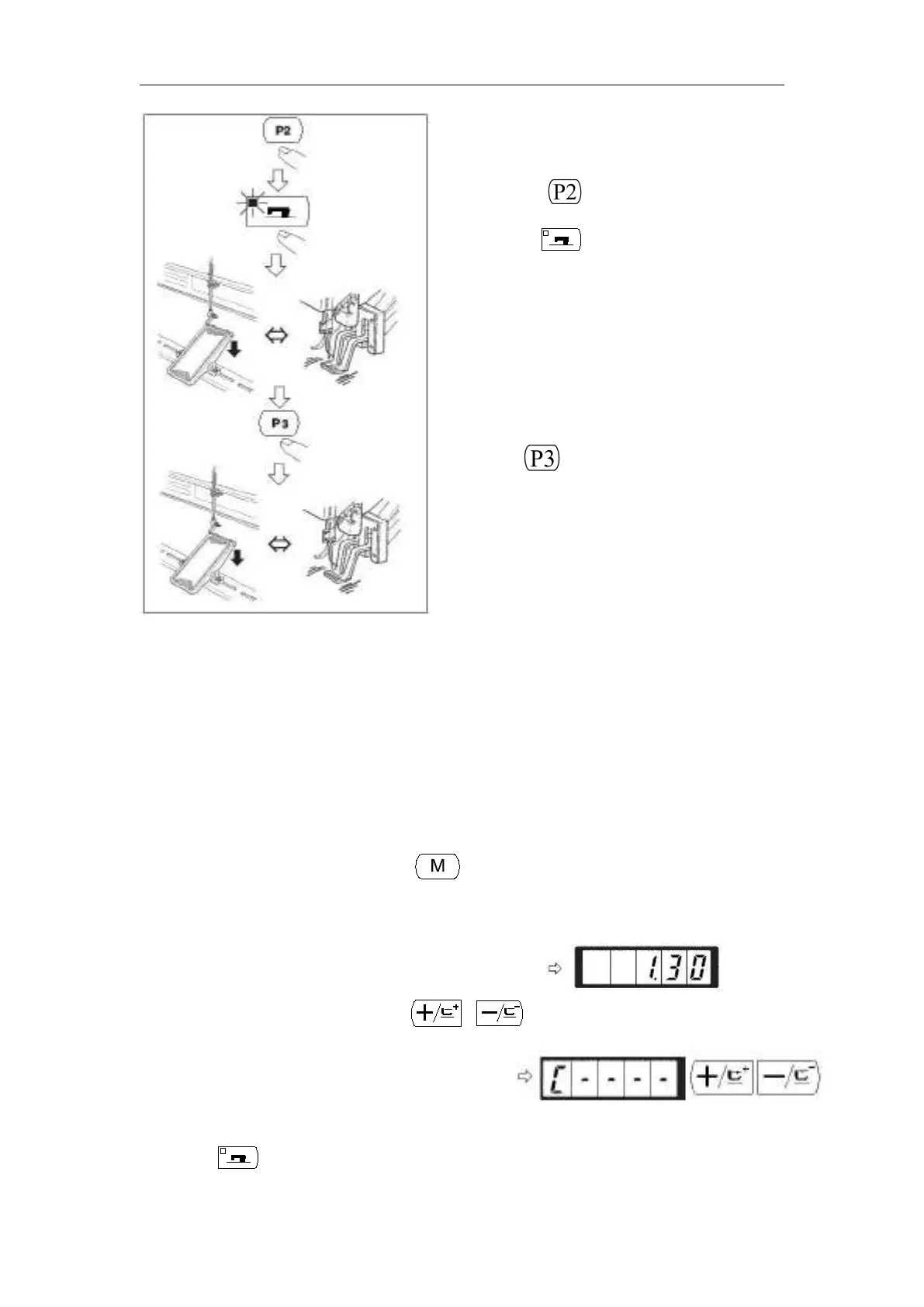
(1) Turn ON the power switch.
(2) Press the key.
(3) Pres the key, and when the sewing LED
lights up, the work clamp foot goes up after it has
moved.
(4) Check the contour of the sewing pattern.
(Refer to the item “Checking the Contour of a
Sewing Pattern”).
(5) If the contour of the sewing pattern is acceptable,
the sewing can be made.
(6) Press key after completion of sewing and the
presser comes down. The presser moves to the
sewing start point after origin retrieval and goes up.
(7) Perform the above item (4) and (5).



 To Next Page