Operation Instruction SC201(1900A/1903A)
16
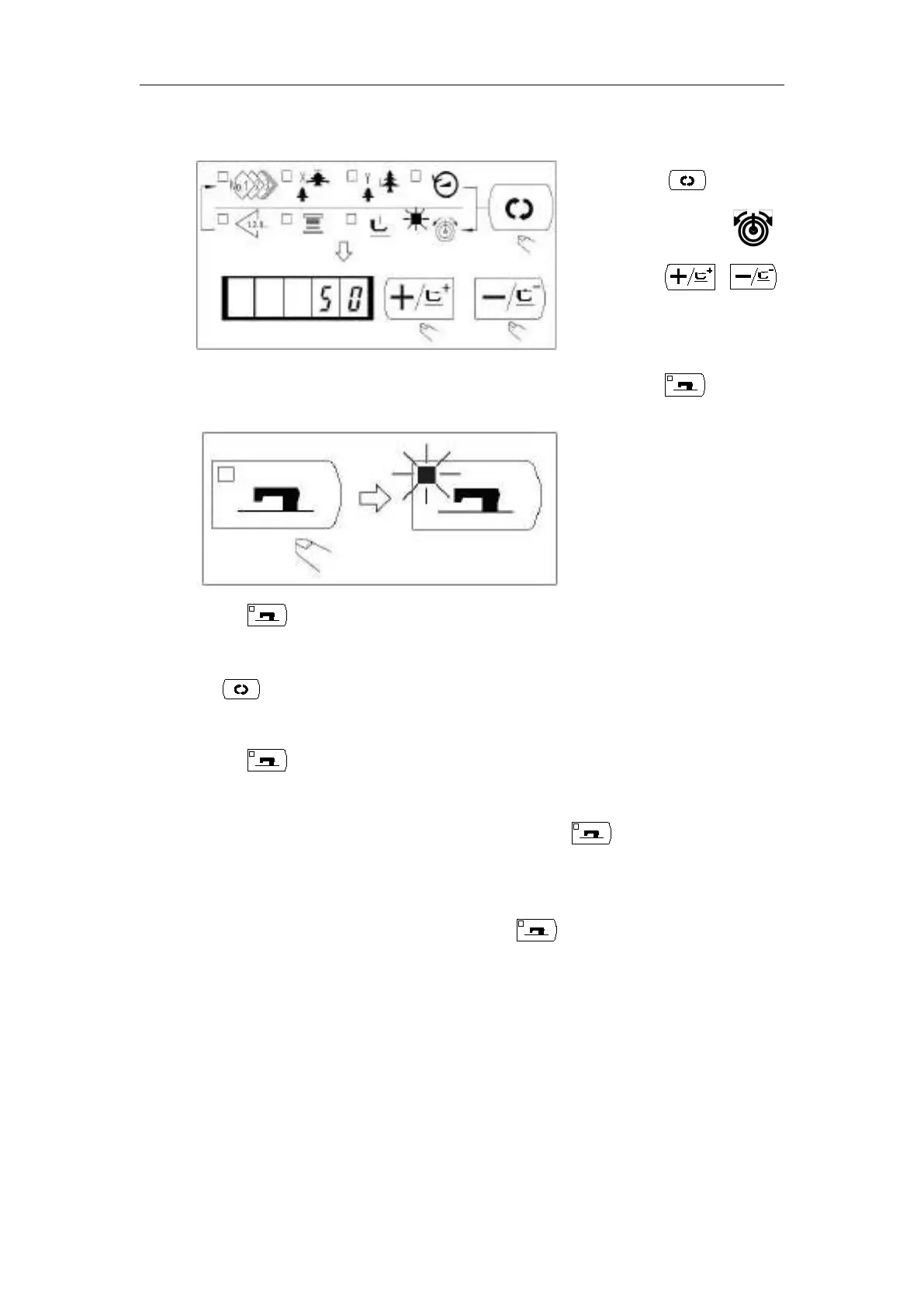
7. Setting the Thread Tension
★ When key is pressed, the set value of pattern No.,
X/Y scale, etc, are memorized.
★ If key is pressed, you can make sure of the respective setting items again.
However, the items can not be changed in the state that the Sewing LED is lit up.
★ When key is pressed, the Ready LED goes off. Set values of the respective items
can be changed.
★ Use the machine after confirming the pattern No. When key is pressed while the
pattern No. is indicated ”0”(state at the time of delivery), error display E-10 appears. At
this time, re-set the Pattern No.
★ When turning OFF the power without pressing key, the set values of pattern NO.,
X/Y scale, number of max. rotation, and thread tension are not memorized.
2.4.2 Checking the Contour of a Sewing Pattern
Warning:
Make sure without fail of the contour of the sewing pattern after selection of the sewing
pattern. If the sewing pattern extends outside the work clamp feet, the needle with interfere
with the work clamp feet during sewing, causing dangerous troubles including needle
(1) Press the key.
(2) After the work clamp feet have moved
and gone up, the sewing LED lights up,
and the sewing is ready.
Caution:
When the presser is raised, be careful
that fingers are not caught in the presser
since the presser moves after having
lowered.
(1) Press the key to indicate the
“Thread Tension” .
(2) Press the or key to
indicate “50”(0 to 200 can be set.)



 To Next Page