Operation Instruction SC201(1900A/1903A)
14
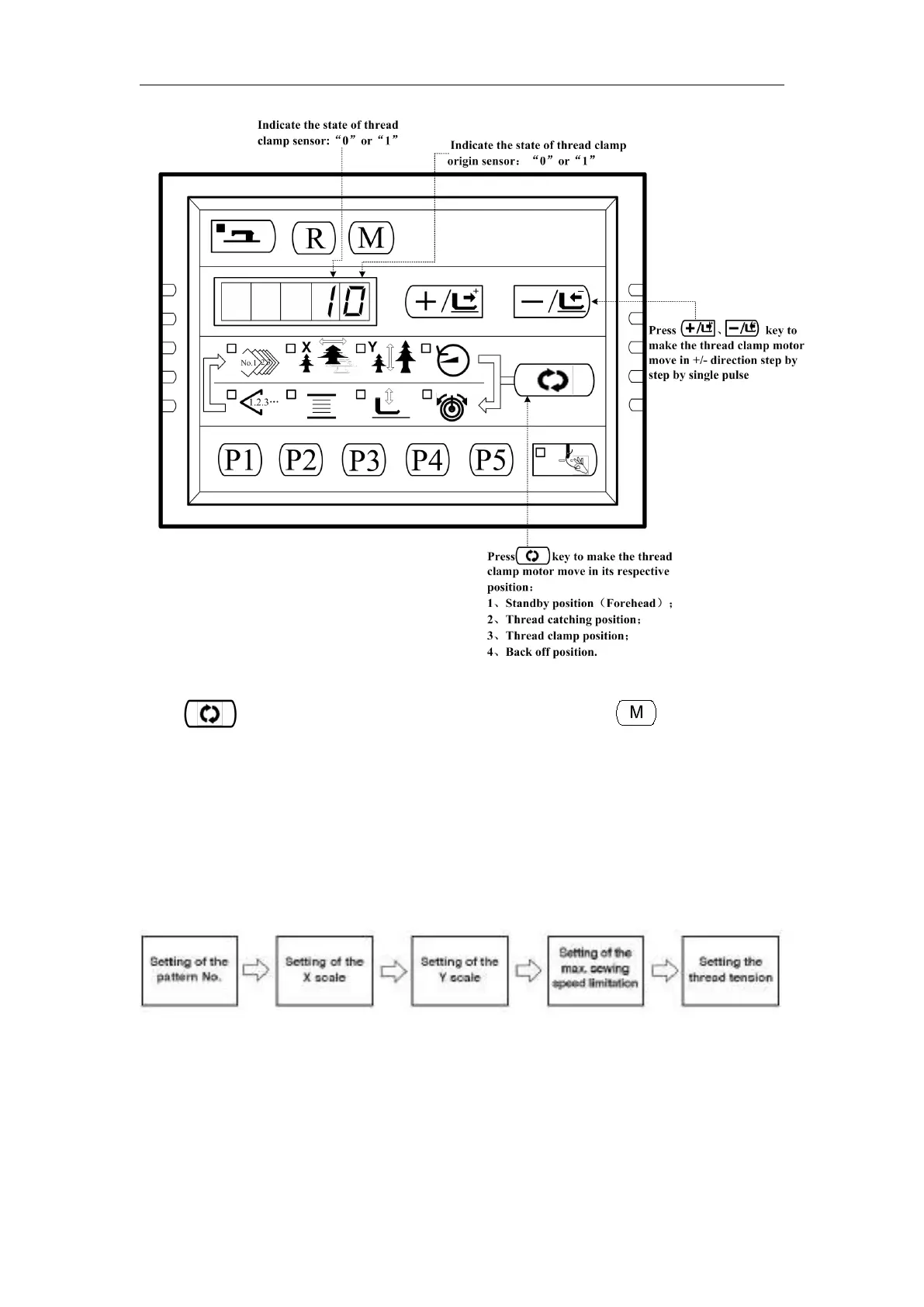
Press key to perform the functions above in a cycle. And press key to exit this
mode.
2.4 Operation of the Sewing Machine (Basic)
2.4.1 Item Data Setting
Set each item following the procedure described below.
2. Turn ON the Power Switch
Pattern No. of the item selection light up, and the pattern No. is indicated on the
data display.
3. Setting of the Pattern No.



 To Next Page