Operation Instruction SC201(1900A/1903A)
6
2.3 Test Mode
This mode is set to facilitate the electrical check for maintenance work.
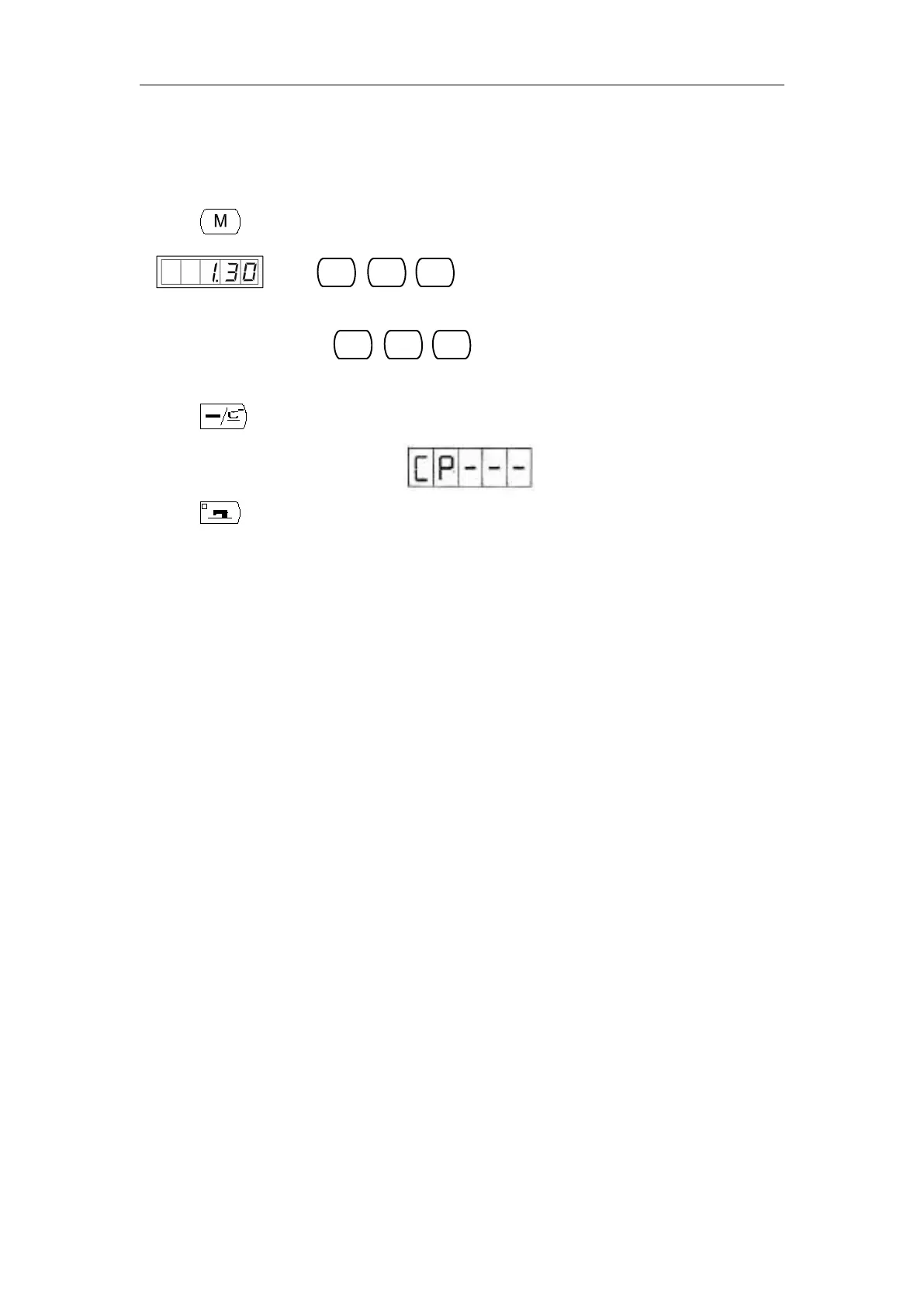
1) Press key, while the Sewing LED is not illuminated, and then the Panel display
. Press
simultaneously, you would hear the ring of the
buzzer, and then you are able to enter the test mode.
Note: If you failed to press
simultaneously, then you cannot enter the
test mode.
2) Press key to enter the test mode, and the screen displays “CP---”, as shown following:
3) Press key to start the Display Test. It automatically examine every 8-bit segment LED
Display Module and the LED light illuminated or not, in a cycle process. The process is shown
following:



 To Next Page