Operation Instruction SC201(1900A/1903A)
36
9) Press key. The memory switch setting mode is finalized and the mode
returns to the normal mode.
4. Setting the Counter Operation
Setting Example: The production counter (adding method) can be changed to
the bobbin thread counter (subtracting method).
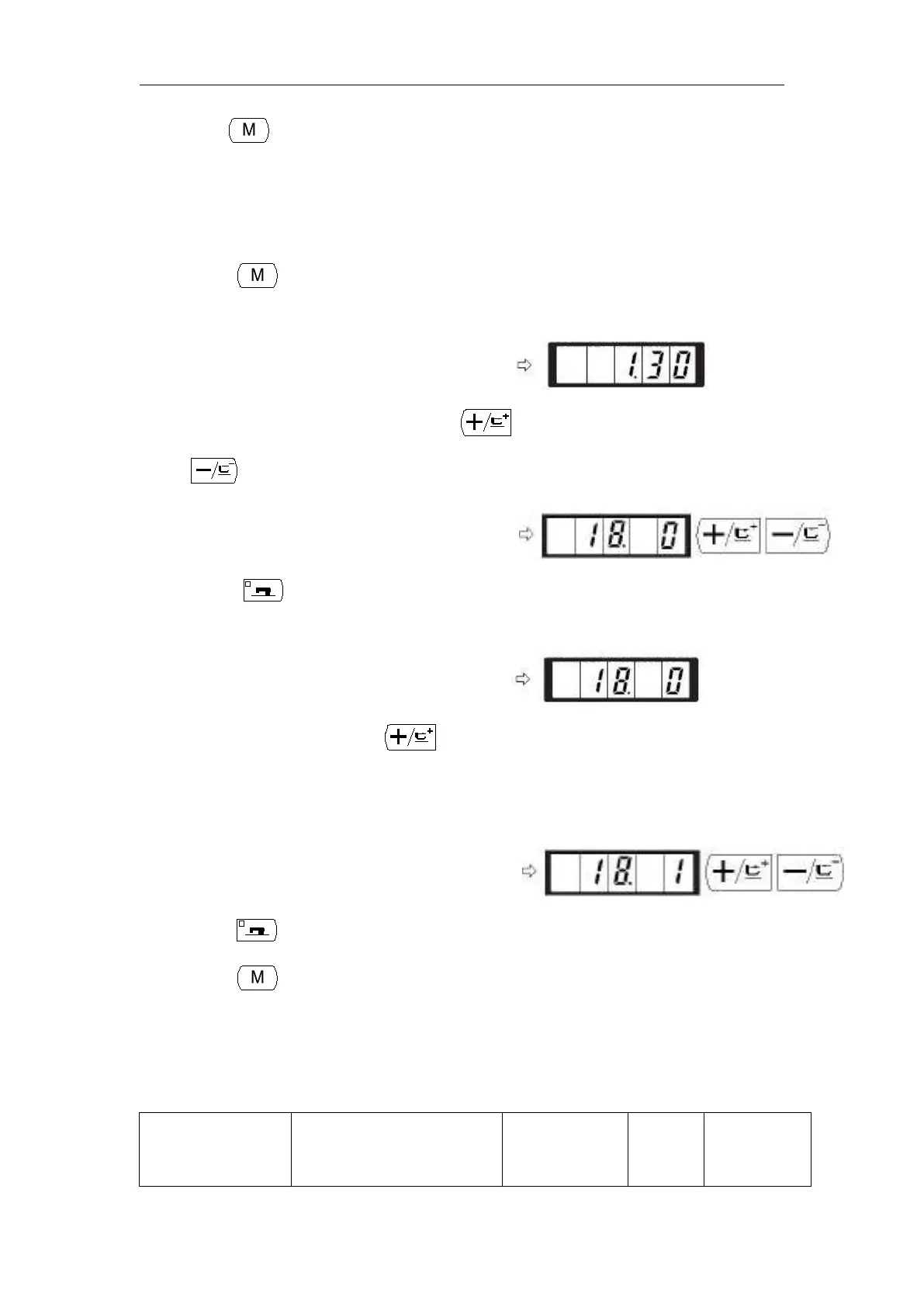
1) Press key in the state that the sewing LED
is put out.
2) Indicate the memory switch No.18 with or
key.
3) Press key. The sewing LED lights up and
the set value of counter motion is indicated.
4) Set the set value to “1” with key.
Set value 0: Production counter
Set value 1: Bobbin thread counter
5) Press key to register the set value. The sewing LED goes off.
6) Press key. The memory switch setting mode is finalized and the mode returns to
the normal mode.
2.6.3 Table of Functions of the User Class Memory Switch



 To Next Page