SC201(1900A/1903A) Update the Pattern Data by USB Flash
51
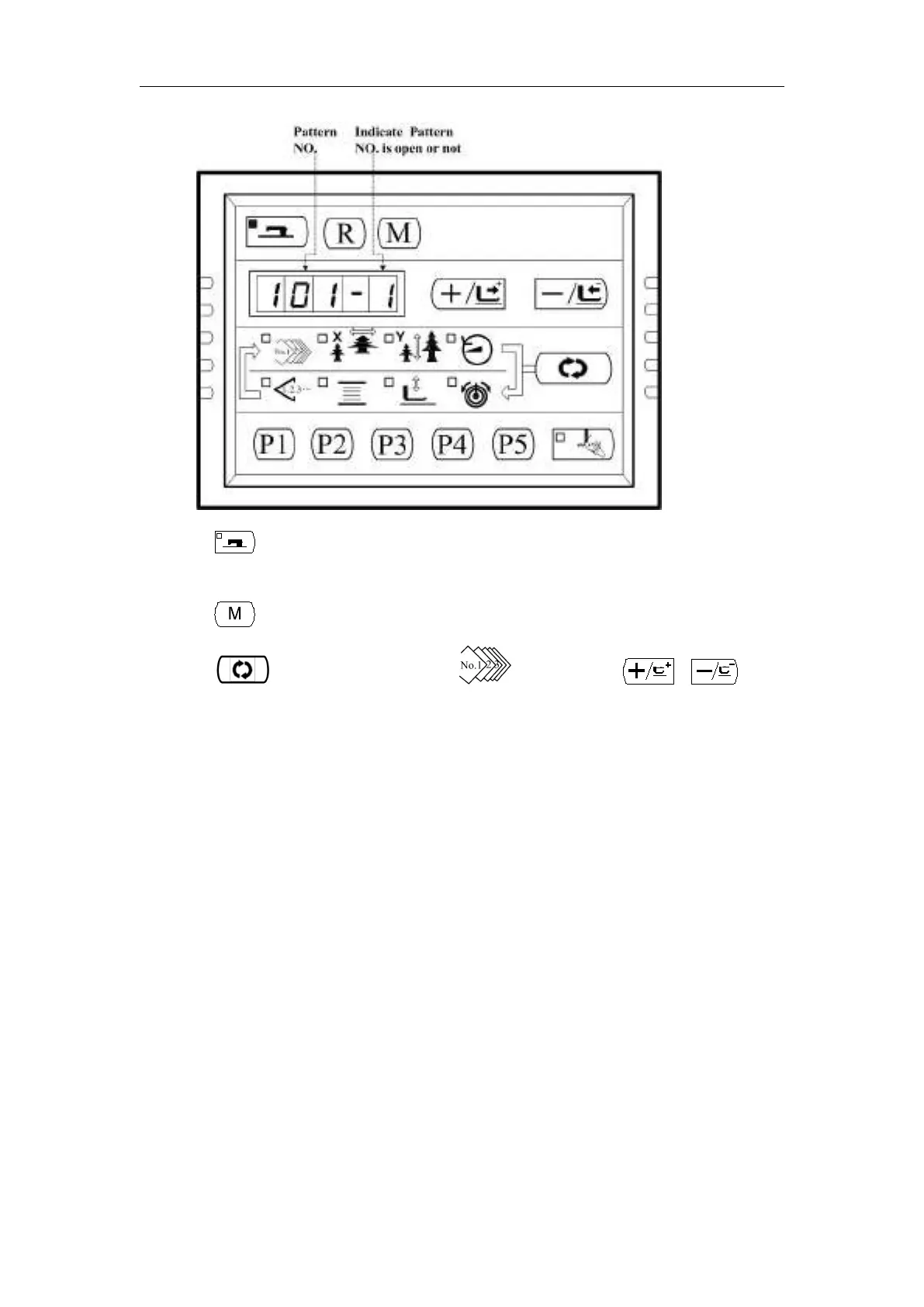
10、Press key to save the settings and Sewing LED goes off and return to Step 6;repeat the
operation from step 6 to step 10 again and again to open or lock all the patterns you want.
11、Press key to go exit to Normal state.
12、Press key to select Pattern NO. , and then press 、 key to
get Pattern No. 101, which is opened. Then you are able to start sewing with it.



 To Next Page