2 - 58
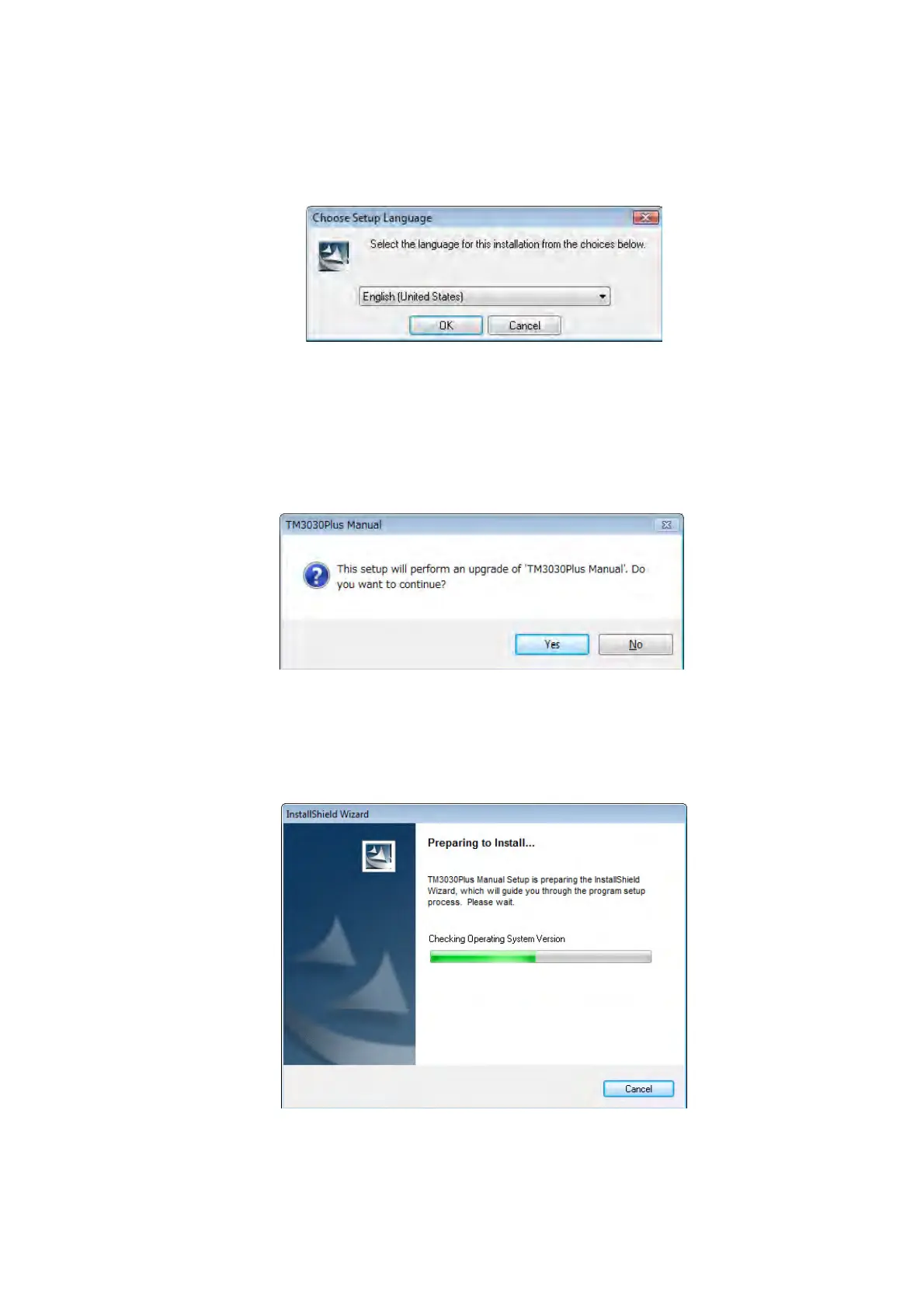
1c. The following window appears. Choose [English [United States]] and click the [OK]
button.
Figure 2.5.2-3 Choose Setup Language Window
1d. The following window appears. Click the [Yes] button.
Figure 2.5.2-4 Setup Continue Window
1e. The following window appears. Wait until the preparing finishes.
Figure 2.5-2-5 Preparing to Install Window



 To Next Page