4 - 26
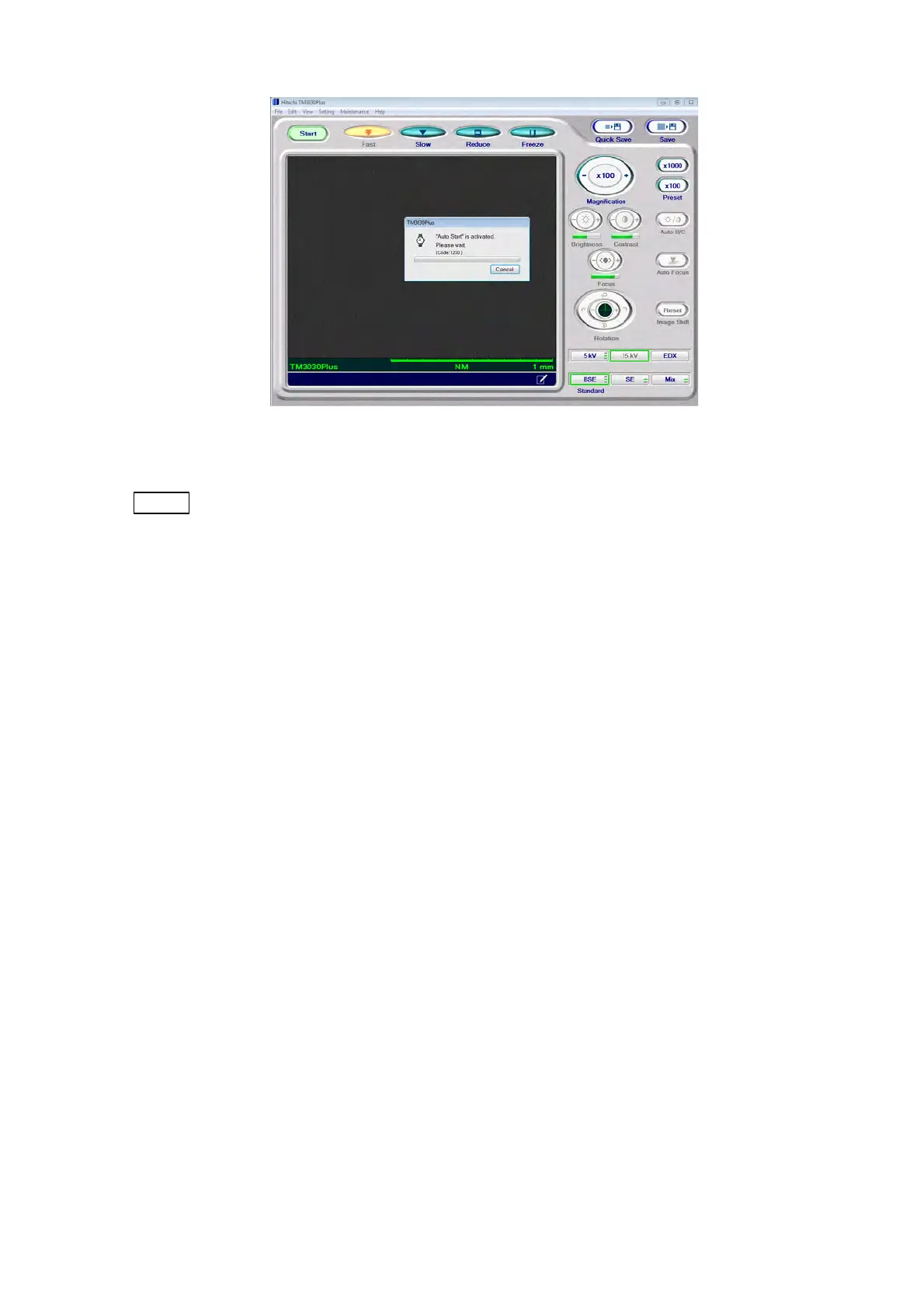
Figure 4.2.6-2 Auto Start Activation Screen
NOTE
: The accuracy of the Auto focus and Auto B/C functions depends on specimen
surface structures or the settings of [Observation Condition] and [Observation
Mode]. The Auto functions will not operate properly if the specimen surface
contains few minute structural features, its contrast is low, or the specimen gets
charged easily. In such cases, adjust focus and brightness manually.
4.2.7 Searching for Field of View
The way to identify a target field of view depends on the type of the specimen stage (manual
stage or motor drive stage). At the same time, it is preferable to set lower magnification (e.g.
100x or lower). (See 4.2.8)
1. Searching for Field of View (Manual Stage)
There are two ways for searching for a target field of view:
1a. Operating the XY knobs
If you want to move the field of view extensively, operate the XY knobs attached to
the manual stage.
Turn the X knob (on the left side when viewed from the front) clockwise to move the
field of view to the right direction. While, turn it counterclockwise to move the field of
view to the left direction.



 To Next Page