4 - 84
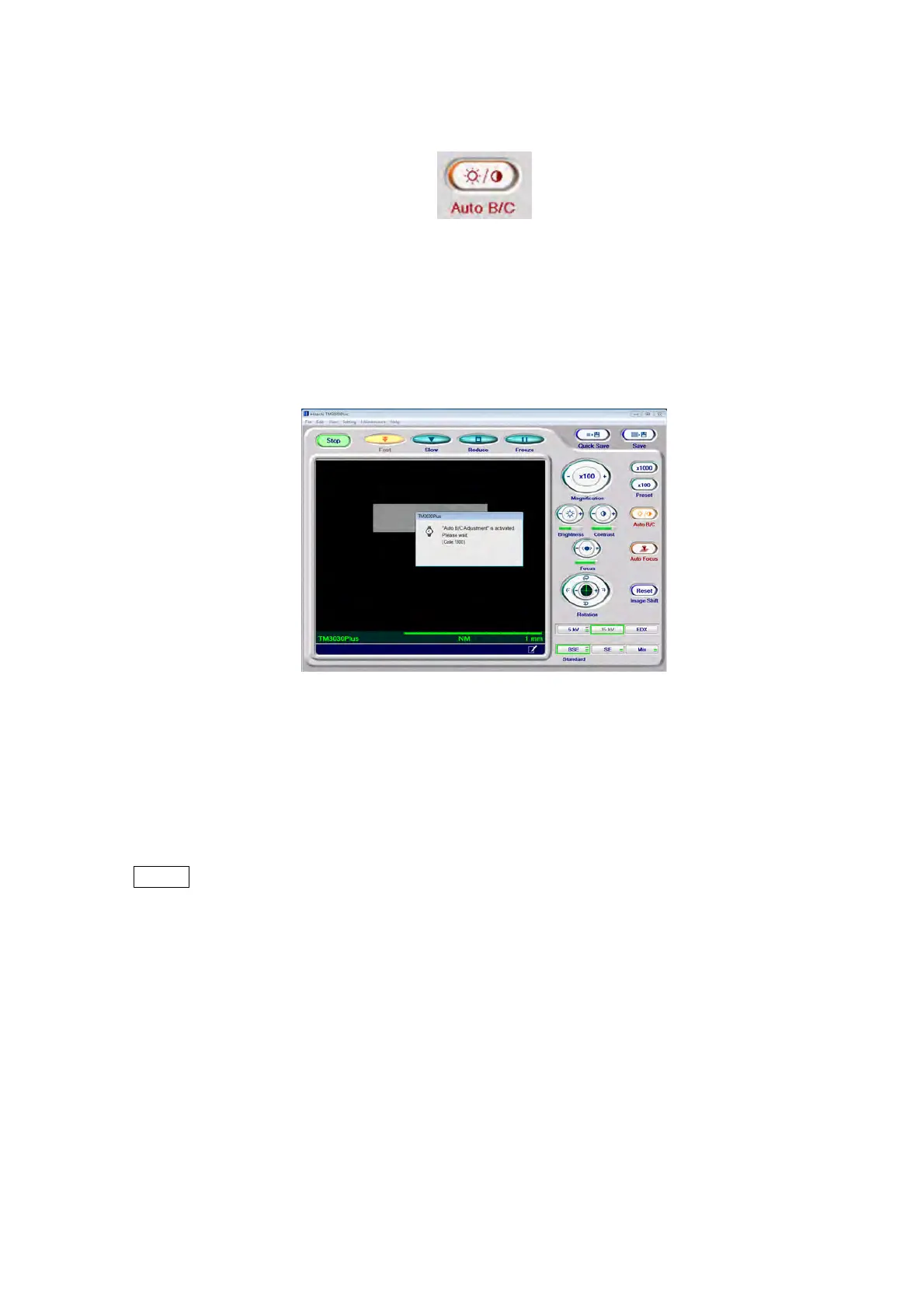
4.3.20 Auto B/C Button
Figure 4.3.20-1 Auto B/C Button
Brightness and contrast of the image being observed can be automatically adjusted by
clicking the [Auto B/C] button. A dialog appears during the processing. The dialog disappears
when the processing is completed.
Figure 4.3.20-2 Auto B/C Execution Window
When a field of view or magnification is shifted, brightness and contrast can vary.
In such cases, press the [Auto B/C] button to appropriately adjust the balance between
brightness and contrast.
NOTE
: The brightness and contrast of an image vary depending on a specimen to be
observed. Even though the same adjustment is employed, the observed field of
view and magnification also affect the brightness and contrast level.



 To Next Page