7 - 15
7.9 Menu Functions
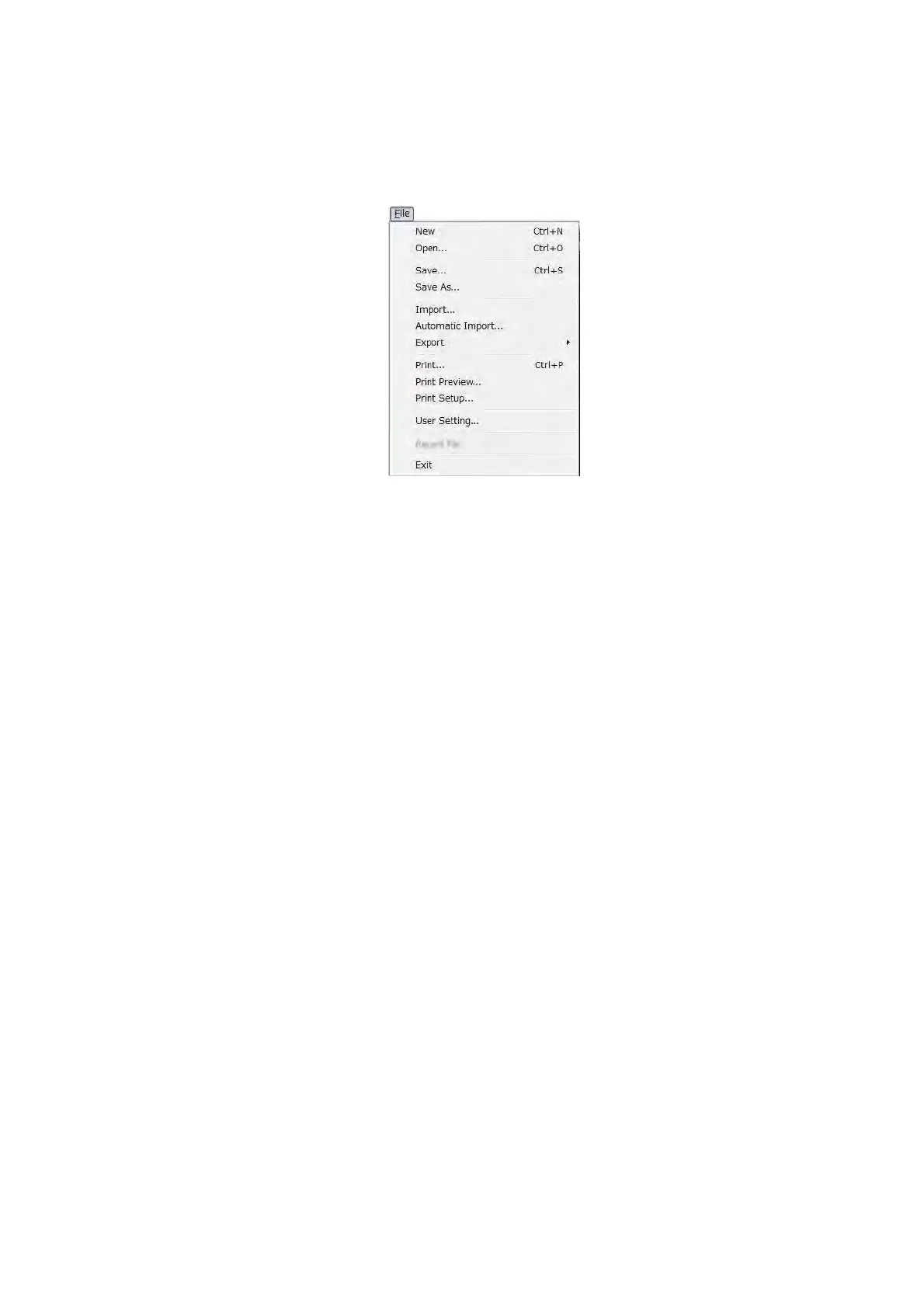
1. [File] menu: File operation commands
Figure 7.9-1 File Menu
New
Opens an image, or resets a file to the default.
Open
Reads an image file that is saved in the 3D-VIEW format, [*.rd5].
Save
Save an image file in the 3D-VIEW format, [*.rd5].
Save As
Names an image file and saves it in the 3D-VIEW format, [*.rd5].
Import
Displays the Import window. This command is used to import images that are acquired
using the 3D-Image Capture function.
See Chapter 7.15.2 Importing Image Data [Import].
Automatic Import
Displays the Auto Import dialog. Performs setting of a folder to save images which will be
opened upon clicking the [Automatic Import] button.
See Chapter 7.15.2 Importing Image Data [Import].



 To Next Page