7 - 28
7.11 Profile Settings View Function
This function allows you to specify various profile settings, including the selection of a profile
view display format.
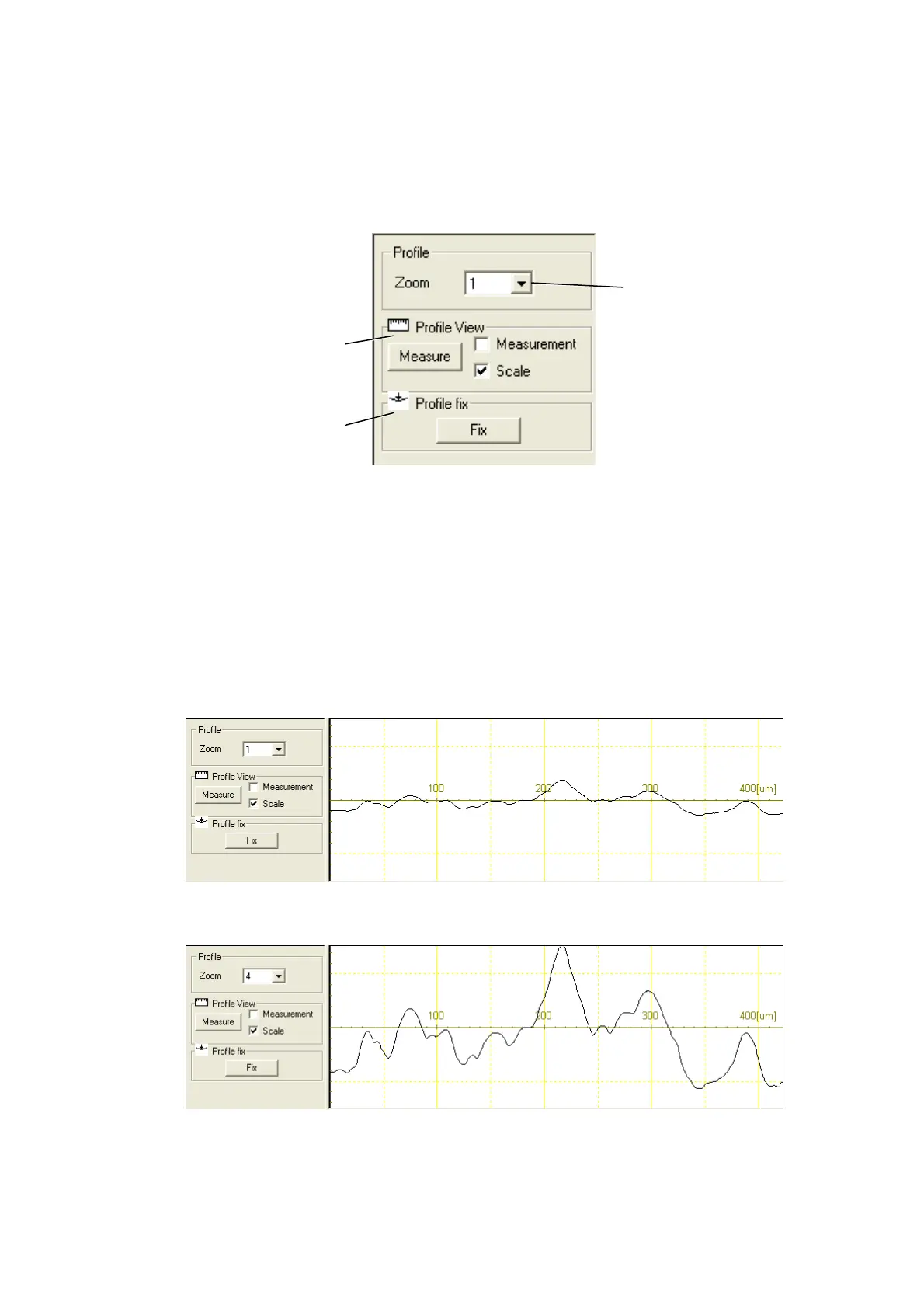
Figure 7.11-1 Profile Settings View
1. Profile
[Zoom]
Displays expansion/reduction of the scale in the direction of height of the profile displayed in
the profile view by the setting magnification.
(Zoom x1)
(Zoom x4)
Figure 7.11-2 Example of Displaying Profile Zoom
Profile Vie
Profile fix
Zooming rate selection



 To Next Page