4 - 13
4.2.3 Changing Specimens
1. If observation is in progress, click the [stop] button on the operation window to terminate
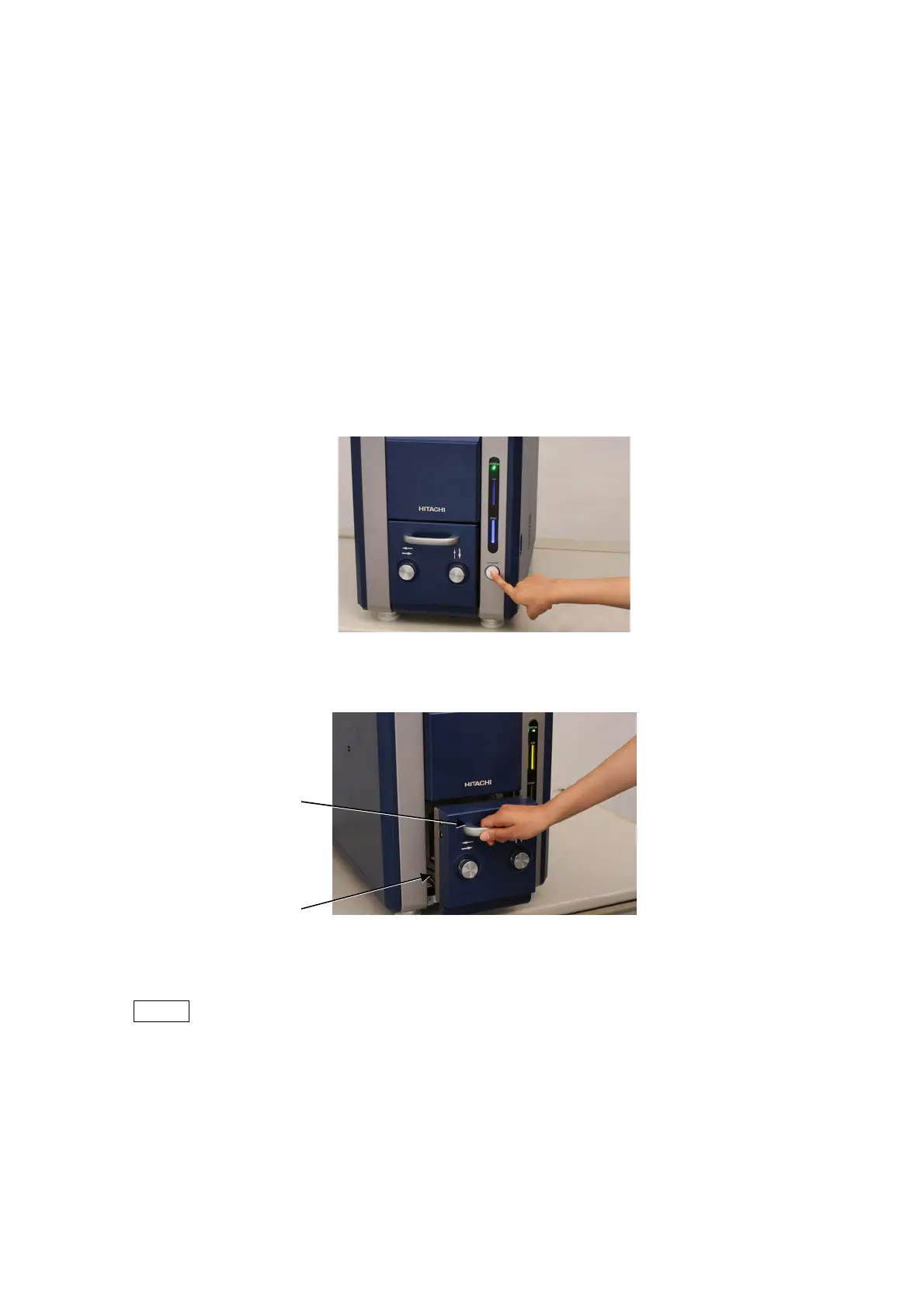
the observation process. Press the EVAC/AIR switch and wait until the specimen
chamber reaches the atmospheric pressure. If observation is not performed, and yet
EVAC LED is lighting blue, press the EVAC/AIR switch and wait until air introduction is
completed.
2. When air introduction is completed, AIR LED lights yellow from a blinking state.
3. Wait a few seconds after AIR LED lights yellow. Then, grip the handle to draw out the
specimen stage and remove the specimen stub assembly.
Figure 4.2.3-1 EVAC/AIR Switch Operation (Introducing Air)
Figure 4.2.3-2 Pulling Out the Specimen Stage
NOTE
: Do not draw out the specimen stage forcibly by the time the specimen chamber
reaches the atmospheric pressure. If doing so with an EDX detector optionally
attached, the detection element might get damaged.
Specimen stage
Handle



 To Next Page