4 - 85
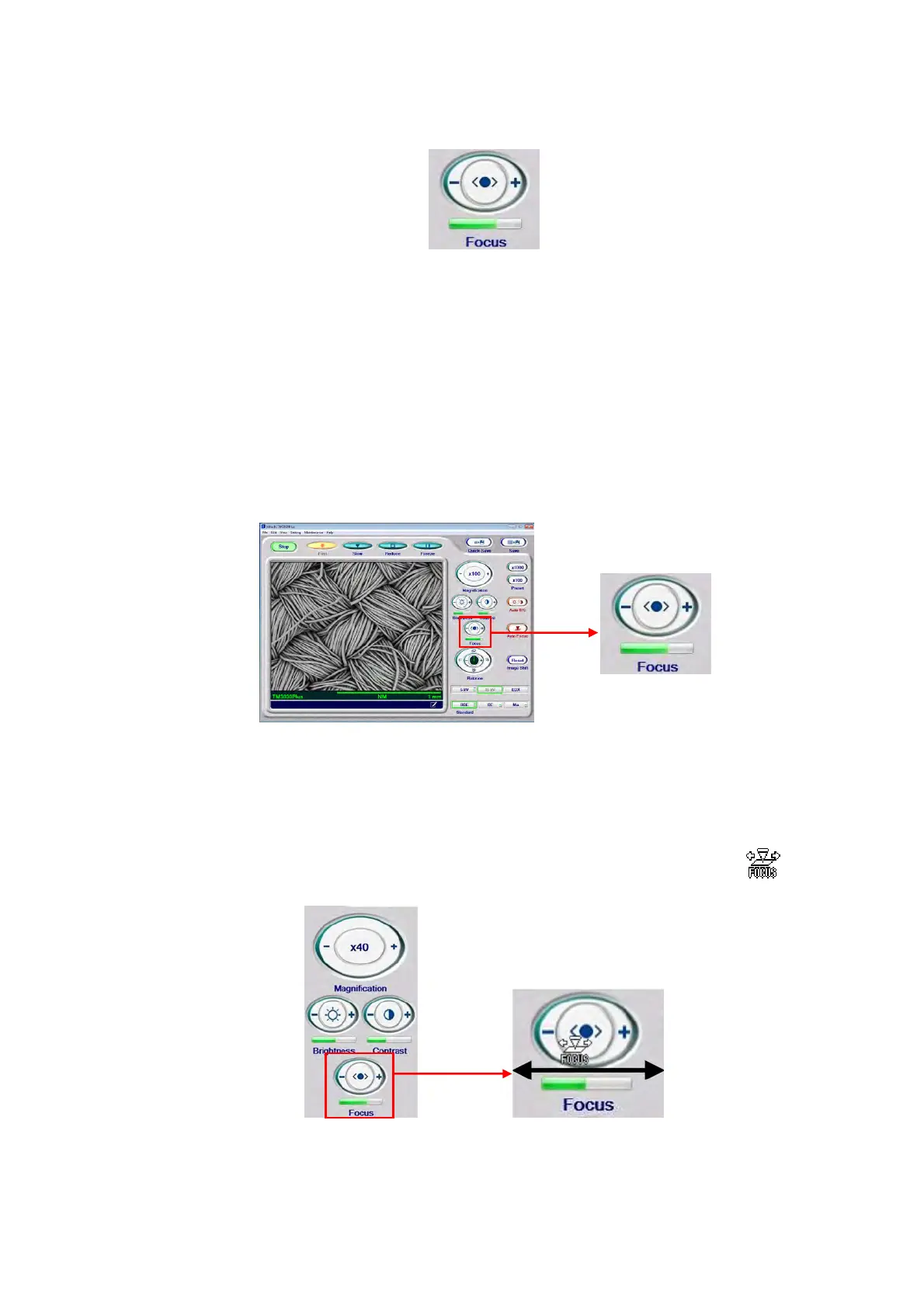
4.3.21 Focus Button
Figure 4.3.21-1 Focus Button
Focus of the observation image can be adjusted with mouse operation.
1. Focus Adjustment (Mouse-Clicking)
To make the focal length shorter, click the + side; to make it longer, click the – side. While
the button is pressed, the focal length continuously changes. The current focal length is
indicated below the button. The green bar becomes longer to show shorter focal length; it
becomes shorter to show longer focal length.
Figure 4.3.21-2 Focus Button (Manual Operation)
2. Focus Adjustment (Mouse-Dragging Operation)
2a. Move the mouse cursor into the [Focus] button to change the cursor to the
mark.
Figure 4.3.21-3 Fine Focusing (Mouse-Dragging Operation)



 To Next Page