4 - 73
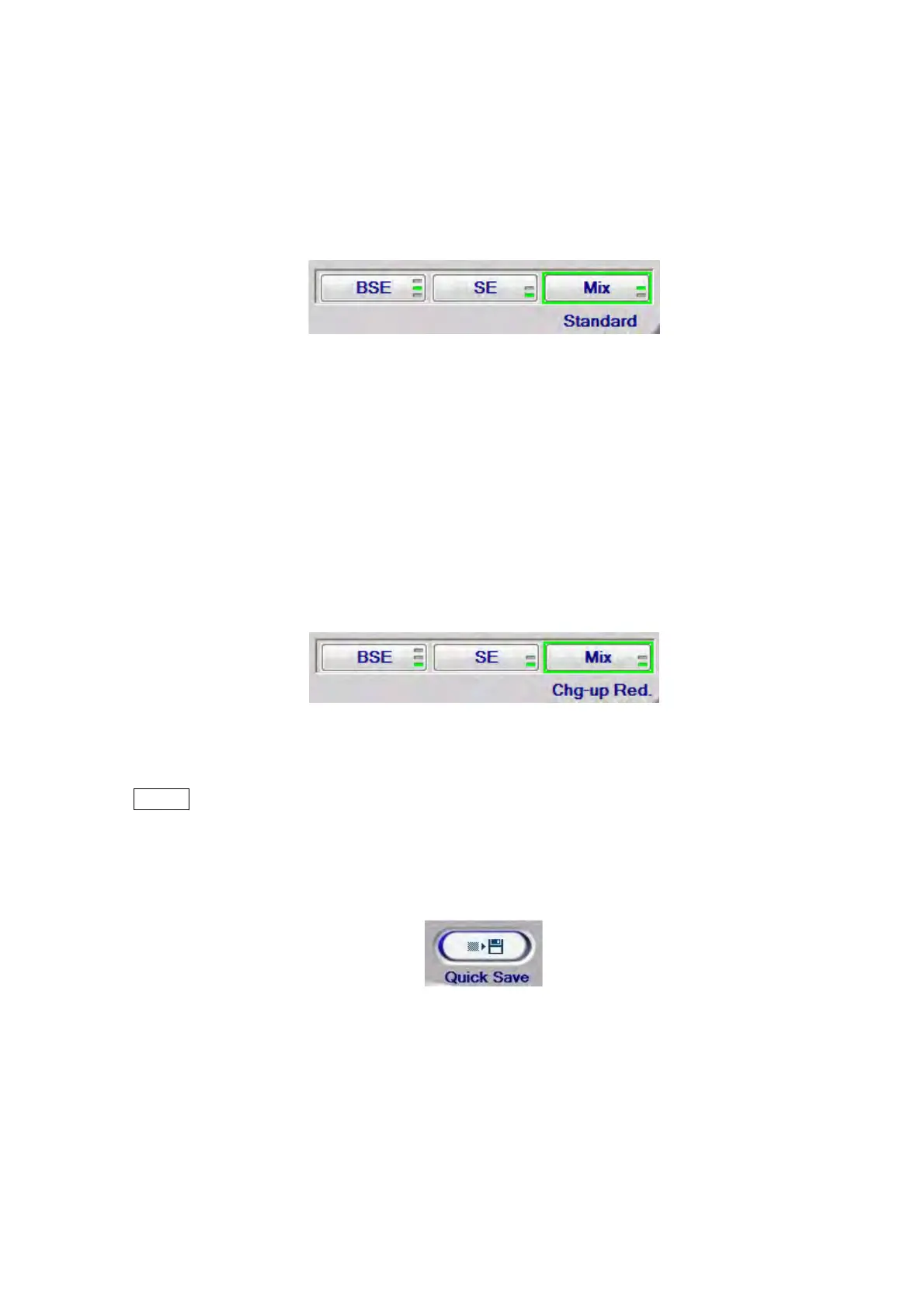
3a. Standard
This observation mode is suitable for observing conductive or non-conductive
sample.
When [Standard] is selected, the [M] mark is displayed in the information area located
in the lower right part of the image observation area. (see 4.3.2)
Figure 4.3.13-7 Signal Select / Observation Mode Settings (Mix – Standard)
3b. Chg-up Red.
When observing non-conductive samples in the [Standard] mode, brightness /
contrast can change over time (i.e. brightness change) or image can look shifted
unexpectedly (i.e. image deviation). In such cases, it is recommended that the
observation mode should be set to [Chg-up Red.].
When [Chg-up Red.] is selected, the [L] mark is displayed in the information area
located in the lower right part of the image observation area. (see 4.3.2)
Figure 4.3.13-8 Signal Select / Observation Mode Settings (Mix – Chg-up Red.)
NOTE
: Compared to [Conductor], the life of the filament can be shorten in [Standard] and
[Chg-up Red.].
4.3.14 Quick Save Button
Figure 4.3.14-1 Quick Save Button
An image displayed in the current View mode is captured and saved as an image file.
Image save size: 640x480 pixels (image only), 640x520 pixels (image + information),
640x550 pixels (image + information + comments)
Image save format: JPEG (*.jpg), bitmap (*.bmp), TIFF (*.tif)



 To Next Page