5 - 11
5.2 Beam Axis Alignment
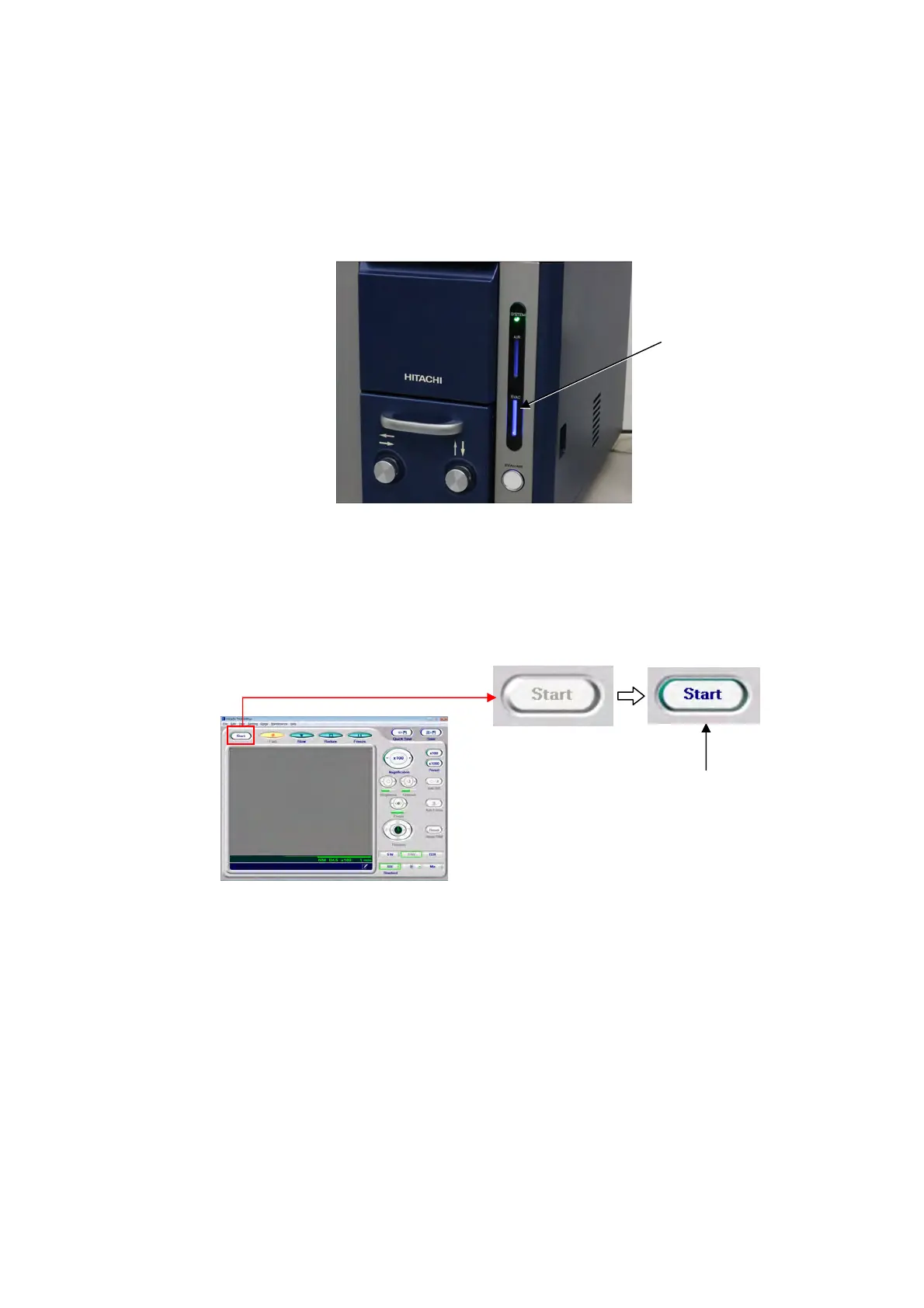
1. Set the supplied reference sample to the center of the stage, and press the EVAC/AIR
switch to evacuate the air from the specimen chamber. After completing evacuation, the
lighting pattern of the EVAC LED (blue) changes from blinking to lighting.
Figure 5.2-1 Verifying the Evacuation of the Specimen Chamber
2. Activate the application.
Click the [Start] button on the operation window to irradiate the electron beam.
Figure 5.2-2 Starting the Application
EVAC LED (blue)
Click



 To Next Page