4 - 5
4.2.1 Starting the System
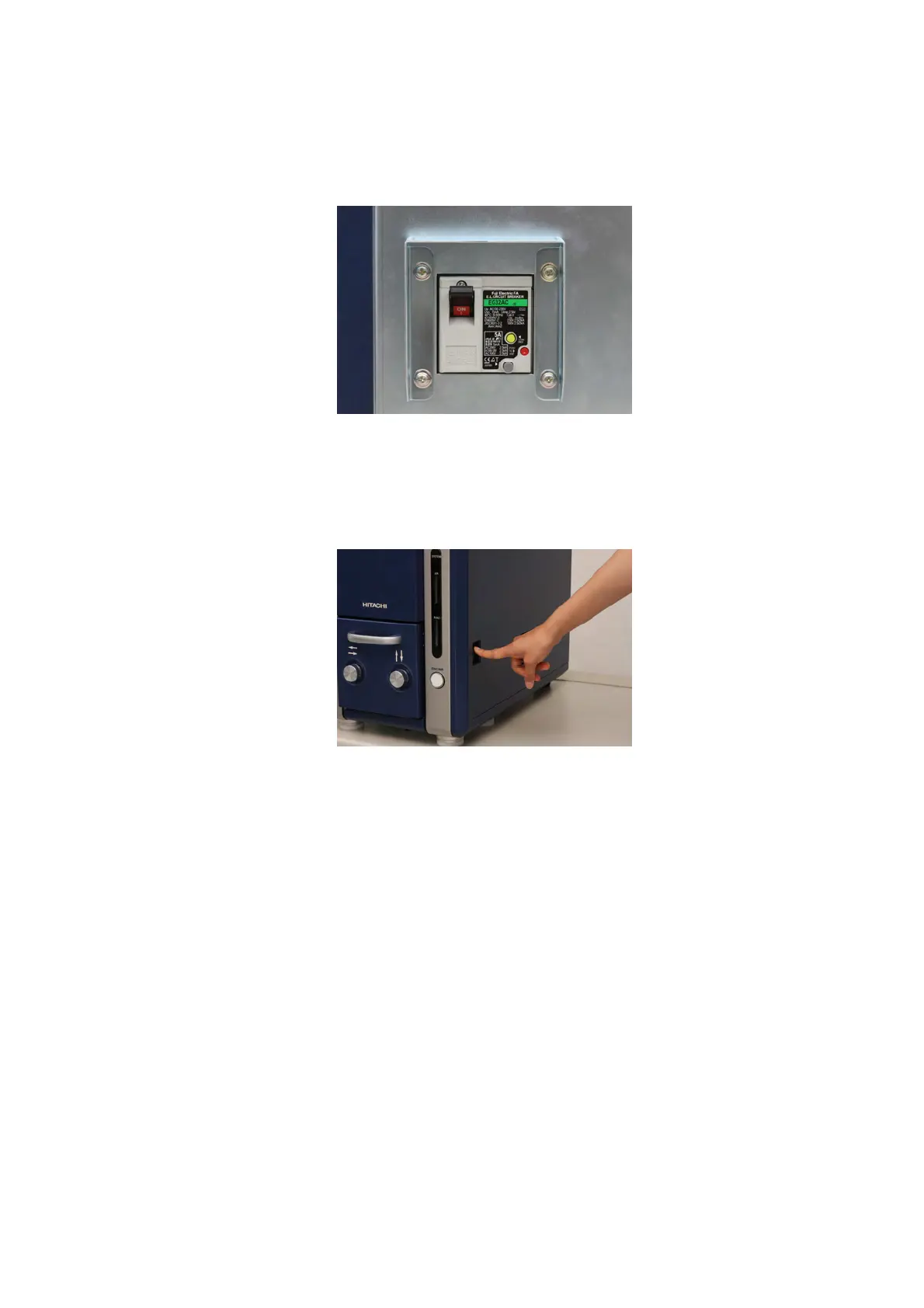
1. Verify that the earth leakage breaker located on the back of the main unit is turned on.
Figure 4.2.1-1 Earth Leakage Breaker
2. Turn on the Power switch located on the right side of the main unit.
Figure 4.2.1-2 Starting the System (Power Switch Operation)
3. The LED lamp located in the lower right side of the main unit indicates the pressure
condition of the system. The LED display changes depending on the EVAC/AIR switch
operation.
3a. AIR LED lights yellow: Introduction of air into the specimen chamber has been
completed. (Ready for exchanging specimen).
3b. AIR LED blinks yellow: Air is in the process of being introduced into the specimen
chamber.



 To Next Page