2 - 20
2.3.2 Installation of the Instruction Manual
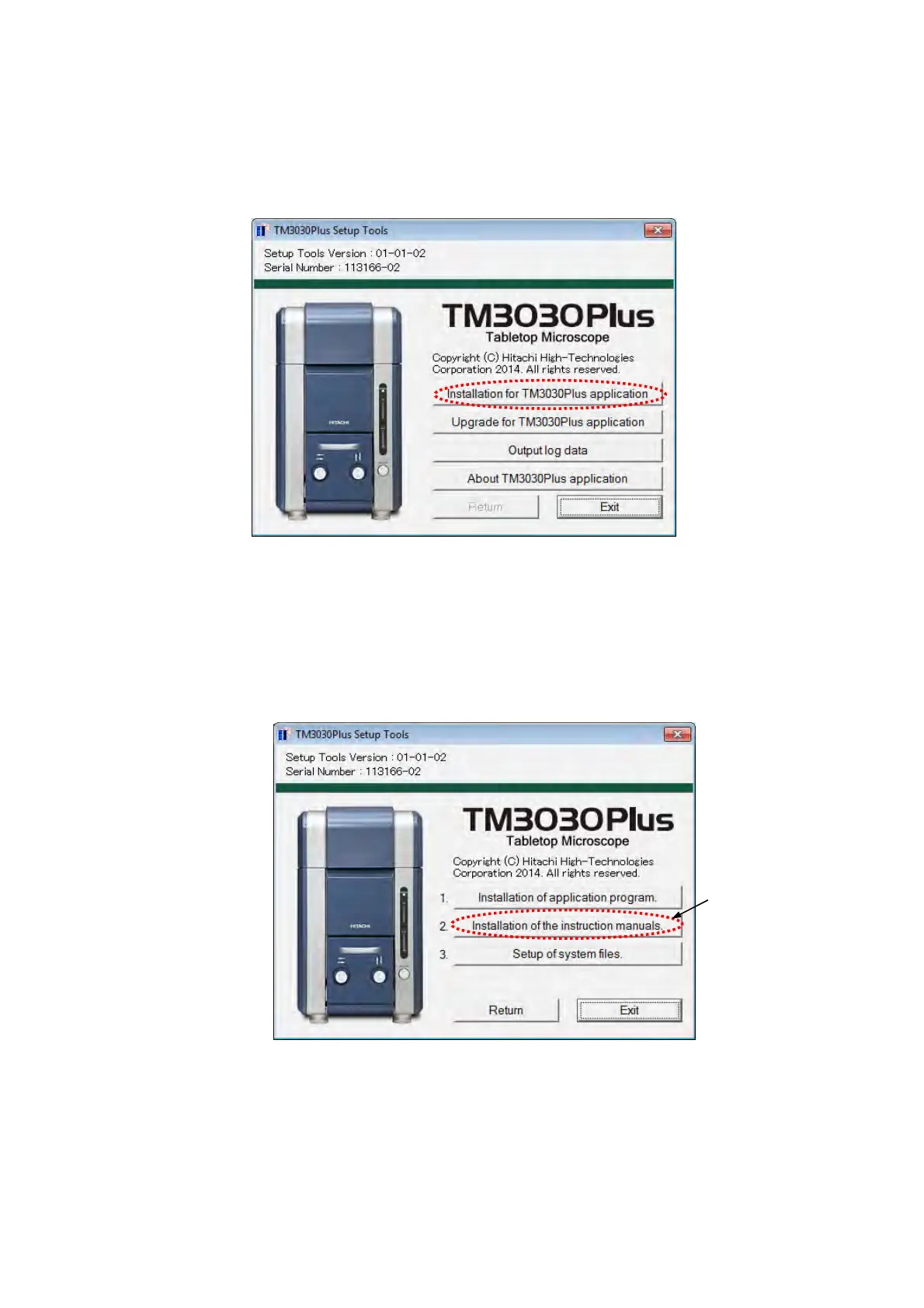
1. The following window appears. Click the [Installation for TM3030Plus application] button.
Figure 2.3.2-1 TM3030Plus Setup Tools Window (Main Menu)
2. Install the instruction manual. Select [Installation of the instruction manuals] from the
Installation menu of the TM3030Plus Setup Tools.
Figure 2.3.2-2 TM3030Plus Setup Tools Window (Installation)
Click



 To Next Page