2 - 21
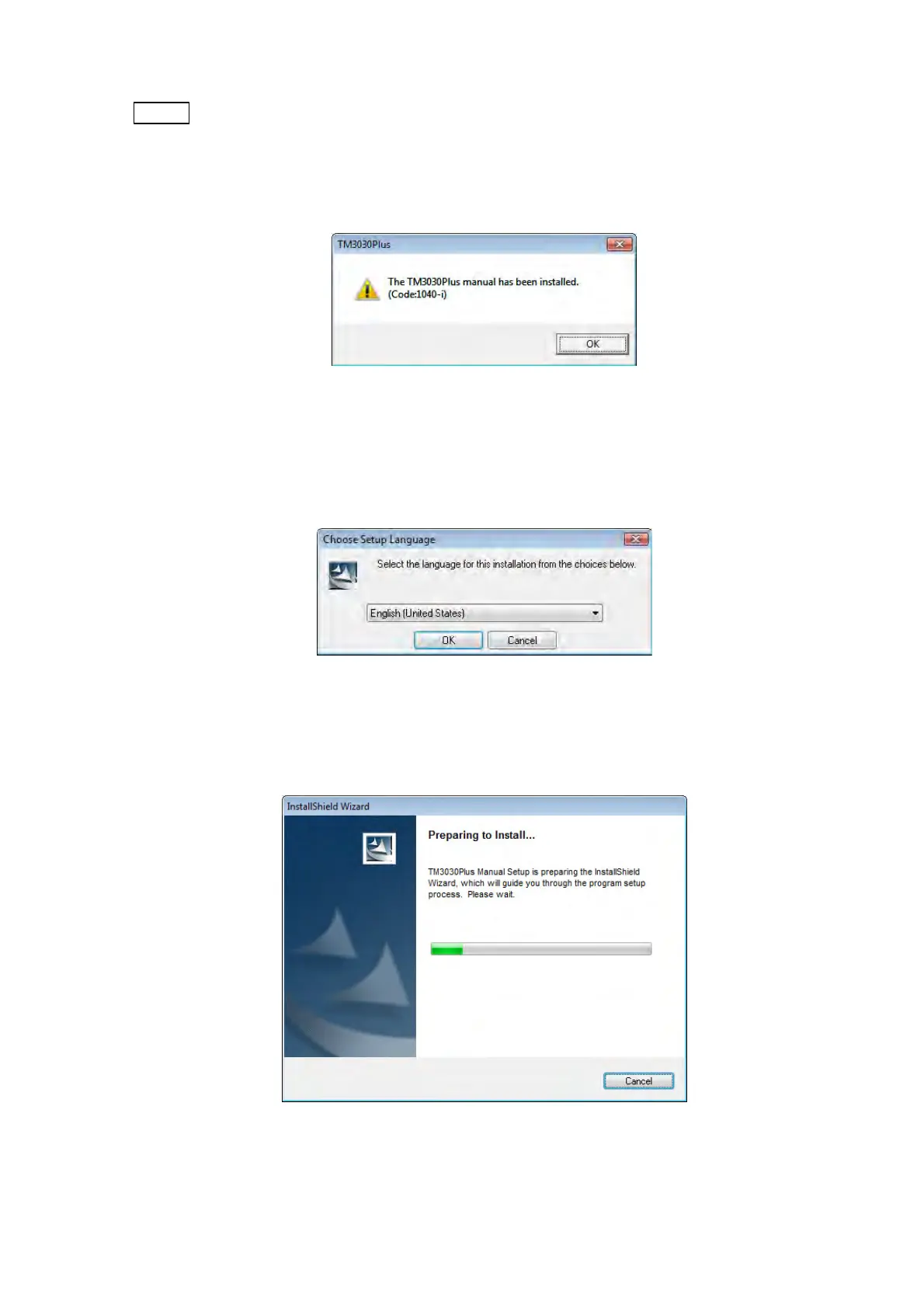
NOTE : When this Instruction Manual is already installed, the window shown below
appears. In this case, click the [OK] button to close the window. After uninstalling
the Instruction Manual, re-install it. For the details of the uninstall process, refer to
2.4.2 Uninstallation of the Instruction Manual.
Figure 2.3.2-3 Message Window
3. The following window appears. Click the [OK] button.
Figure 2.3.2-4 Choose Setup Language Window
4. The following window appears. Wait until the preparing finishes.
Figure 2.3.2-5 Preparing to Install Window



 To Next Page