7 - 31
7.13 3D Viewer Functions
These functions display a 3D image in 3D-Image Viewer, and rotate and zoom those images.
They set display modes and save moving pictures.
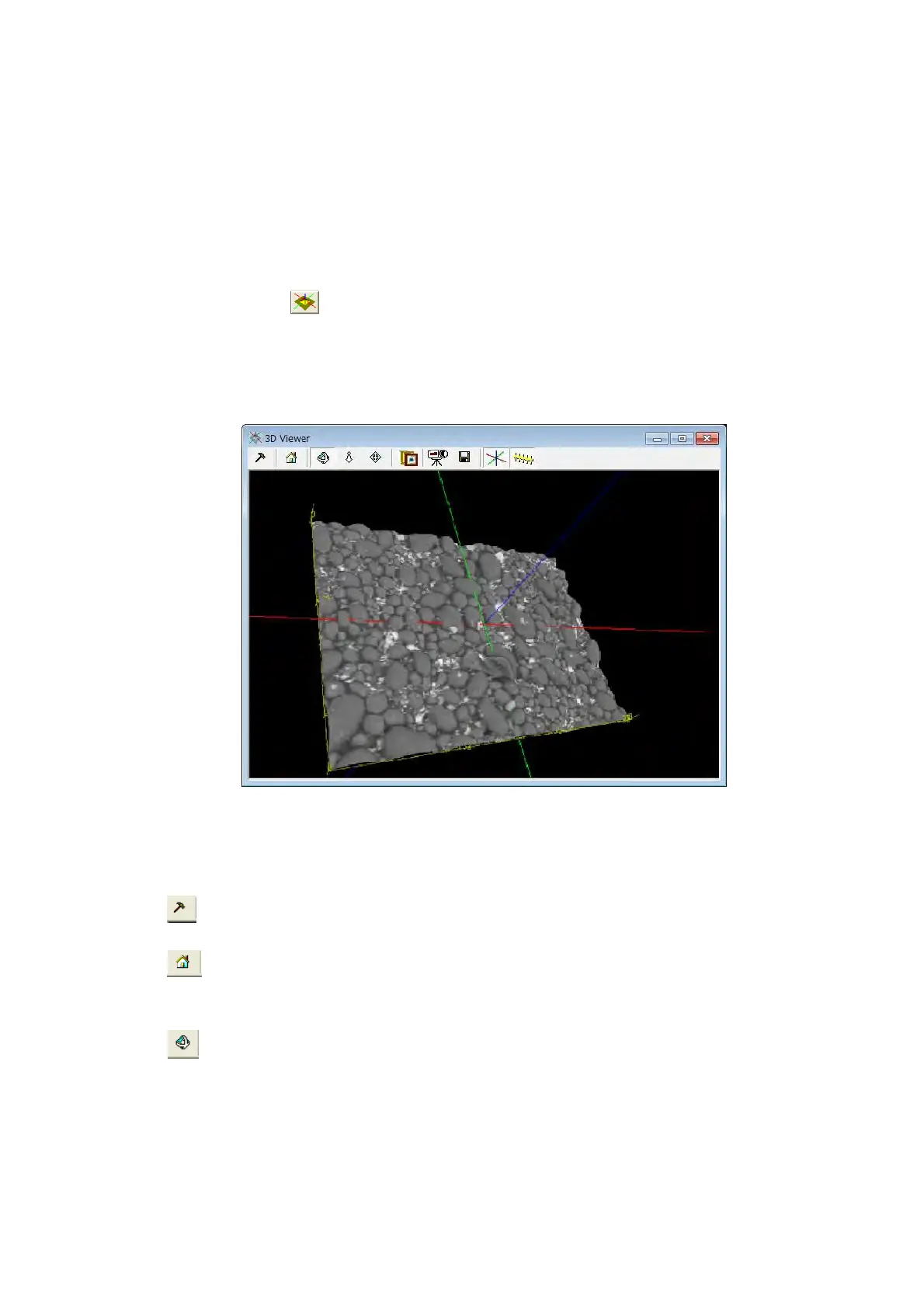
1. 3D Viewer Window
When clicking the [Open 3D view] in the [Analyze] menu on the main window or the
[Open 3D view]
button on the Toolbar, 3D Viewer window is displayed. The 3D
Setup dialog opens when there is no image. 3D model data is created and displayed on
3D-Image Viewer by specifying the quality of 3D model and clicking the [OK] button.
See 7.21 Model Display in Three Dimensions.
Figure 7.13 3D Viewer Window
2. Toolbar Button
(1)
Generate 3D model
Re-creates 3D model.
(2)
Initialize 3D View
The position where 3D model is displayed returns to an initial position immediately after
creating.
(3) Rotate
Rotates 3D model. 3D model can be rotated in the dragged direction by dragging with
the mouse on the 3D model.



 To Next Page