7 - 83
7. After calibration of Flat, tilted surface comes to be displayed horizontally.
7.25.2 Example of Procedure for Z Calibration by 30-degree Tilted Specimen Stub
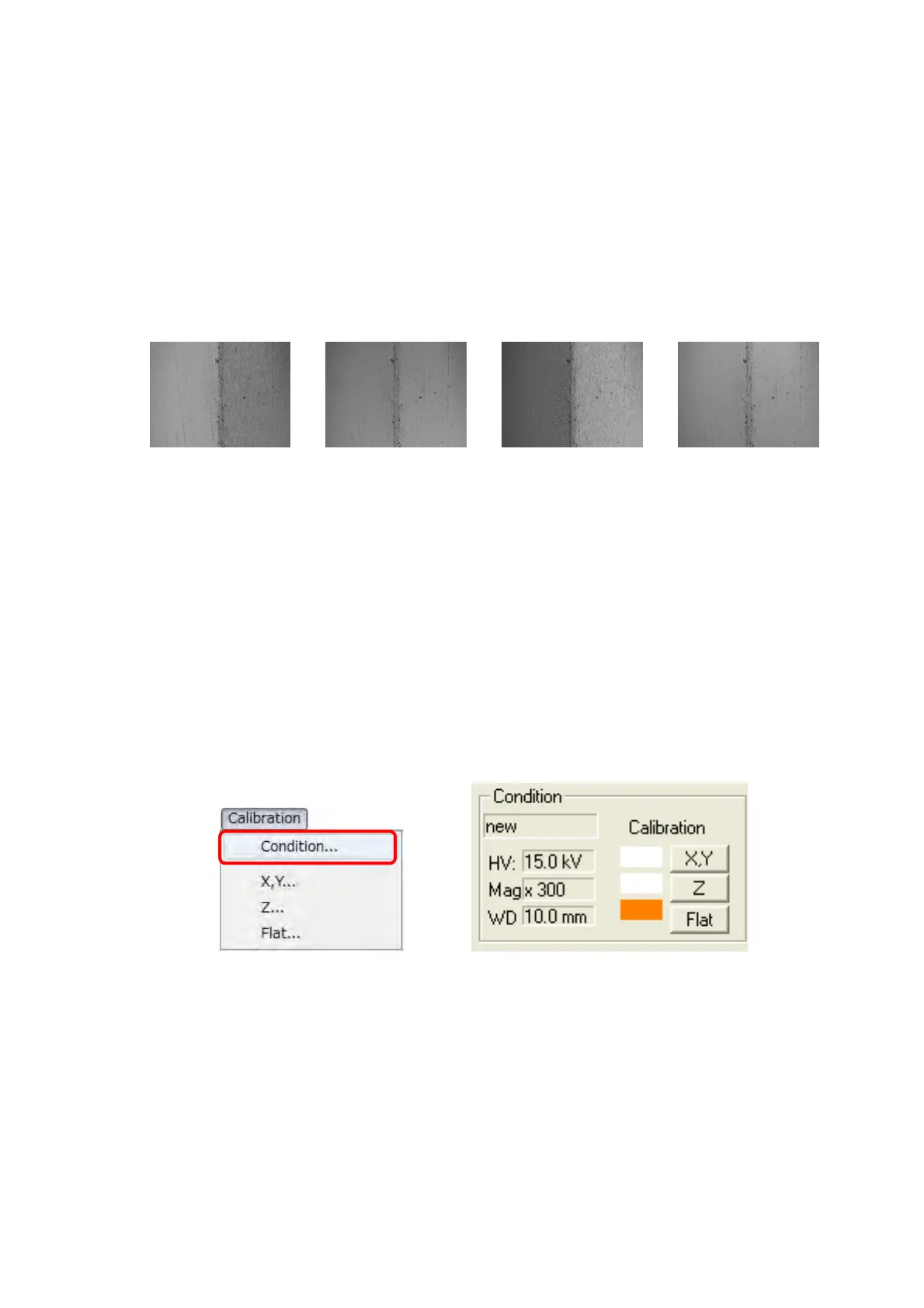
1. Move the stage, display tilted part, and execute 3D-Image Capture. When the flat part is
in a part of the image to know the direction of the inclination part, the calibration part
becomes easy to find.
Element A Element B Element C Element D
Figure 7.25.2-1 Example of Tilted/Flat Part Capturing
2. Using 3D-Image Viewer, import the image acquired as above.
3. On the 3D-Image Viewer application, select [Condition] from the [Calibration] menu, or
click the [Condition] block of the main operation screen of 3D-Image Viewer view to
display the Condition table dialog. On the dialog, either select the measurement
parameters to be applied or create new ones. In addition, Z calibration after Flat
calibration can acquire more accurate result.
Figure 7.25.2-2 Condition Block
Flat partTilted part



 To Next Page