7 - 8
7.6 Installing 3D-Image Viewer
1. Close the TM3030Plus application and any other applications that may be running.
2. Load the 3D-Image Viewer setup CD on the CD-ROM drive. Use Explorer to open the
CD drive.
3. Open the [English] folder contained in the 3D-Image Viewer setup CD, then double-click
the [Setup.exe] file.
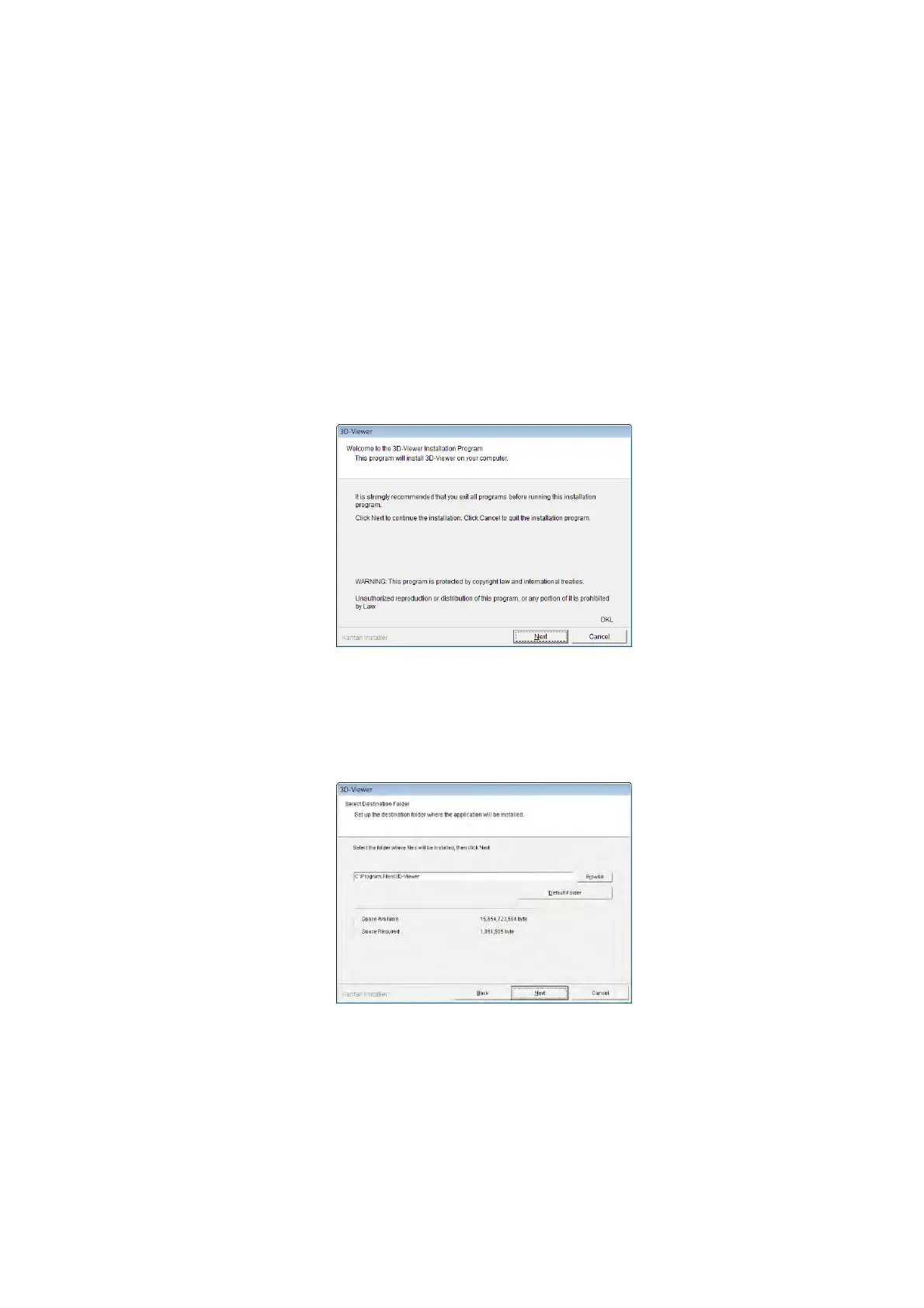
4. The installation program is started. Click the [Next] button.
Figure 7.6-1 Installation Program
5. The Select Destination Folder dialog appears. Click the [Next] button.
Figure 7.6-2 Select Destination Folder Dialog



 To Next Page