7 - 9
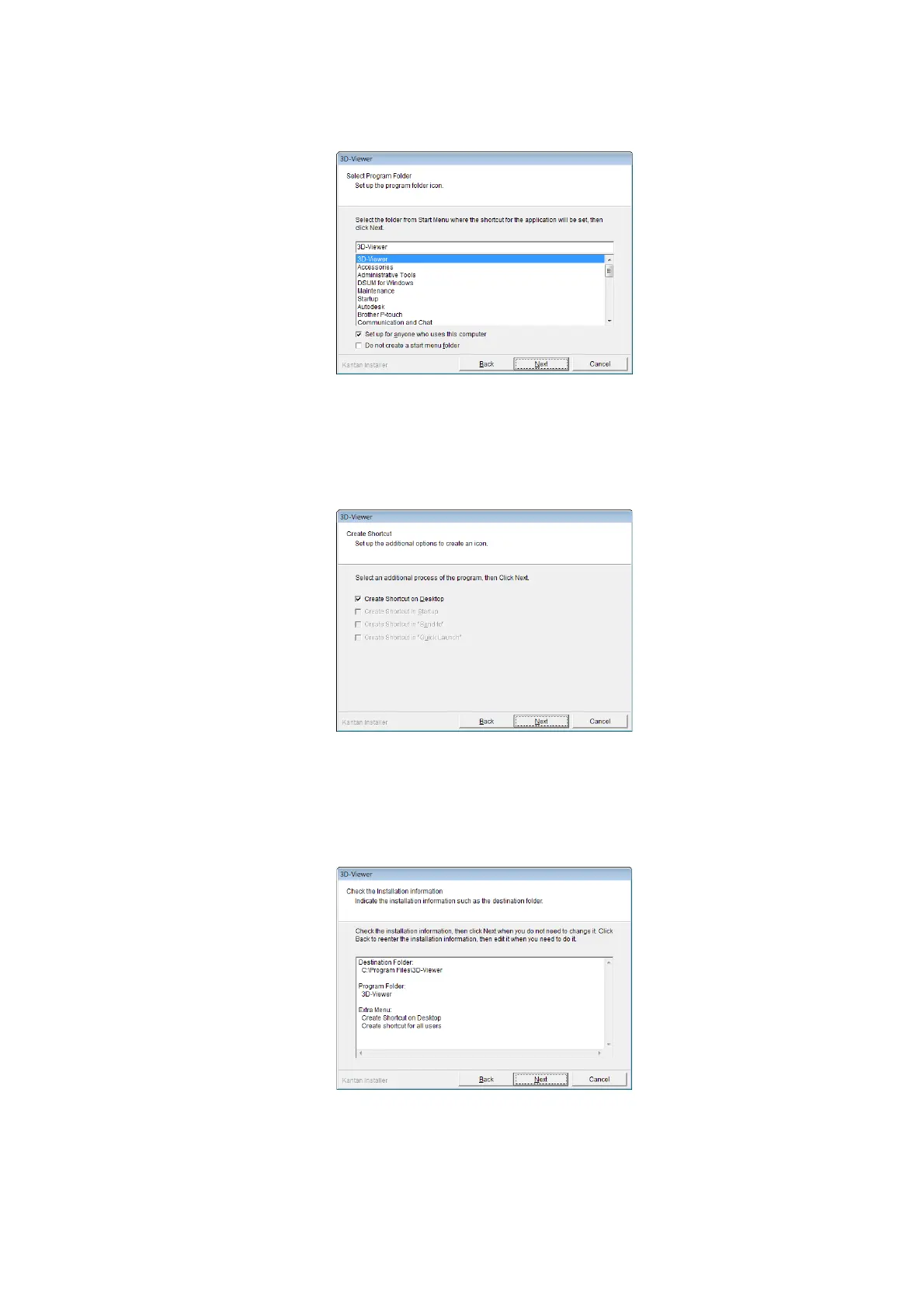
6. The Select Program Folder dialog appears. Click the [Next] button.
Figure 7.6-3 Select Program Folder Dialog
7. The Create Shortcut dialog appears. Click the [Next] button.
Figure 7.6-4 Create Shortcut Dialog
8. The Installation Information dialog appears. Click the [Next] button.
Figure 7.6-5 Installation Information Dialog



 To Next Page