4 - 95
(2) Use Magnification
The magnification information can be added to the file name to save an image. If
either [Quick Save] or [Save] is executed, the file name will be [image +
(xMMM)]. If the [Save] is executed after Digital Zooming (see 4.3.30), the file
name will be [image + (D xMMM)]. When the image number is displayed in the
information area and [Use Image Number] is selected as explained above (1),
the file name will be [image number (xMMM)] or [image number (D xMMM)] after
Digital Zooming. However, when the magnification is higher than 1,000x, the file
name will be [xM.Mk]; when that is higher than 10,000x, it will be [xMMk].
NOTE
: The file name can be edited upon executing image save.
4.3.26 Minimize Button
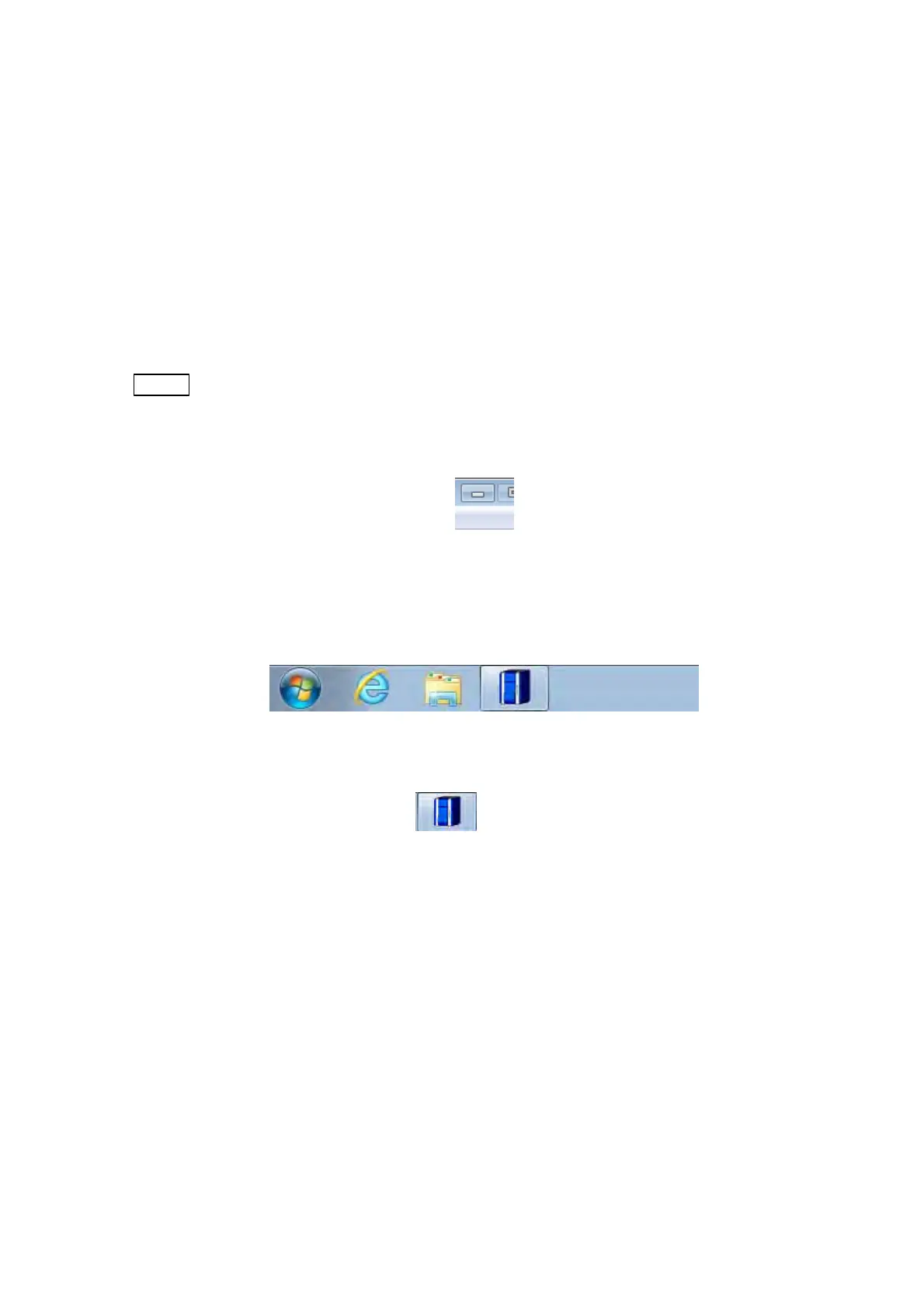
Figure 4.3.26-1 Minimize Button
Minimizes an application program, then stores it on the Taskbar.
Figure 4.3.26-2 Taskbar
To reopen a minimized window, click
on the Taskbar. This displays the application
program.



 To Next Page