2 - 66
2.6 About TM3030Plus Setup CD-ROM (Brief Explanation / Summary)
Before installing the application, check the following precautions:
1. For installation, log in as Administrator (TM3030PlusUSER).
2. Use one PC for operating the TM3030Plus. When using some PCs for one system, you
might not acquire accurate maintenance data of the system.
3. Adjustment data peculiar to a system are included in the TM3030Plus setup CD-ROM.
When a serial number is used in a different device, accurate data cannot be acquired, or
some problems related to functions can occur.
4. Do not eject the TM3030Plus setup CD-ROM from the optical drive when using it. There
is a possibility that the program is not installed normally.
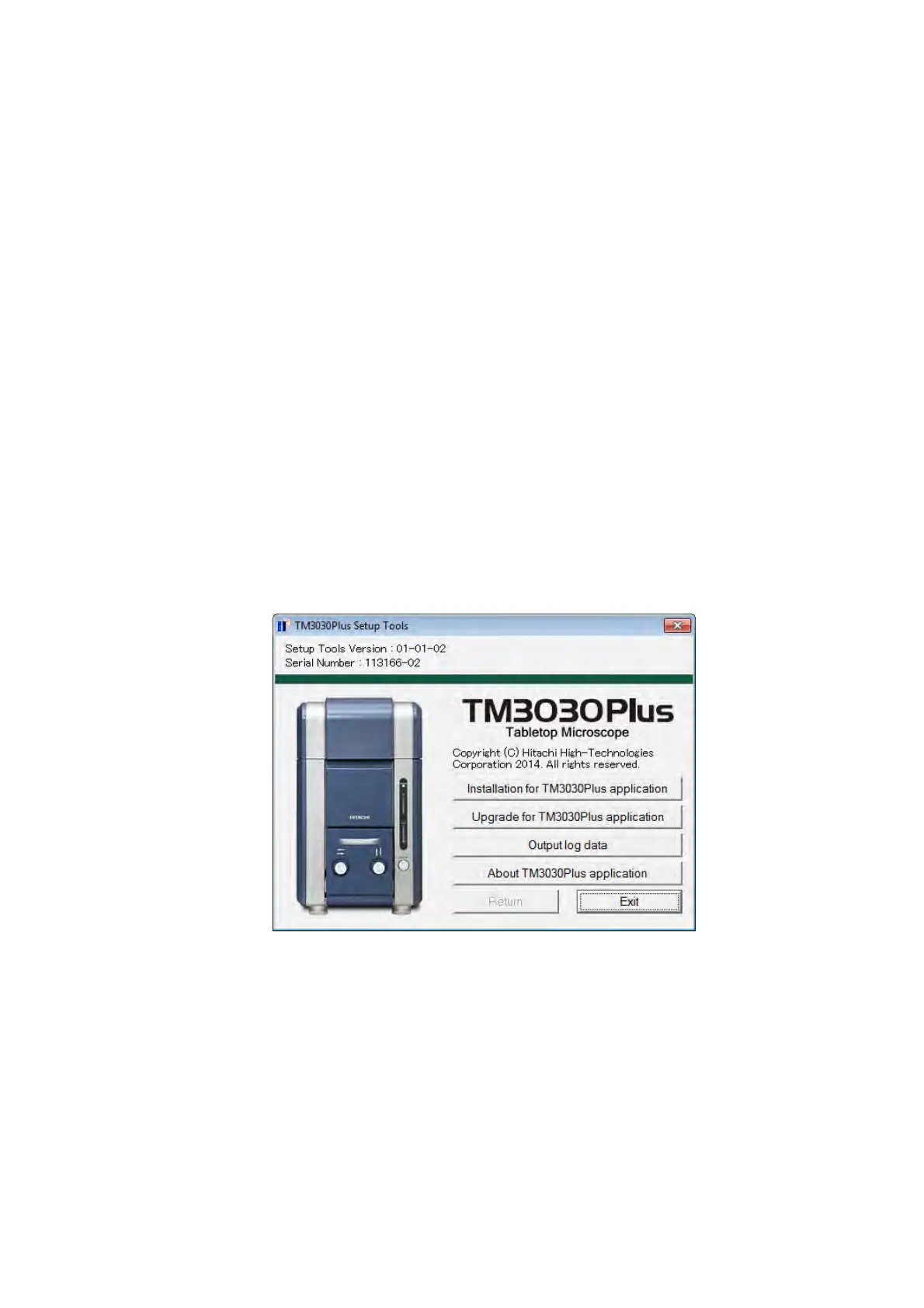
Load the setup CD-ROM on the optical drive. The following TM3030Plus Setup Tools menu
will start automatically.
Figure 2.6 TM3030Plus Setup Tools Window
Functions of the TM3030Plus setup CD-ROM (TM3030Plus Setup Tools) are as follows:
1. Newly Installing the TM3030Plus application program and the instruction manual.
2. Upgrading the TM3030Plus application program and the instruction manual already
installed.
3. Making a backup of the system data used for the TM3030Plus application program.
4. Outputting the log data of the TM3030Plus.



 To Next Page