7 - 79
7.24.3 Calibration of Flat
Flat calibration is executed when the originally horizontal structure is displayed as an
inclining structure because four elements of the BSE detector have the variability of the
sensitivity.
Calibration of Flat requires the flat specimen.
1. Capture the flat area on the specimen by the 3D-Image Capture and import the image
captured using 3D-Image Viewer.
2. Select [Flat] from the [Calibration] menu, or click the [Flat] button on the main operation
screen of 3D-Image Viewer view.
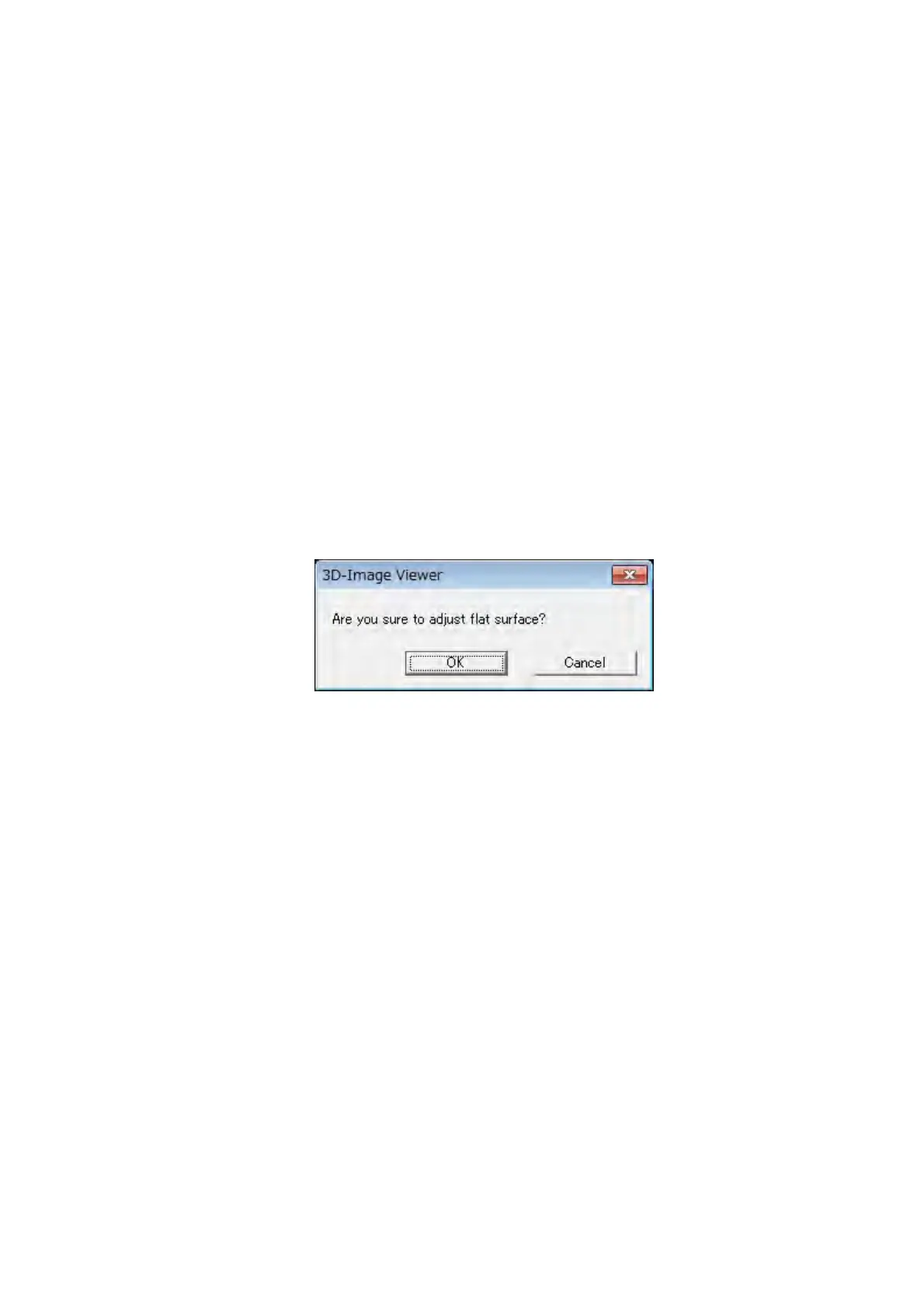
3. The confirmation message shown in Figure 7.24.3 is displayed. When clicking the [OK]
button, Flat calibration is executed. The left side of the [Flat] button in the [Calibration]
block changes into an orange mark.
Figure 7.24.3 Confirmation Dialog
Flat calibration ends with the above-mentioned procedure. When selecting the [Flat] from the
[Calibration] menu or clicking the [Flat] button on the [Calibration] block with Flat calibration
executed, the content of Flat calibration is cleared and returned to the default.



 To Next Page