2 - 28
2.3.5 Installation of the USB Driver Software
Perform the following operations after installation of TM3030Plus application.
1. Shut down the main unit.
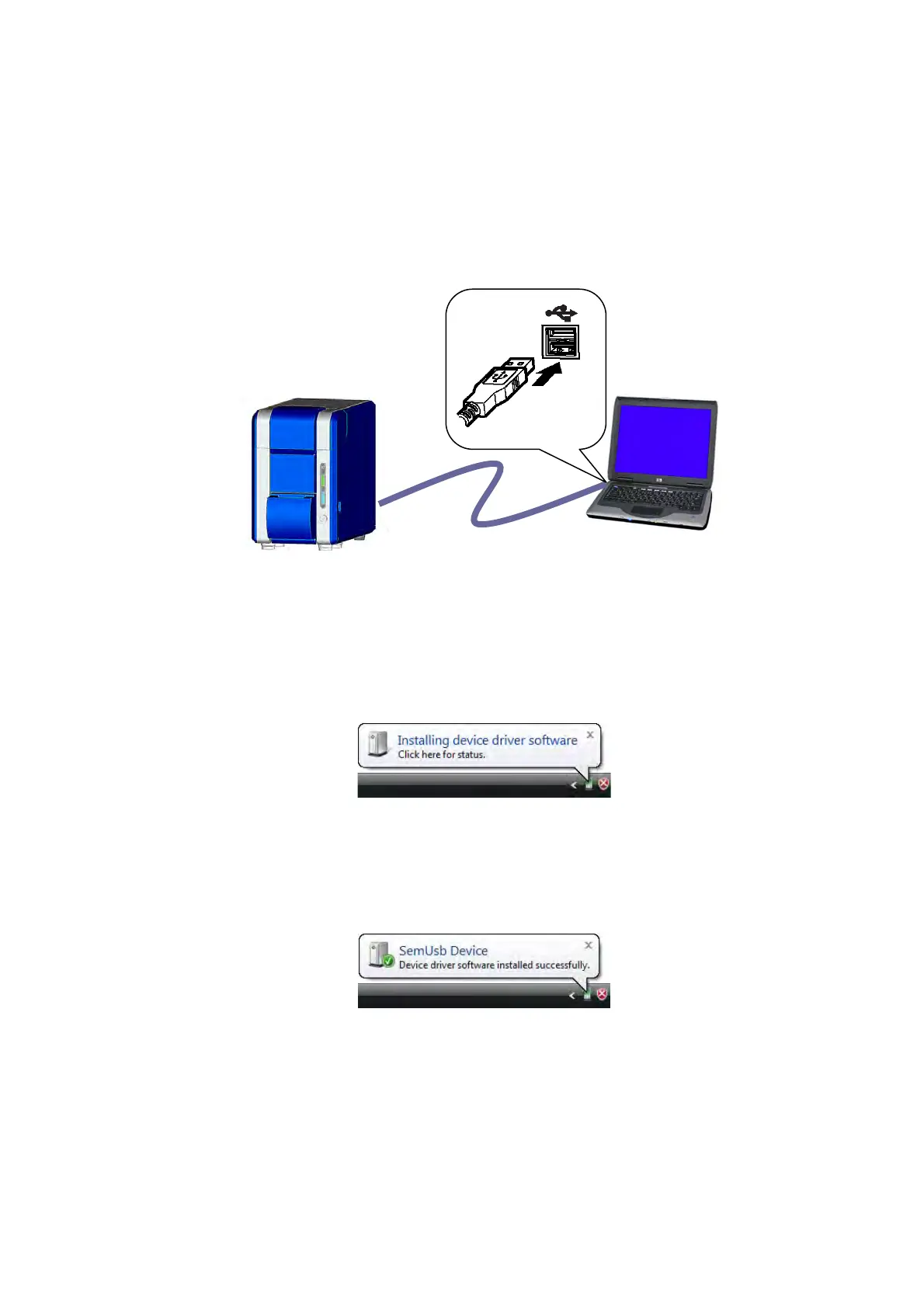
Connect the USB cable coming from the main unit to the PC USB port.
Figure 2.3.5-1 Connecting the Main Unit and the PC
2. Turn on the main unit. The Plug-and-Play function recognizes the USB device, and
displays the following message for a few seconds in the lower part of the screen.
Figure 2.3.5-2 Installing device driver software Message
3. After the USB device driver is installed successfully, the following message appears.
Figure 2.3.5-3 SemUsb Device Message
PC
Main unit
USB cable



 To Next Page