4 - 33
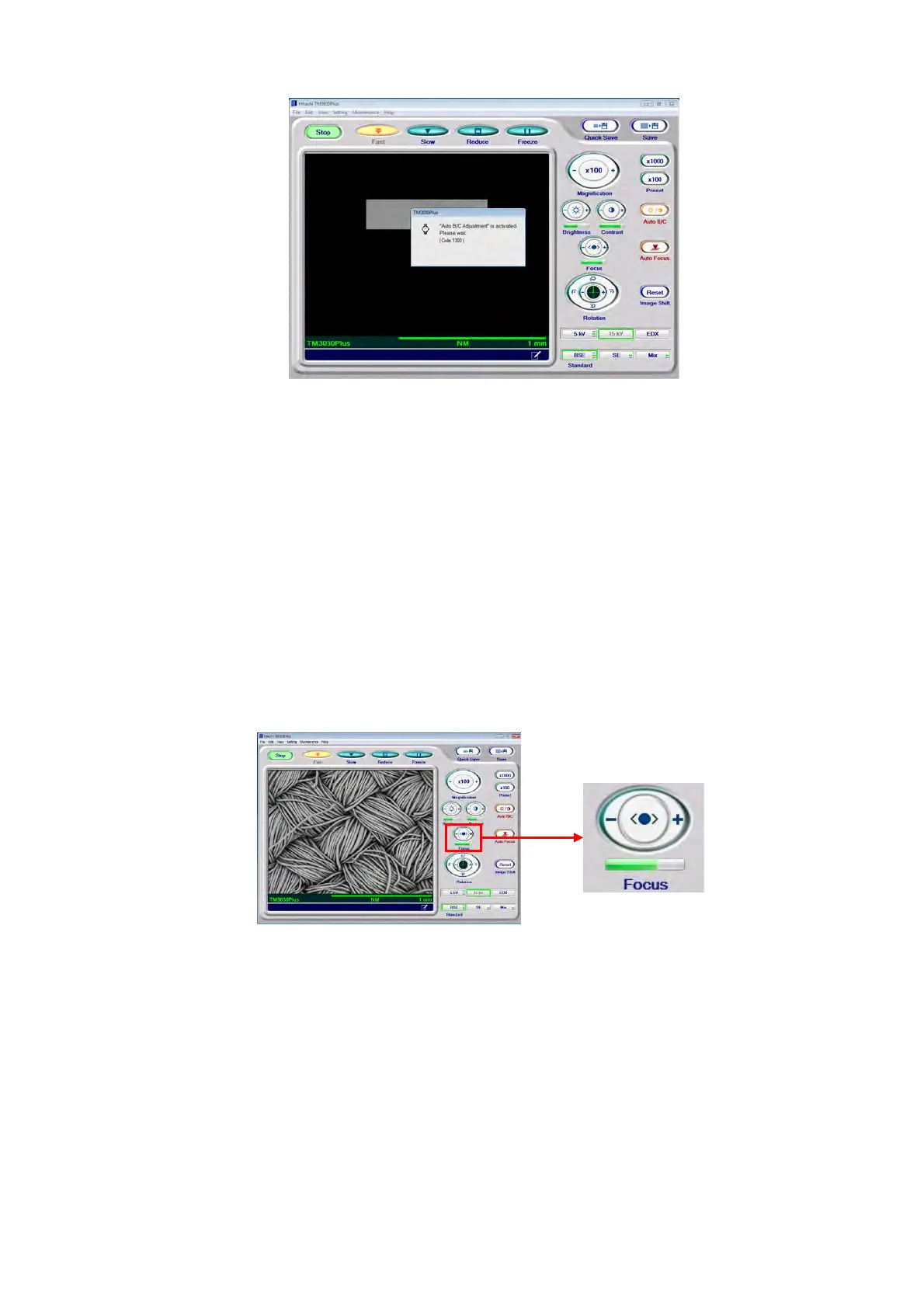
Figure 4.2.9-3 Auto B/C Execution Screen
When a field of view or magnification is changed, brightness and contrast can vary.
In such cases, press the [Auto B/C] button to appropriately adjust the balance between
brightness and contrast so as to facilitate the search process.
4.2.10 Coarse Focusing
Manual focusing and auto focusing are available.
1. Manual Operation
Figure 4.2.10-1 Coarse Adjustment of Focusing (Manual Operation)
To adjust focus, click either + or – side of the [Focus] button. While pressing the button,
the focus continues to vary. If an accurate focus position is not found, use auto focusing
function (see 4.2.10 2.) and then check it by performing manual operation.
For the details, refer to 4.3.20 Auto B/C Button.



 To Next Page