2 - 31
2.3.7 Setup of the Observation Screen Size
NOTE
: When starting the TM3030Plus application program, follow these precautions:
1. Connect the main unit to the PC with a USB cable.
2. Start the application program after turning on the main unit. The application
doesn’t start when the main unit is shut down or the USB cable is unplugged.
(When initializing, this message appears.)
3. Do not shut down the main unit or unplug the USB cable while the application
is running.
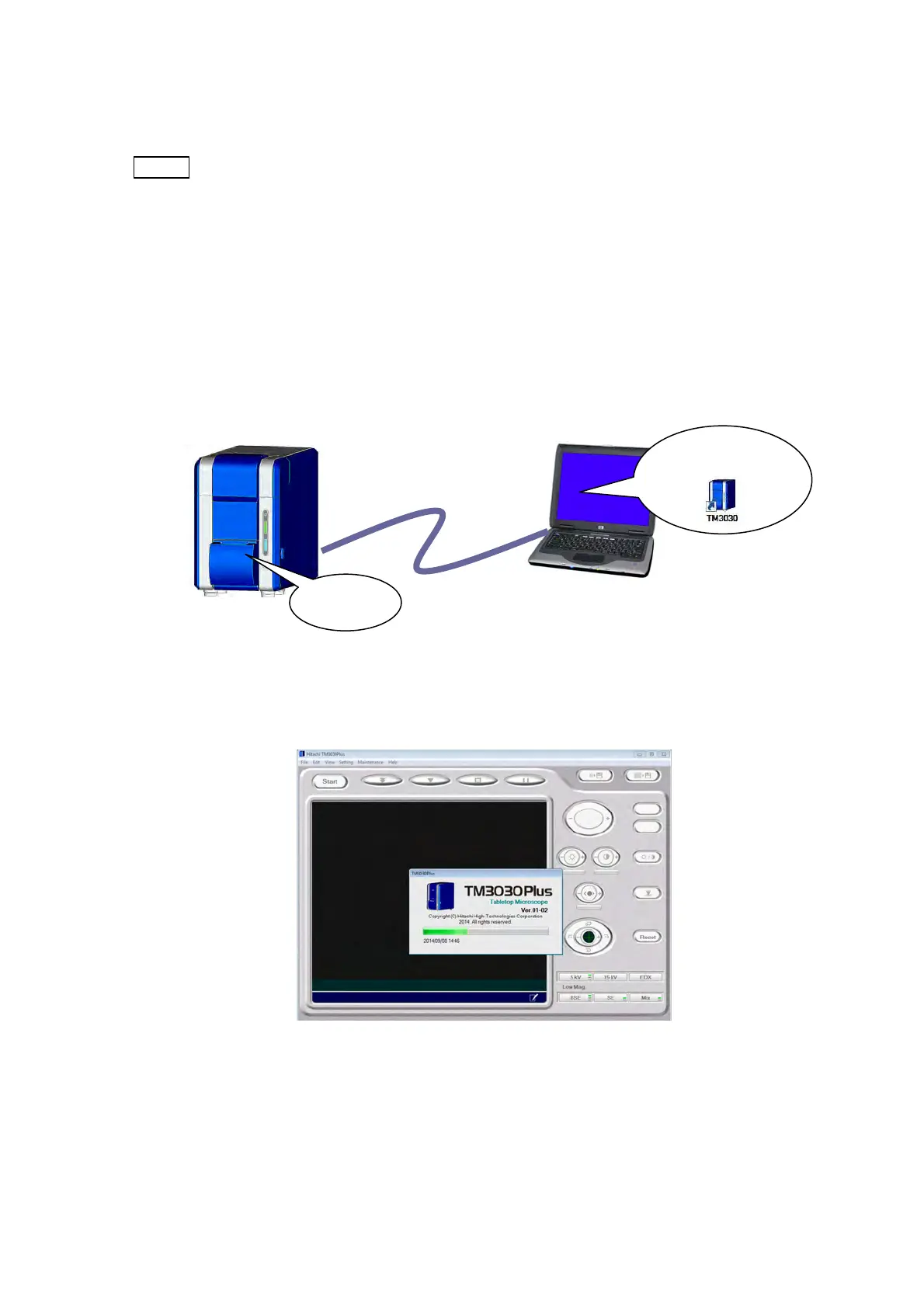
1. Double-click the TM3030Plus shortcut icon on desktop to power up the main unit.
Figure 2.3.7-1 Connecting the Main Unit to the PC
2. The application starts up.
Figure 2.3.7-2 Application Startup Window
(1) Power UP
(2) Application starts.
Main unit
USB cable
PC



 To Next Page