2 - 32
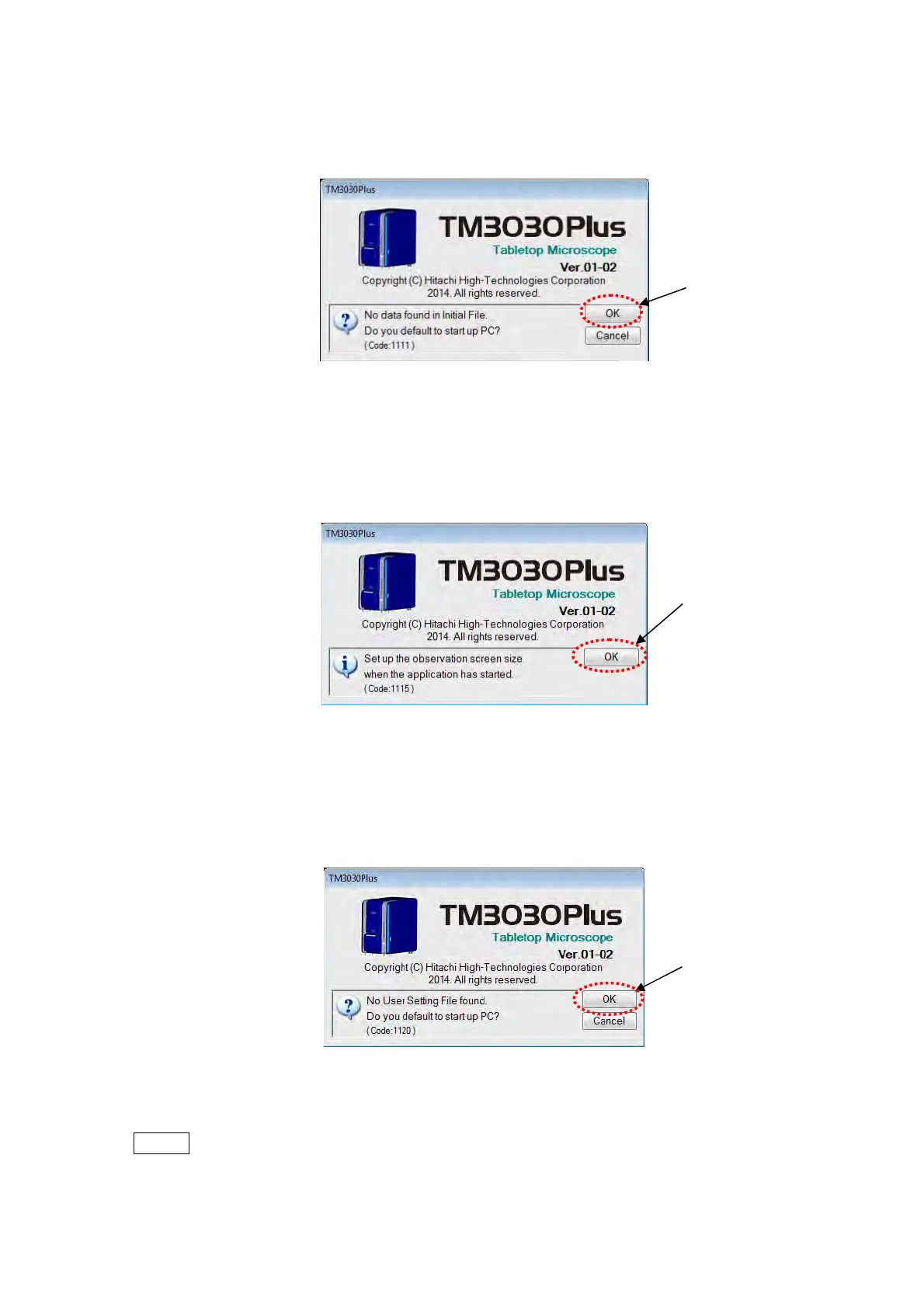
3. After installing the application, when the application starts up first, the [No data found in
Initial File. Do you default to start up PC?] message appears. Click the [OK] button.
Figure 2.3.7-3 Default to Start Up Window
4. The [Set up the observation screen size when the application has started.] message
appears. Click the [OK] button.
Figure 2.3.7-4 Observation Screen Size Setup Window
5. The message [No User Setting File found. Do you default to start up PC?] message.
Click the [OK] button.
Figure 2.3.7-5 Default to Start Up Window
NOTE
: When initializing, do not shut down the main unit or unplug the USB cable.
Click
Click
Click



 To Next Page