4 - 108
NOTE : Any of the following characters cannot be used in a file name: [ / : ; * ? " < > | ! ' &]
(half-width characters).
Figure 4.3.31-6 Save Image Window
Close button:
Closes the window.
4.3.32 Image Balance Window
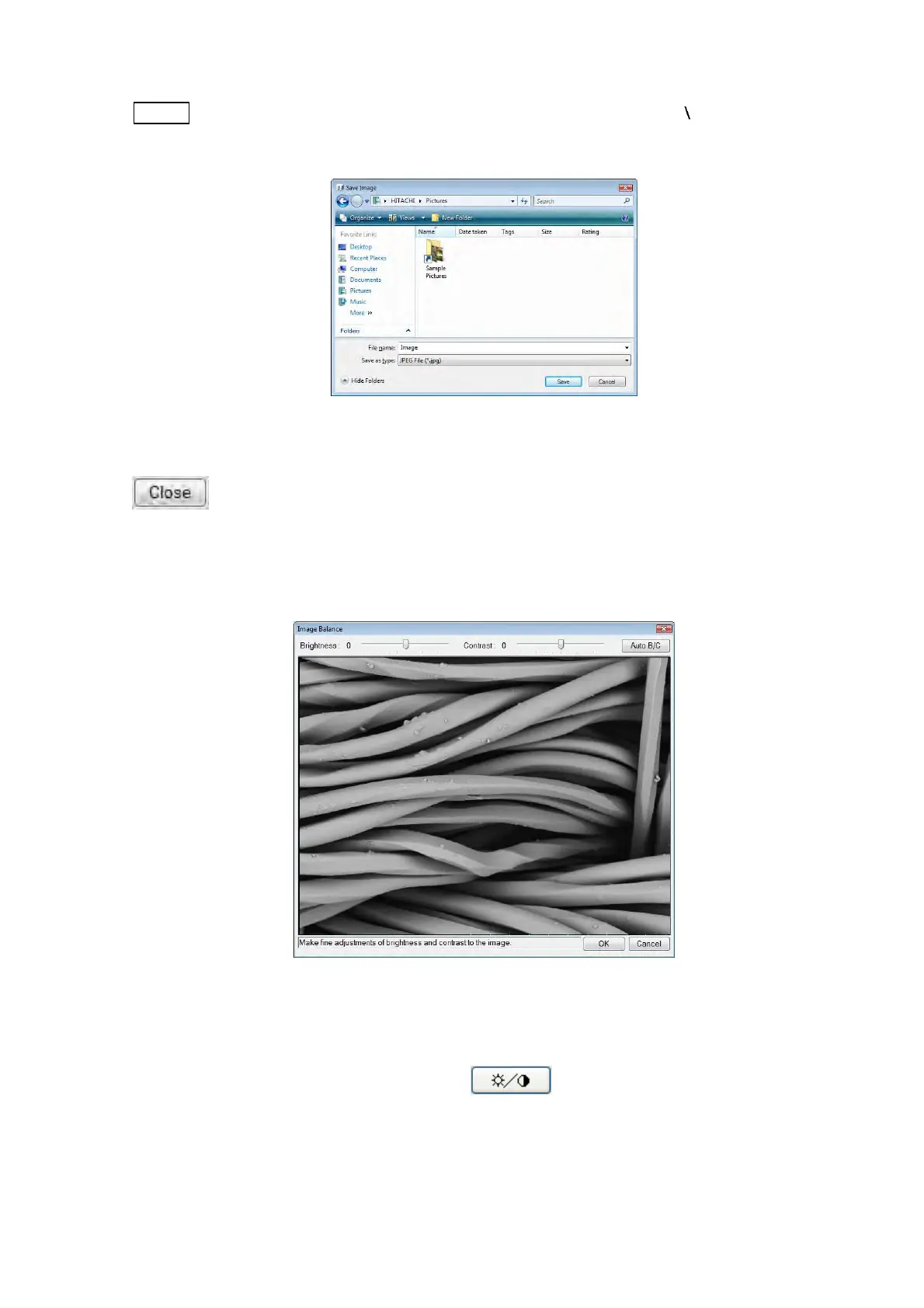
Figure 4.3.32 Image Balance Window
This window allows adjusting the image on the Data Entry / Measurement window (see
4.3.31). Click the [Image adjustment] button
(see 4.3.31.2).



 To Next Page