4 - 41
4.2.13 Checking the Image Data
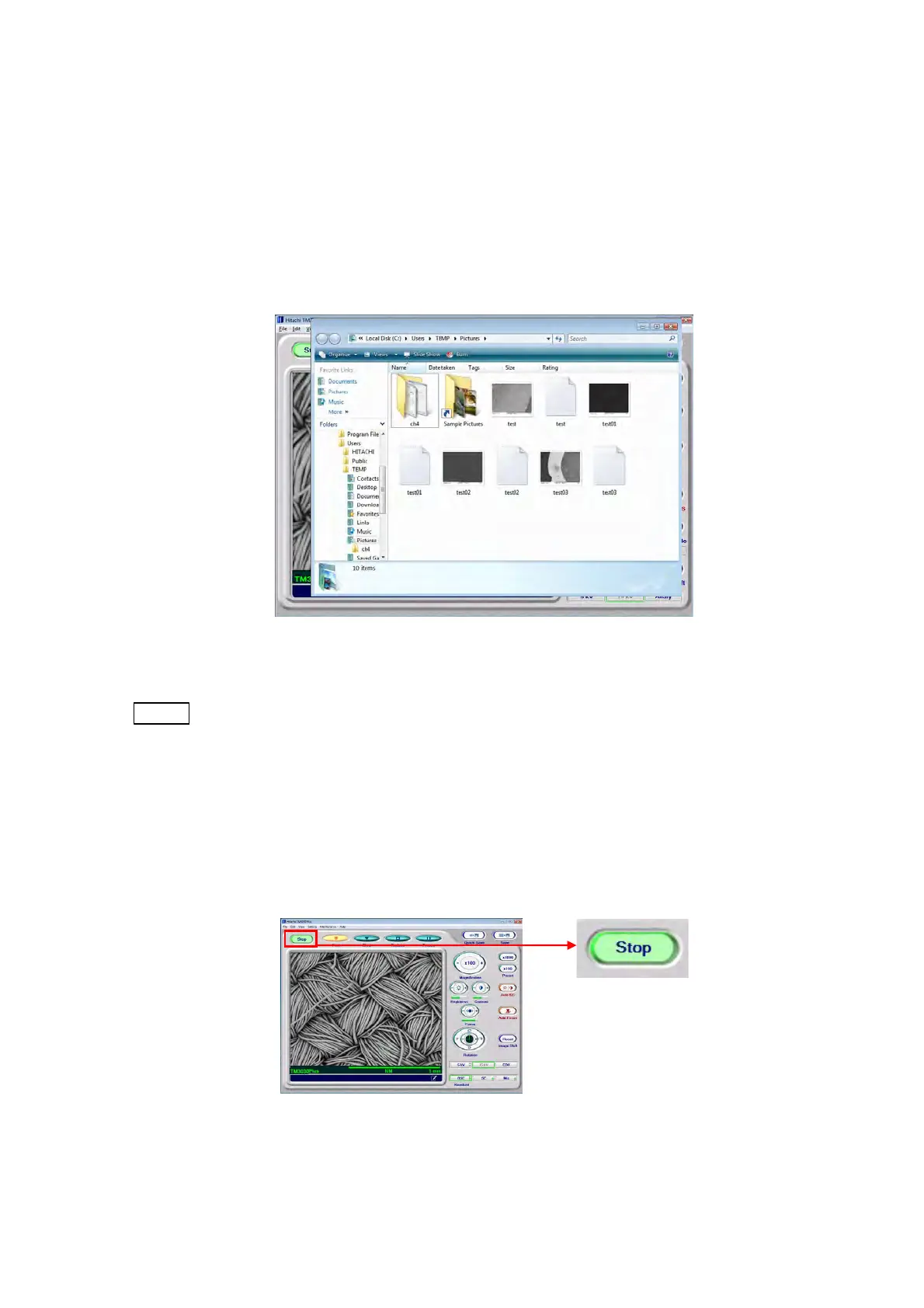
Using Windows Explorer, display a list of saved images.
1. Select the [Saved images] from the [File] menu. Or, press the [F9] key on your keyboard.
2. Open the folder in which an image was saved last.
Figure 4.2.13 Image Data Save Folder
NOTE
: If reduced images are not displayed in the folder, click the [View] button on the
Toolbar and select either [Medium Icons] or [Large Icons]. This displays a list of
saved images in the folder.
4.2.14 Terminating the Image Observation
1. Click the [Stop] button to terminate the image observation process.
Figure 4.2.14-1 Terminating the Image Observation



 To Next Page