4 - 66
4.3.11 View Mode Selection Button
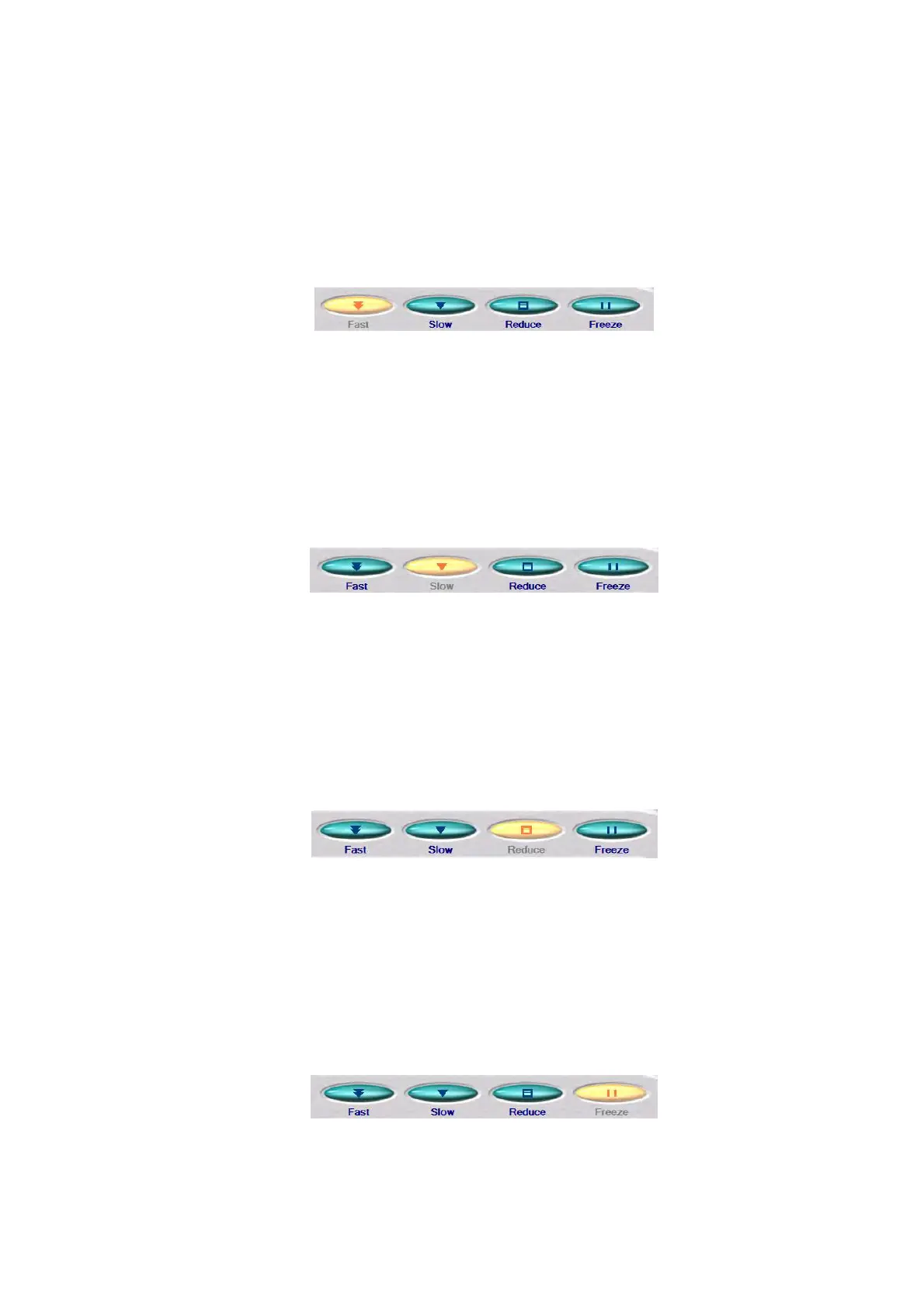
Changes the view modes. The current view mode button turns yellow. The following view
modes are available:
1. Fast
Figure 4.3.11-1 View Mode Selection Button (Fast)
Well-suited for the operation to search for a target field of view while adjusting the
observation position of the specimen.
2. Slow
Figure 4.3.11-2 View Mode Selection Button (Slow)
Well-suited for checking an image with a high image quality. An image having an actual
image quality to be saved will be displayed.
3. Reduce
Figure 4.3.11-3 View Mode Selection Button (Reduce)
Well-suited for the manual fine adjustment of focus (see 4.2.11.1) or astigmatism
correction (see 4.2.11.2).
4. Freeze
Figure 4.3.11-4 View Mode Selection Button (Freeze)



 To Next Page