4 - 103
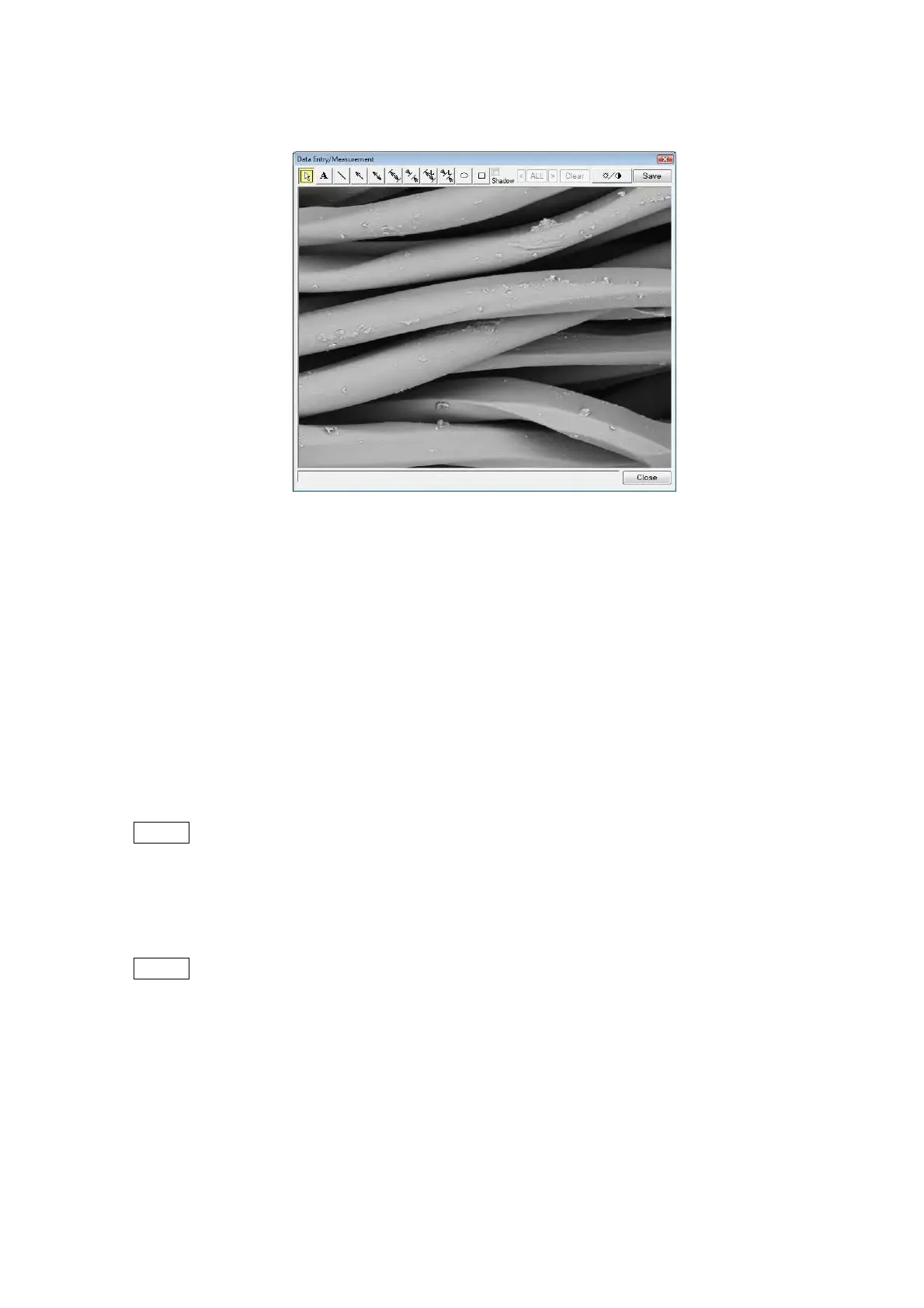
4.3.31 Data Entry / Measurement Window
Figure 4.3.31-1 Data Entry / Measurement Window
A maximum of 50 characters and graphics can be written onto an observed screen. In
addition, the distance between two points can be measured (using the Quick Measurement
function).
1. Data Entry Operation
1a. Select [Freeze] in [View mode settings area]. From the [Edit] menu, select [Data Entry /
Measurement].
NOTE
: To write characters and graphics on the observation screen, select [Freeze] (see
4.3.11) in [View mode settings area], or execute [Quick Save] (see 4.3.14) or
[Save] (see 4.3.15). Data cannot be entered in [Fast], [Slow], or [Reduce] of the
View mode.
NOTE
: When exchanging specimens, and then pressing the EVAC/AIR switch for air
introduction into the specimen chamber, the displayed image will disappear and
[Data Entry / Measurement] will become unselectable. If you want to input data, be
sure to select [Data Entry / Measurement] before pressing the EVAC/AIR switch.



 To Next Page