2 - 1
2 INSTALLATION AND SETUP
2.1 Connecting to the PC
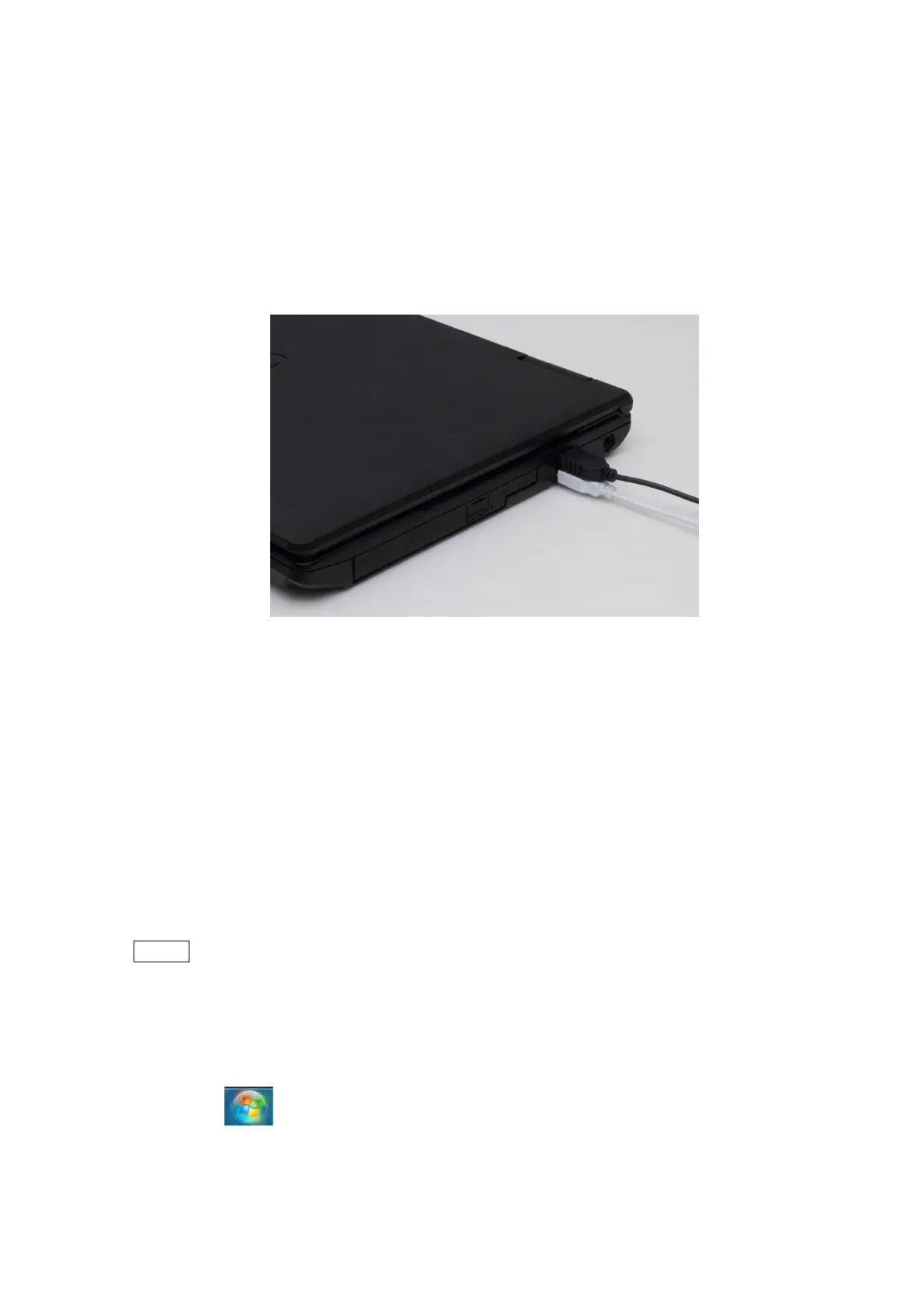
Connect the main unit and a PC as shown in the figure below.
1. Connect the USB cable coming from the main unit to the PC USB port.
Figure 2.1 Connecting a USB Cable to the PC
2. Plug the power cable of the PC in a customer-provided outlet.
3. Plug the power cable of the main unit in a customer-provided outlet.
2.2 Setting up the PC
2.2.1 Screen Settings
NOTE
: The setup process and the reference screen images described in this chapter are
designed for the PC belonging to the TM3030Plus main unit. Unspecified PCs may
require a different way for setup and show different screen images from those of
this chapter. In such a case, follow your PC’s instruction manual.
1. Click the [Control Panel] from the [Start] button located in the lower left of the
desktop.



 To Next Page