7 - 39
7.15 Displaying a 3D-Image by 3D-Image Viewer
7.15.1 Launching 3D-Image Viewer
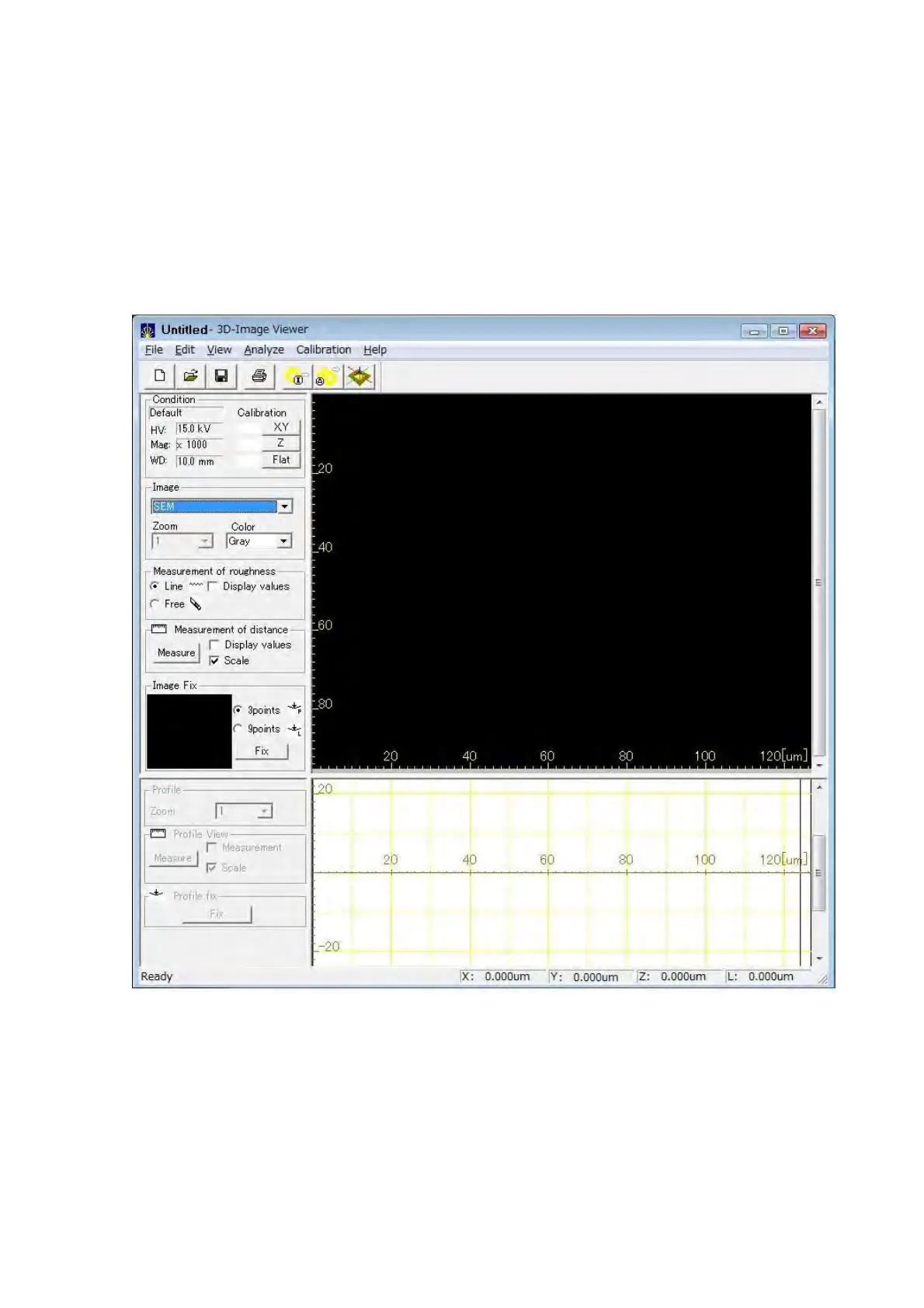
After acquiring an image by using 3D-Image Capture, launch 3D-Image Viewer to perform 3D
display/measurement. Start 3D-Image Viewer by double-clicking the 3D-Image Viewer
shortcut on the Desktop or from the [Start] menu.
Figure 7.15.1 3D-Image Viewer Main Window



 To Next Page