2 - 36
2.3.8 Adding a User Account
1. When starting the application with a new Windows user account, perform the operations
described in [2.2.7 Screen Settings] for each account. For the operation to create a
Windows user account, see the instruction manual supplied for the PC.
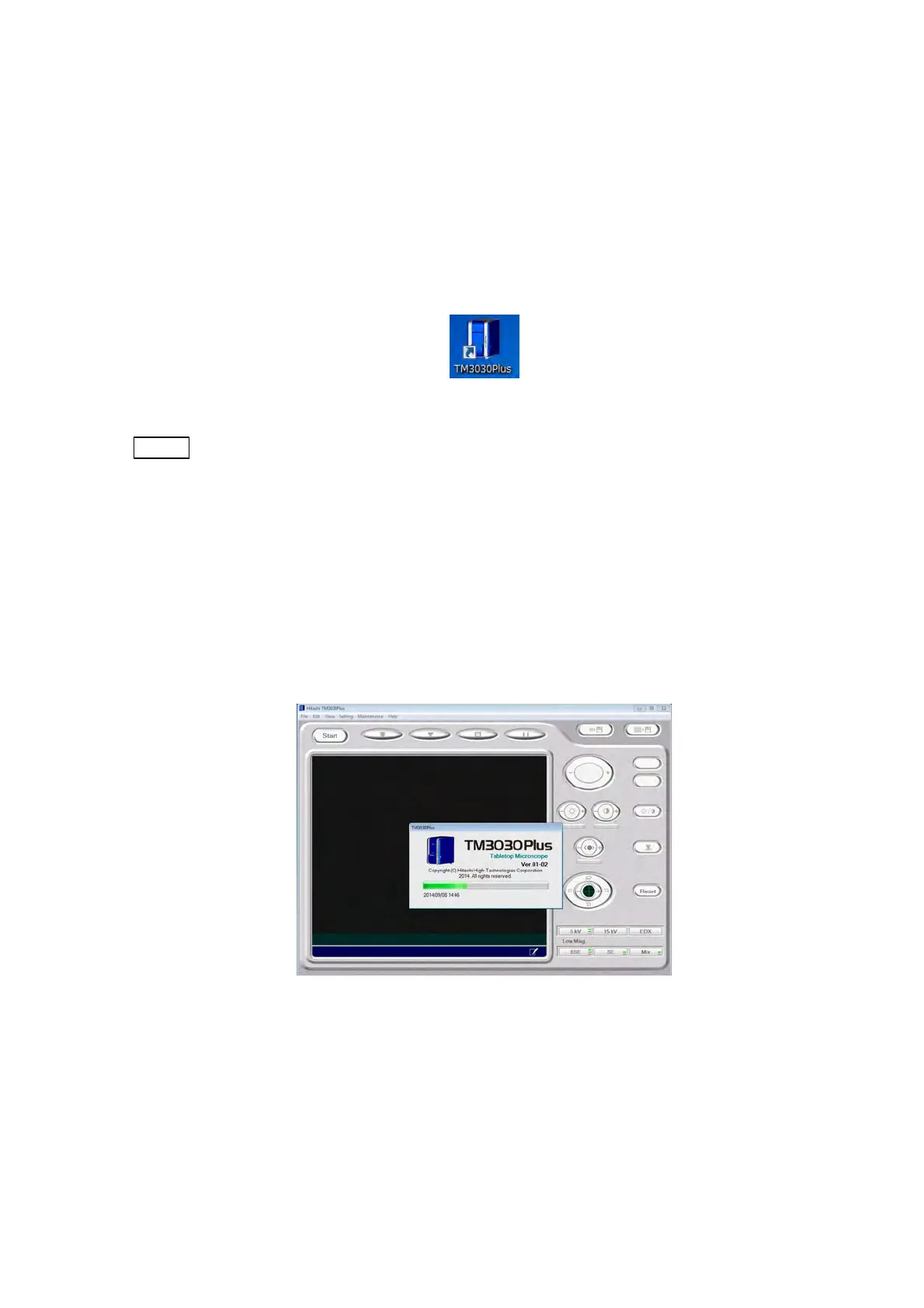
2. Turn on the main unit. Double-click the TM3030Plus shortcut icon on the desktop.
Figure 2.3.8-1 TM3030Plus Shortcut Icon
NOTE
: Before launching an application, check the following items:
1. Make sure the PC is connected to the main unit with a USB cable.
2. Start the application when the main unit is powered on. The application cannot
be started if the main unit is turned off or the USB cable is unplugged (an
initialization message will be displayed).
3. When the application is being started, do not turn off the main unit or unplug
the USB cable.
3. The application starts up.
Figure 2.3.8-2 Application Startup Screen



 To Next Page