2 - 35
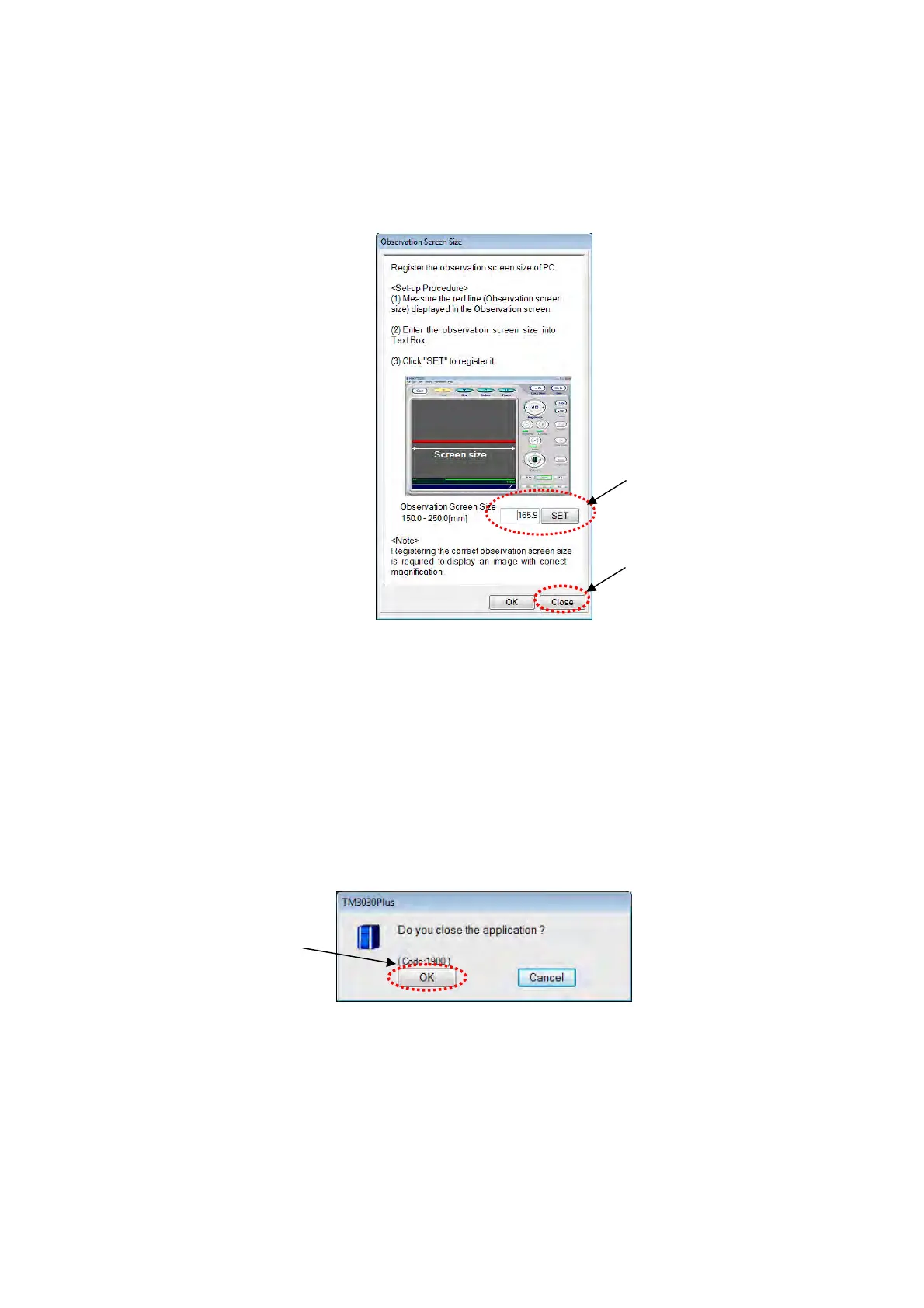
10. Input the length of the red line in the [Observation screen size] box of the Observation
Screen Size dialog, and click the [SET] button and the [Close] button.
* The observation screen size will change depending on the PC environment.
Figure 2.3.7-10 Observation Screen Size Window
11. Click the [Close] button to close the Observation Screen Size window.
12. Click the [X] button at the right side of the title bar in the operation window or select
[Exit] from the [File] menu to close the application program.
13. The following window appears. Click the [OK] button to close the application program.
Figure 2.3.7-11 Application Closing Window
Click
Click
Click



 To Next Page