7 - 11
7.7 Uninstalling 3D-Image Viewer
1. Close the TM3030Plus application and any other applications that may be running.
2. Open Control Panel. Execute the [Uninstall of Program].
3. On the [Add or Remove Programs] list, select [3D-Viewer], and click the [Remove]
button.
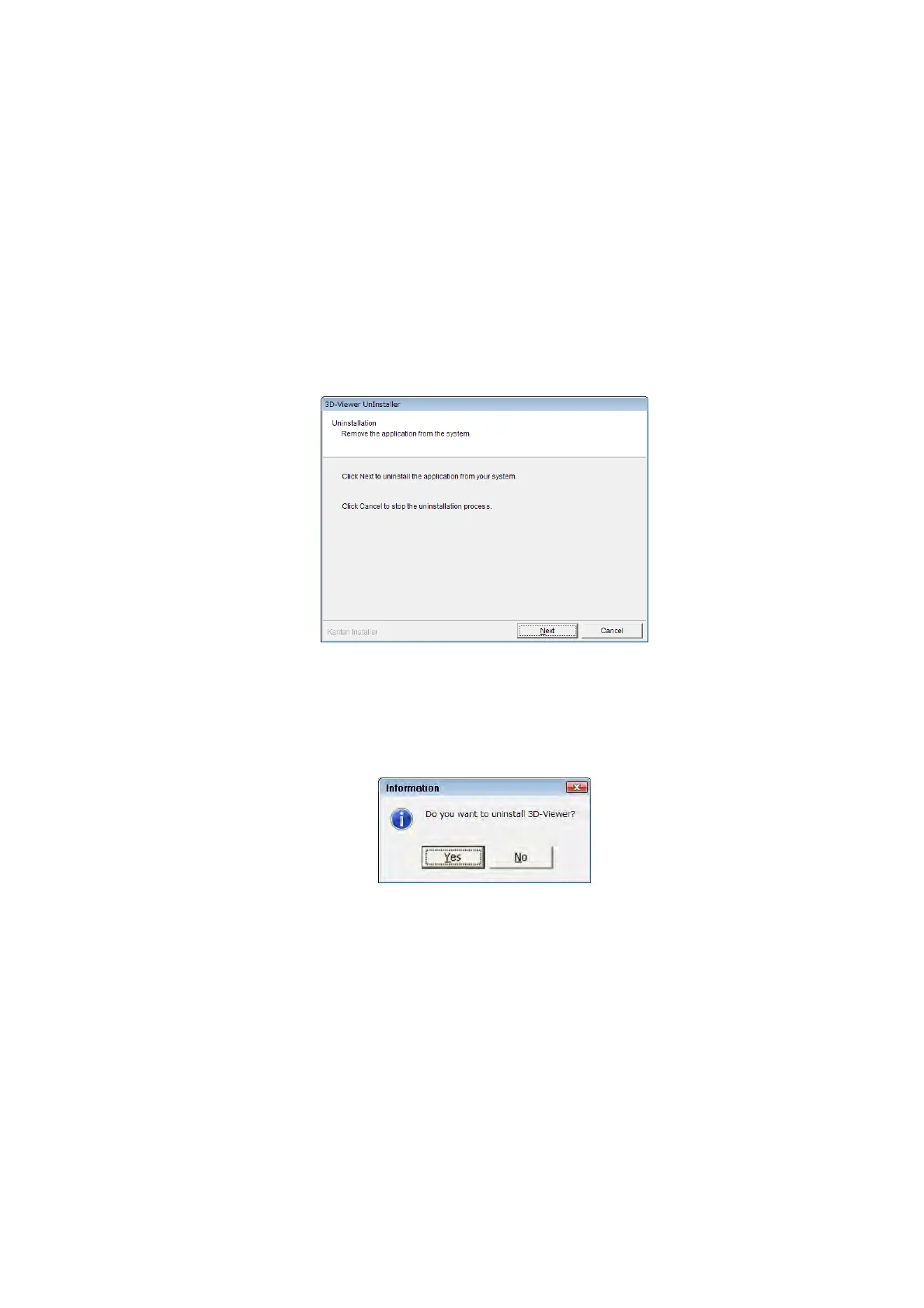
4. The Uninstallation dialog appears. Click the [Next] button.
Figure 7.7-1 Uninstallation Dialog
5. The Information message appears. Click the [Yes] button.
Figure 7.7-2 Information Message



 To Next Page