4 - 110
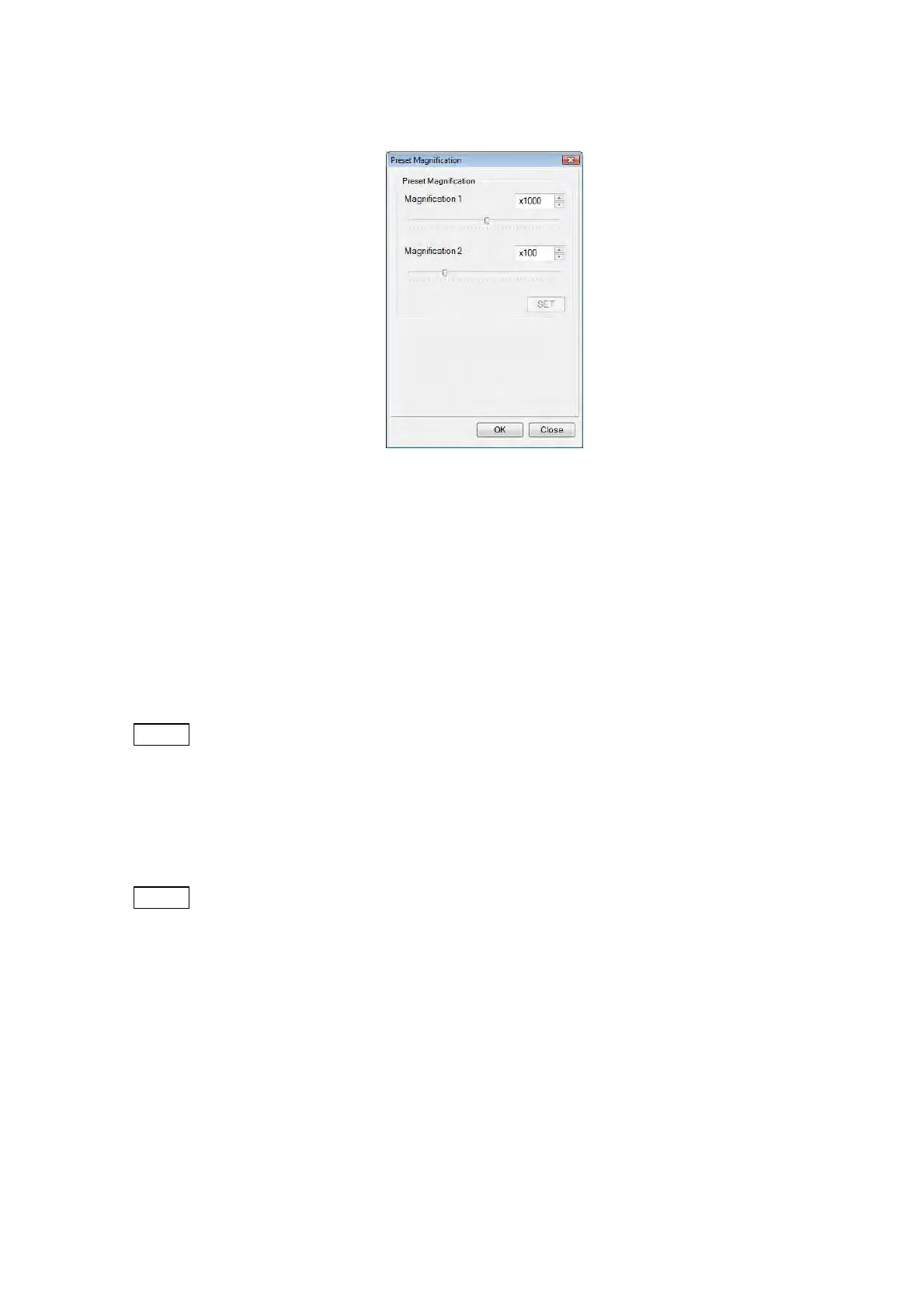
4.3.33 Preset Magnification Window
Figure 4.3.33 Preset Magnification Window
Registers preset magnifications within the range of 15x to 10,000x. Select [Preset
Magnification] from the [Setting] menu.
Magnifications can be registered independently in Preset Magnifications 1 and 2, using the
slider or the up/down button on the Preset Magnification window. Click the [SET] or [OK] button
to determine the preset magnifications. The results are applied to the magnification display of
the [Preset] button (see 4.3.17) on the Operation window.
NOTE
: If two magnifications with a large magnification difference, such as a low
magnification (e.g. 100x or less) and a high magnification (e.g. 10,000x), are set
and switched each other, an observation field of view deviation can occur. In such
a case, change magnifications by using the [Magnification] button. It is
recommended that the preset magnification should be set at up to x5,000.
NOTE
: If the magnification set as a preset value is not allowable in consideration of the
current observation condition and the value of D (i.e. the magnification is 15x, 18x,
20x, 25x or 30x), the magnification will not be switched, even though the [Preset]
button is clicked. (See Table 4.3.16.)



 To Next Page