2 - 12
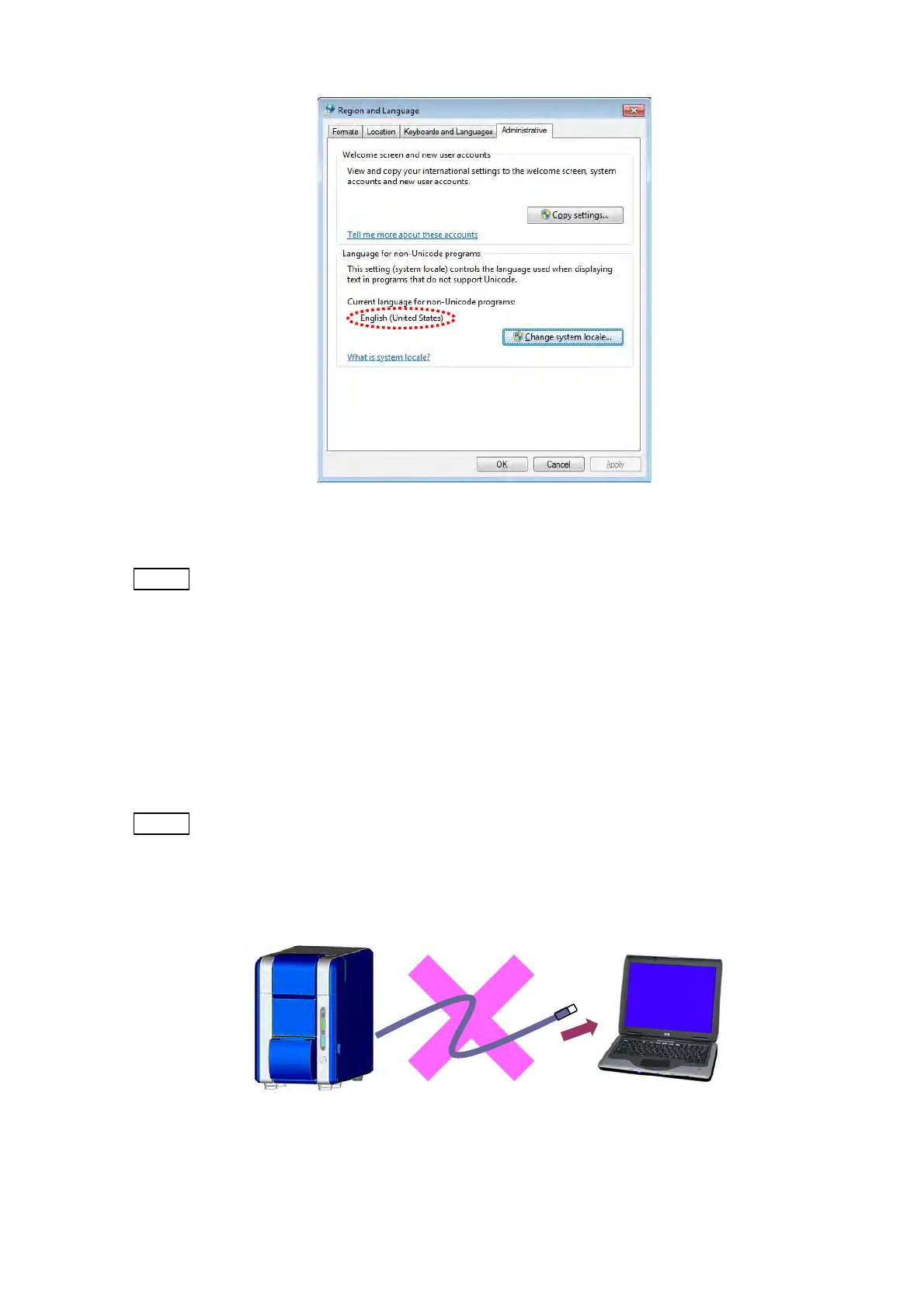
Figure 2.2.1-21 Region and Language Window
NOTE
: If not performing the above settings, texts may be corrupted in the TM3030Plus
application.
This is the end of the PC setup. About installation of TM3030Plus application program, refer
to 2.3.1 Installation of the Application Program.
2.3 Installation of the TM3030Plus Application Program
NOTE
: When installing the application, follow these precautions:
1. Log in as “TM3030PlusUSER”.
2. Do not connect the main unit to the PC with USB cable before completion of
the installation.
Figure 2.3-1 Prohibition of the Connecting Main Unit to the PC
Main unit USB cable PC



 To Next Page