2 - 11
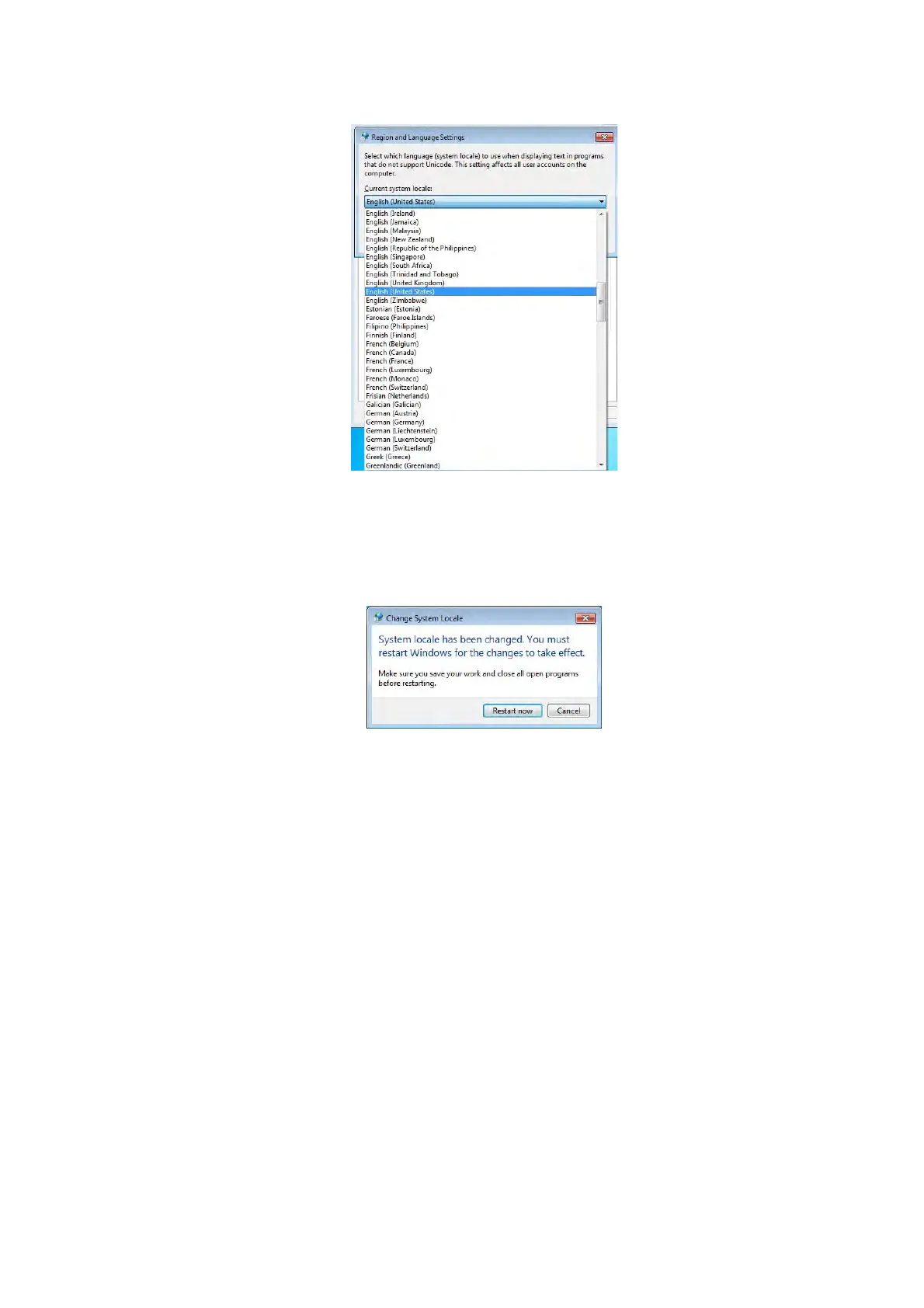
Figure 2.2.1-19 Region and Language Settings Window
20. The following window appears. Click the [Restart now] button.
Figure 2.2.1-20 Change System Locale Window
21. After restarting, open the [Administrative] tab in the Region and Language window and
confirm that the [Language for non-Unicode programs] is [English (United State)].



 To Next Page