2 - 68
3. Installation of system files
Use for installing the adjustment data of the TM3030Plus.
* If the system files are not installed, theTM3030Plus application program does not start.
* System files are factory adjustment data peculiar to every devices. Do not use it for
other systems having the serial number different from that of the printed number on the
disk surface. Otherwise, the system does not work properly and some troubles may
occur.
2.6.2 Upgrading the Application
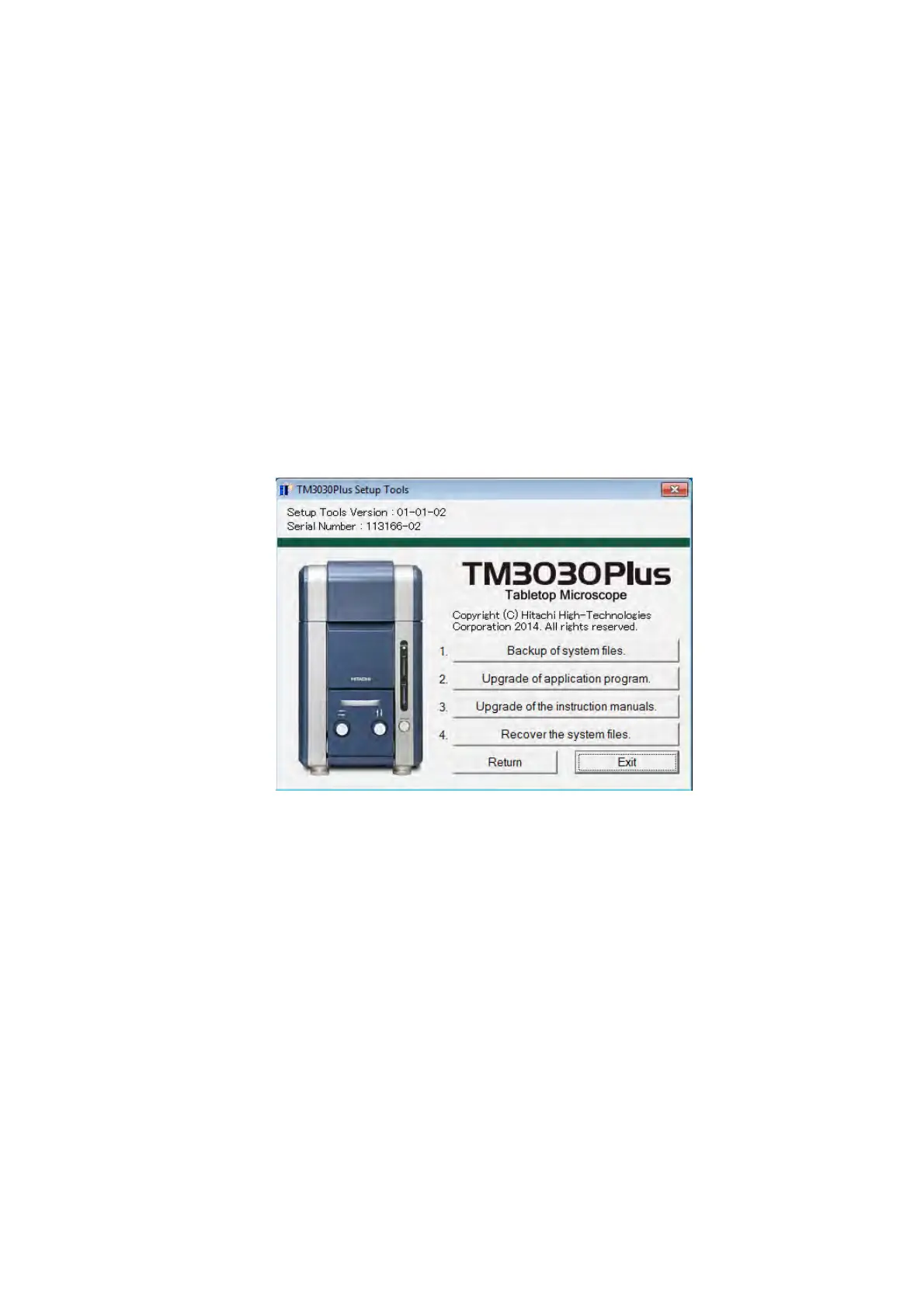
Select [Upgrade for TM3030Plus application] to show the following TM3030Plus Setup Tools
window (Upgrade).
Figure 2.6.2 TM3030Plus Setup Tools Window (Upgrade)
Use this function for upgrading the TM3030Plus application program and Instruction manual
which are already installed.
Downgrading is not possible.
1. Backup of system files
Backup the system files in the PC temporarily.
System files are created in the [TM3030Plus_Backup] folder on desktop.
* Be sure to backup the system files before upgrading the TM3030Plus application
Program.



 To Next Page