4 - 32
NOTE : If presetting two magnifications levels with a large magnification difference, for
example, a low magnification (e.g. 100x or lower) and a high magnification (e.g.
10,000x or higher), an deviation of the field of view can occur. In such a case,
change magnifications by using the [Magnification] button. It is recommended that
the preset magnification is set within a magnification of 5,000x or lower.
4.2.9 Adjusting the Brightness / Contrast
Brightness and contrast can be manually or automatically adjusted.
1. Manual Operation
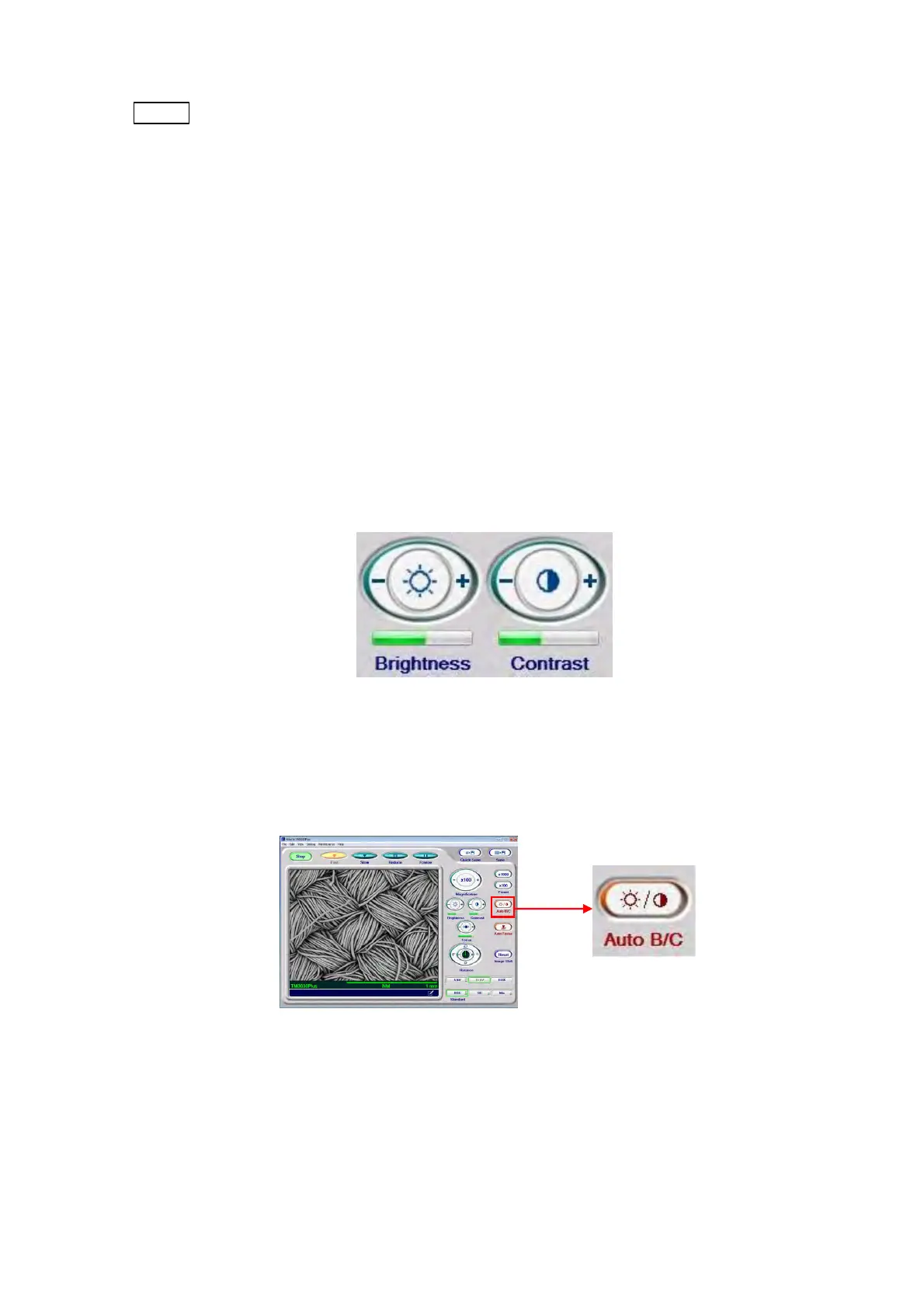
To adjust the brightness and contrast manually, click either + or – side of the [Brightness]
or [Contrast] button. While pressing the button, brightness and contrast continue to
change.
For the details, refer to 4.3.18 Brightness Button and 4.3.19 Contrast Button.
Figure 4.2.9-1 Brightness / Contrast Selection Buttons
2. Auto Operation
Click the [Auto B/C] button to automatically adjust brightness and contrast.
Figure 4.2.9-2 Auto B/C Operation



 To Next Page