4 - 64
4.3.10 Start / Stop Button
1. Start (HV-ON) Button
Figure 4.3.10-1 Start / Stop Button (Start)
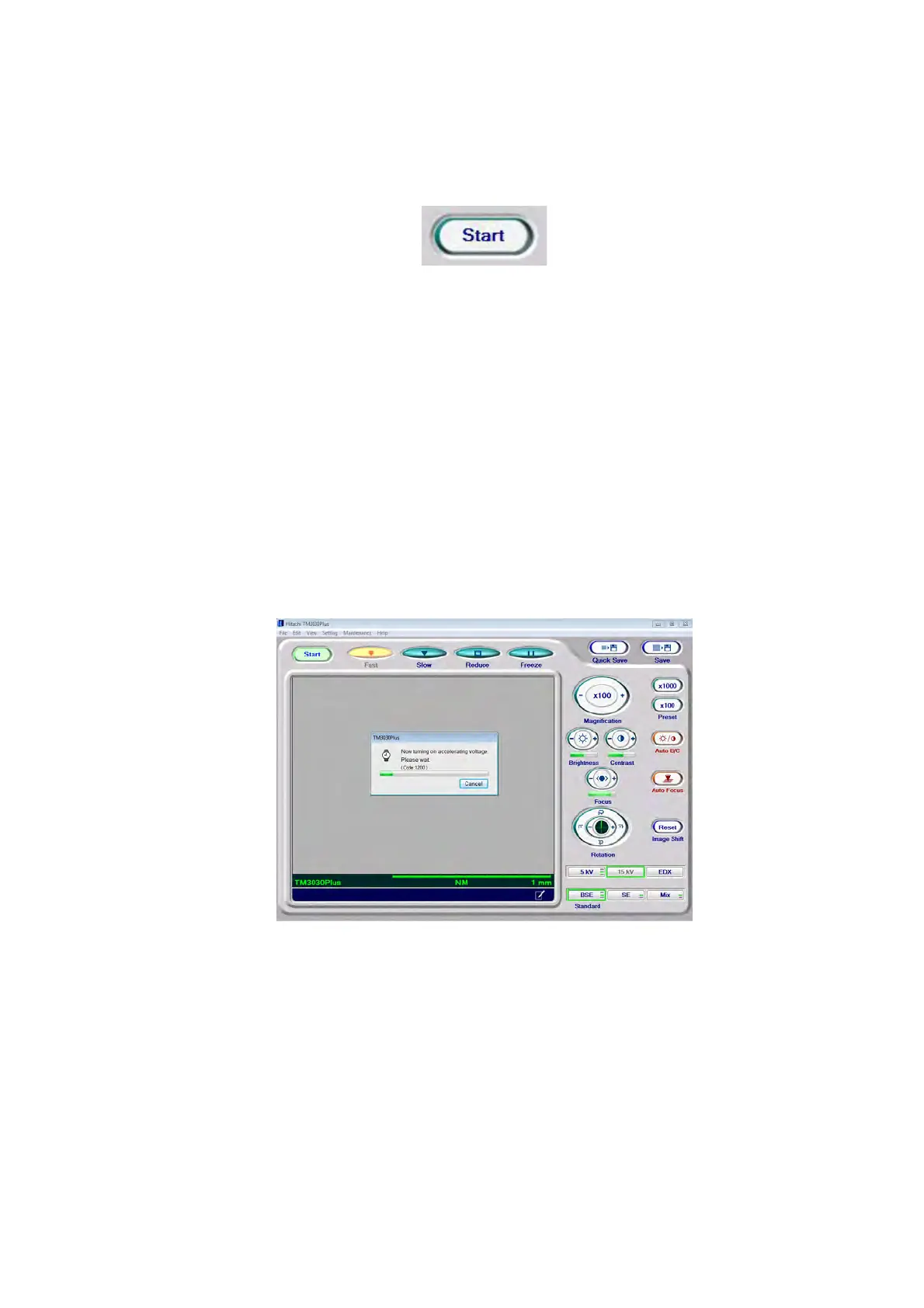
While the [Start/stop] button shows [Start], electron beam irradiation is off (HV-OFF). Click
the [Start] button, and a high voltage starts to be applied in order to irradiate a specimen
with an electron beam. At the same time, the dialog message appears indicating HV-ON.
After it disappears, an image is displayed. Moreover, when clicking the [Start] button right
after the specimen exchange (i.e. evacuation is completed) or the application startup, the
dialog message appears indicating the Auto start-in-progress condition, and Auto
focusing and Auto B/C are operated along with the magnification set to 100x. Once the
electron beam irradiation starts, the [Start/stop] button shows [Stop]. Also, the View mode
(see 4.3.11) is automatically set to [Fast].
Figure 4.3.10-2 HV ON Window



 To Next Page