7 - 40
7.15.2 Importing Image Data [Import]
This section explains the procedures for importing image data, acquired by means of
3D-Image Capture, into 3D-Image Viewer.
Image data can be imported into 3D-Image Viewer by either of two methods: opening a
previously saved image or using the Automatic Import function that automatically selects the
latest image stored in a specified folder.
1. Import
1a. Opening the Import dialog
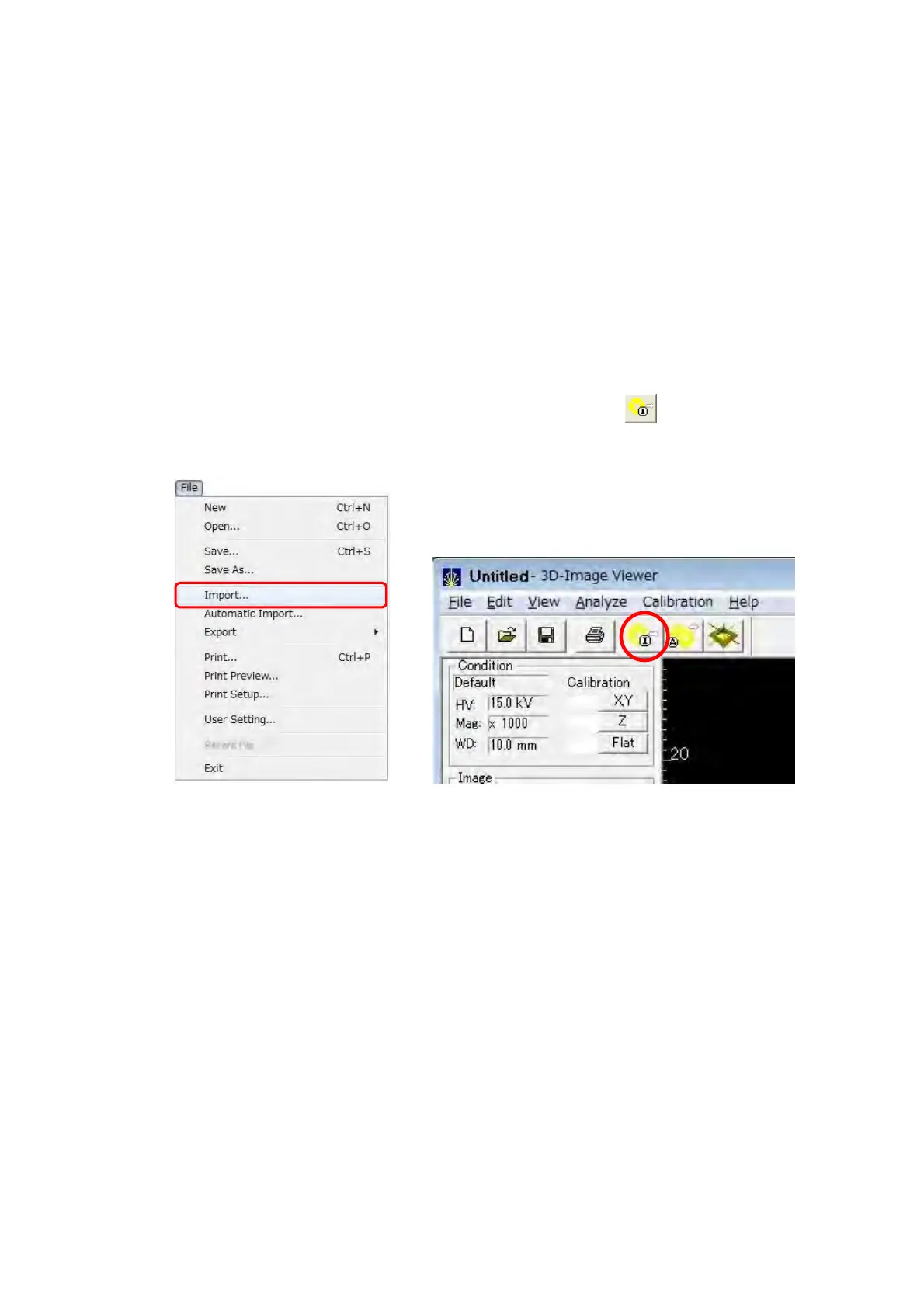
When clicking [Import] from the [File] menu, or the [Import]
button on the Toolbar,
the Import dialog is opened.
Figure 7.15.2-1 Import Menu Figure 7.15.2-2 Import Button



 To Next Page