7 - 41
1b. Selecting an image file
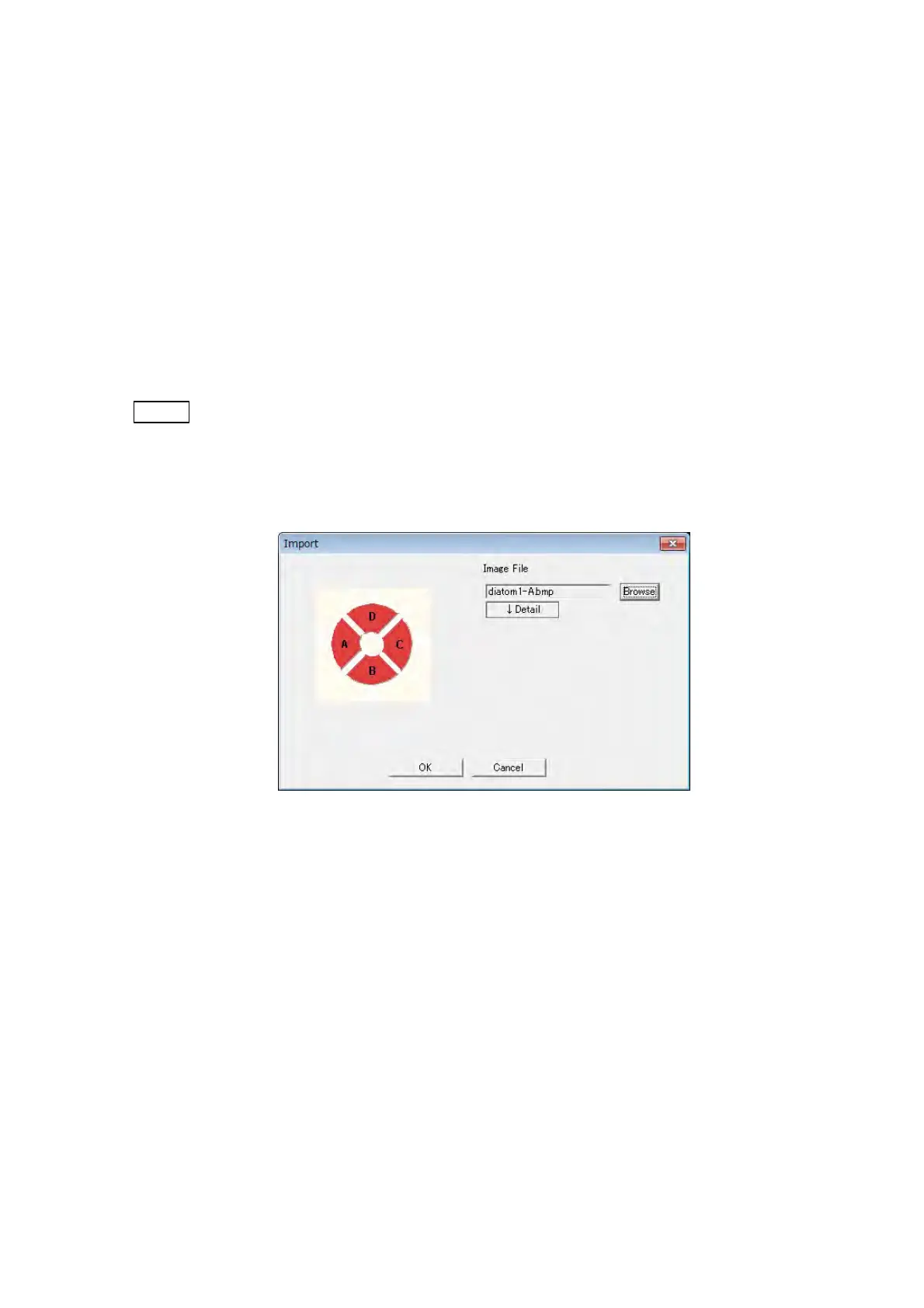
The image file used for 3D-Image Viewer is selected on the Import dialog. When
clicking the [Browse] button, then selecting the image file captured by 3D-Image
Capture, and clicking the [OK] button, the image is displayed at the image view of the
main window. Any image file of A, B, C, and D open by the [Browse] button. When
clicking the [Detail] button, the subscreen for file selecting is displayed (Figure
7.15.2-4). A, B, C, and D can individually select the image file for import. The image file
whose file name does not include element name of "-A, -B, -C, or -D" can be imported
in this setting. For the Txt section, select the Txt file which records the observation
condition that is made with image file at the same time.
NOTE
: When importing the image captured by function other than Image capture from the
[Browse] button, the image might not be shown as 3D. For ordinary use, import the
image from image file captured by 3D-Image capture function with the default
setting.
Figure 7.15.2-3 Import Dialog



 To Next Page